18
Multifunction Control Panel
®®
Notes on Arming from Keypads
Before your system Arms, your Control panel will check for the following
conditions:
% Violated Zones (Zones in Alarm status)
% Bypassed Zones (Zones that have been turned OFF)
If you are operating from an LED Keypad, these conditions will be signalled in
real-time on the X and V icons (refer to Table 2).
If you are operating from an LCD Keypad, these conditions will be signalled in
real-time on the display.
If Alarm conditions are signalled, DO NOT turn ON your system, as this will
trigger an Alarm.
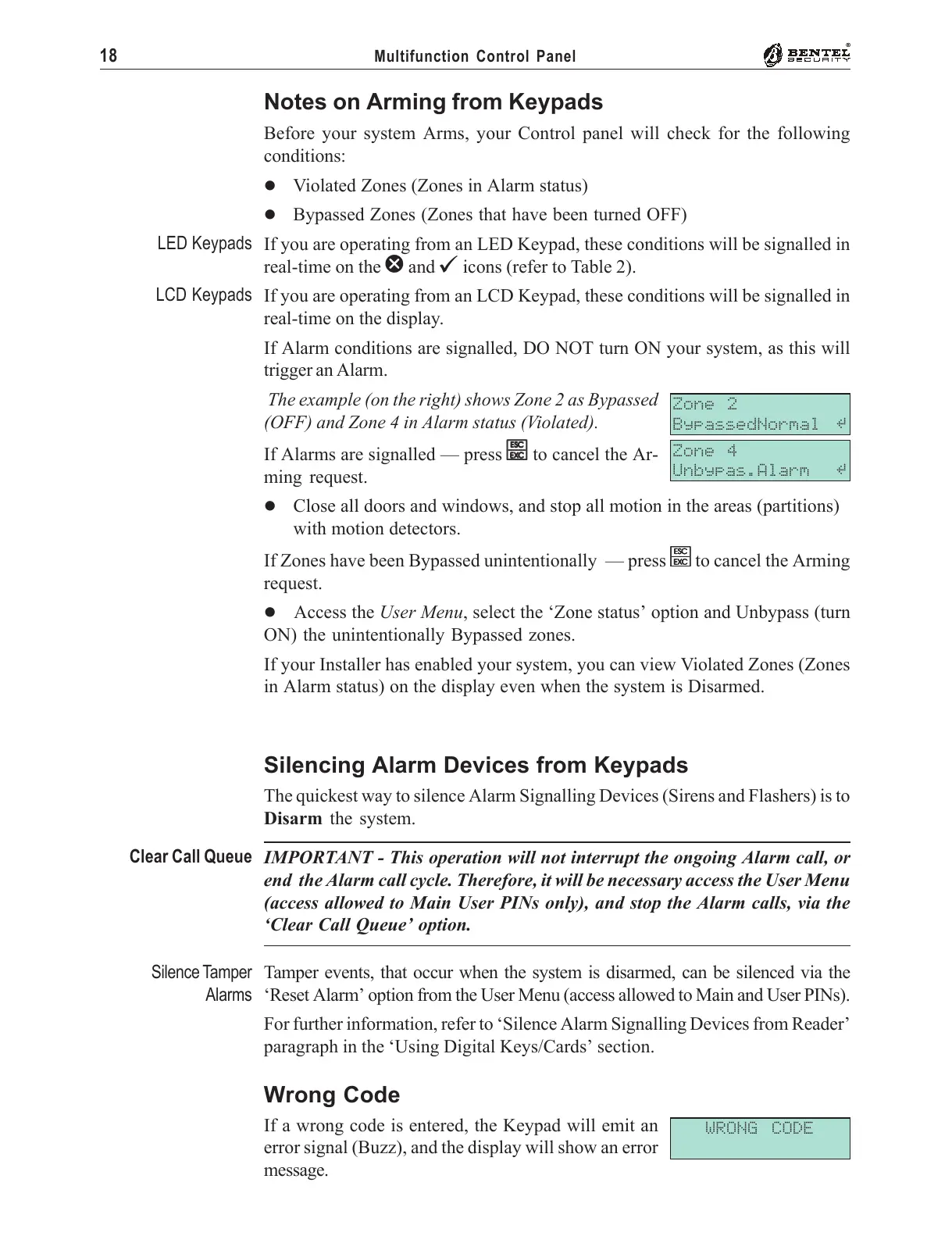
The example (on the right) shows Zone 2 as Bypassed
(OFF) and Zone 4 in Alarm status (Violated).
If Alarms are signalled — press
ee
ee
e to cancel the Ar-
ming request.
% Close all doors and windows, and stop all motion in the areas (partitions)
with motion detectors.
If Zones have been Bypassed unintentionally — press
ee
ee
e to cancel the Arming
request.
% Access the User Menu, select the ‘Zone status’ option and Unbypass (turn
ON) the unintentionally Bypassed zones.
If your Installer has enabled your system, you can view Violated Zones (Zones
in Alarm status) on the display even when the system is Disarmed.
Silencing Alarm Devices from Keypads
The quickest way to silence Alarm Signalling Devices (Sirens and Flashers) is to
Disarm the system.
IMPORTANT - This operation will not interrupt the ongoing Alarm call, or
end the Alarm call cycle. Therefore, it will be necessary access the User Menu
(access allowed to Main User PINs only), and stop the Alarm calls, via the
‘Clear Call Queue’ option.
Tamper events, that occur when the system is disarmed, can be silenced via the
‘Reset Alarm’ option from the User Menu (access allowed to Main and User PINs).
For further information, refer to ‘Silence Alarm Signalling Devices from Reader’
paragraph in the ‘Using Digital Keys/Cards’ section.
Wrong Code
If a wrong code is entered, the Keypad will emit an
error signal (Buzz), and the display will show an error
message.
WRONG CODE
LED Keypads
LCD Keypads
Zone 2
BypassedNormal å
Zone 4
Unbypas.Alarm å
Clear Call Queue
Silence Tamper
Alarms










 To Next Page