31
®®
Operating from a Keypad
Test Siren
This option will allow you to test the Alarm Siren.
The Test will activate all the audible/visual signalling devices (connected to
the Alarm Outputs) for 2 seconds.
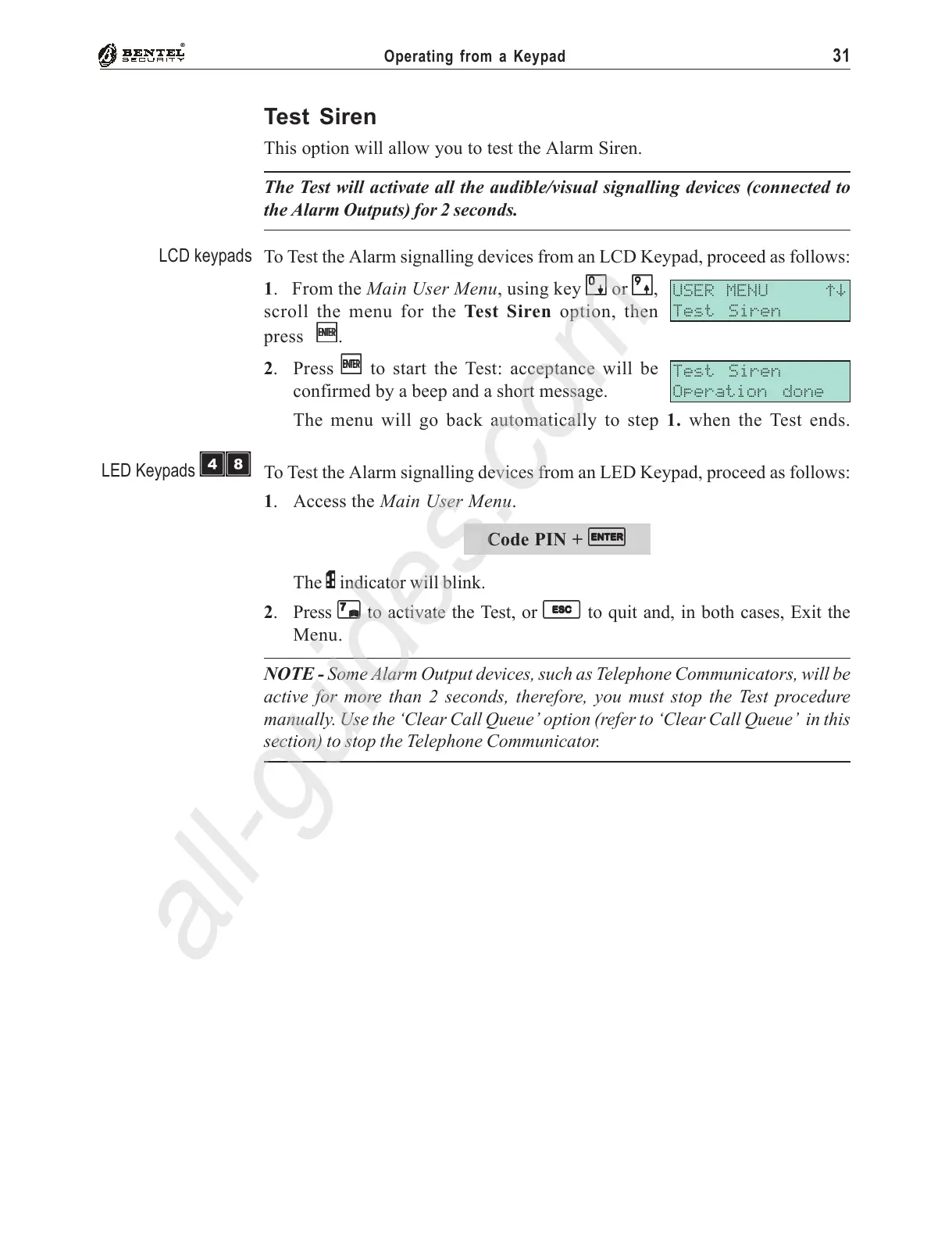
To Test the Alarm signalling devices from an LCD Keypad, proceed as follows:
1. From the Main User Menu, using key
00
00
0 or
99
99
9,
scroll the menu for the Test Siren option, then
press
EE
EE
E.
2. Press
EE
EE
E to start the Test: acceptance will be
confirmed by a beep and a short message.
The menu will go back automatically to step 1. when the Test ends.
To Test the Alarm signalling devices from an LED Keypad, proceed as follows:
1. Access the Main User Menu.
Code PIN +
EE
EE
E
The P indicator will blink.
2. Press
77
77
7 to activate the Test, or
ee
ee
e to quit and, in both cases, Exit the
Menu.
NOTE - Some Alarm Output devices, such as Telephone Communicators, will be
active for more than 2 seconds, therefore, you must stop the Test procedure
manually. Use the ‘Clear Call Queue’ option (refer to ‘Clear Call Queue’ in this
section) to stop the Telephone Communicator.
USER MENU áâ
Test Siren
Test Siren
Operation done
LCD keypads
LED Keypads
ÌÐ










 To Next Page