33
®®
Operating from a Keypad
Table 13 - Enable/Disable 'View Zone Violation'
LED
Meaning
NC2/TAST ICON/KP
6
g
L6
ON
- Viewing ENABLED (
*
)
OFF - Viewing DISABLED
(*) - The
g
key will turn ON when you access the 'Main User Menu'.
IMPORTANT - The KYO4 Control panel has 4 zones only.
View Logger
This option will allow you to view all the Alarms in the system memory. The
Logger is circular and holds 256 events (128 on Series 4-8 Models). When the
Logger is full, the oldest events will be deleted to make space for the new events.
The following information will be provided for each event:
% Ev. - Event Number
% Date/Time - Date and Time of the event
% Event Type - Event Description
% Identifier - Event Details
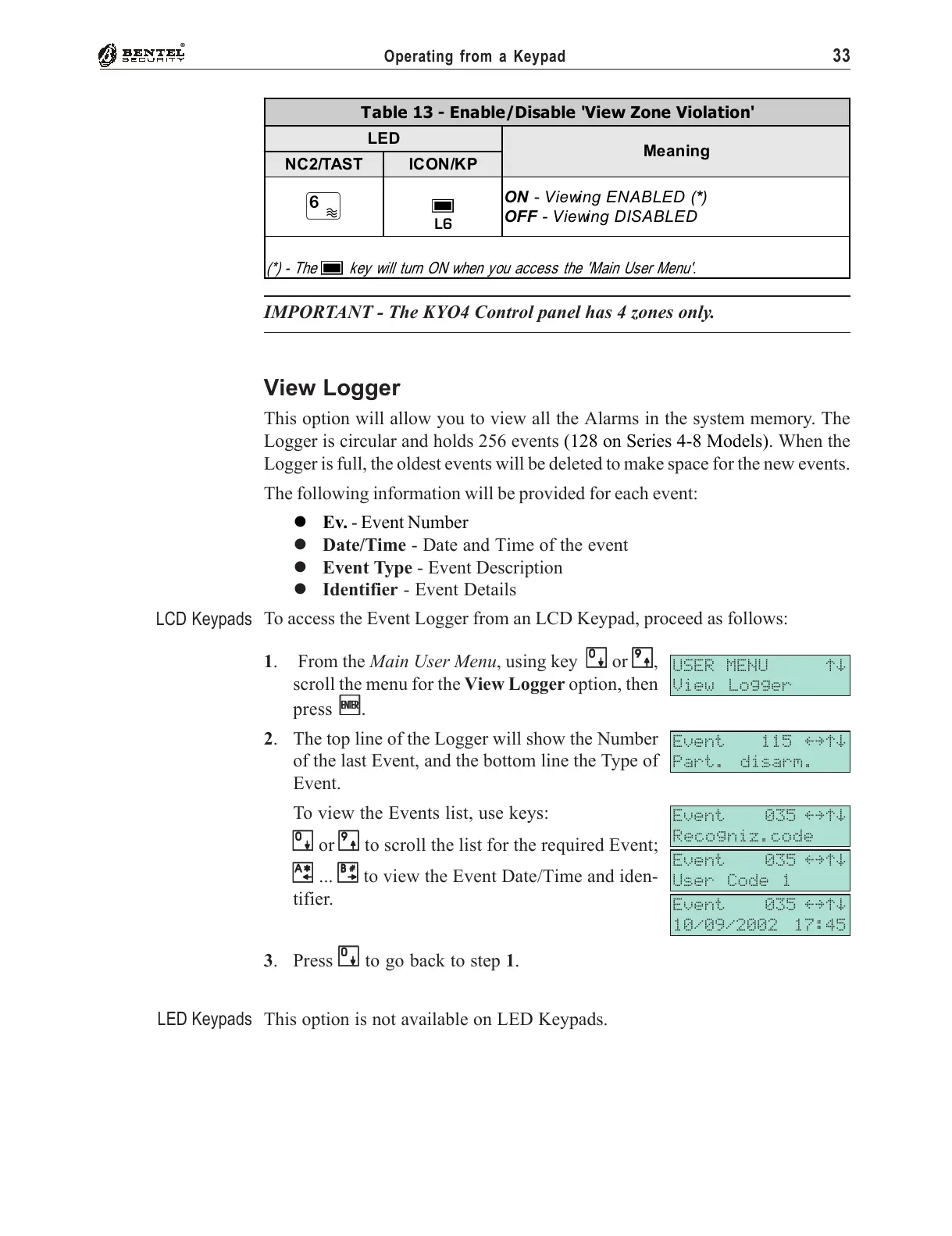
To access the Event Logger from an LCD Keypad, proceed as follows:
1. From the Main User Menu, using key
00
00
0 or
99
99
9,
scroll the menu for the View Logger option, then
press
EE
EE
E.
2. The top line of the Logger will show the Number
of the last Event, and the bottom line the Type of
Event.
To view the Events list, use keys:
00
00
0 or
99
99
9 to scroll the list for the required Event;
AA
AA
A ...
BB
BB
B to view the Event Date/Time and iden-
tifier.
3. Press
00
00
0 to go back to step 1.
This option is not available on LED Keypads.
USER MENU áâ
View Logger
Event 115 ßàáâ
Part. disarm.
Event 035 ßàáâ
Recogniz.code
Event 035 ßàáâ
User Code 1
Event 035 ßàáâ
10/09/2002 17:45
LCD Keypads
LED Keypads










 To Next Page