34
Multifunction Control Panel
®®
Clear Call Queue
If an Alarm occurs,the Control panel will trigger a series of calls to contact
Telephone Numbers (programmed by the Installer). In the event of a False
Alarm, this option will allow you to interrupt the ongoing call, and clear the call
queue.
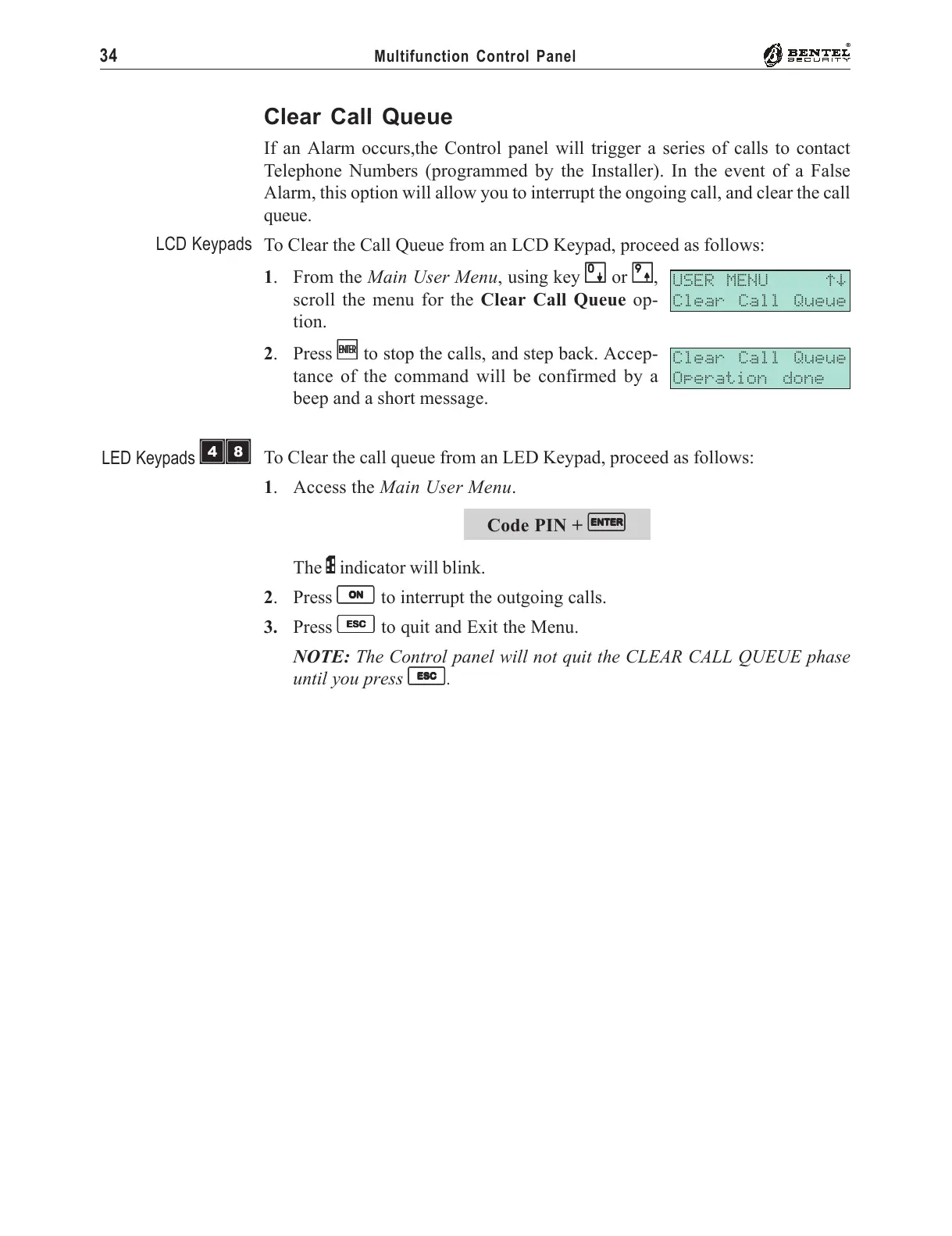
To Clear the Call Queue from an LCD Keypad, proceed as follows:
1. From the Main User Menu, using key
00
00
0 or
99
99
9,
scroll the menu for the Clear Call Queue op-
tion.
2. Press
EE
EE
E to stop the calls, and step back. Accep-
tance of the command will be confirmed by a
beep and a short message.
To Clear the call queue from an LED Keypad, proceed as follows:
1. Access the Main User Menu.
Code PIN +
EE
EE
E
The P indicator will blink.
2. Press
OO
OO
O to interrupt the outgoing calls.
3. Press
ee
ee
e to quit and Exit the Menu.
NOTE: The Control panel will not quit the CLEAR CALL QUEUE phase
until you press
ee
ee
e.
USER MENU áâ
Clear Call Queue
Clear Call Queue
Operation done
LCD Keypads
LED Keypads
ÌÐ










 To Next Page