40
Multifunction Control Panel
®®
Arm — B Mode
This operation will Arm or Disarm the Partitions in accordance with the B
Mode Arming configuration (programmed by the Installer).
To Arm the System in B Mode (Green LED ON), proceed as follows:
''
''
' From ECLIPSE Readers
1. Insert the SAT Key into the ECLIPSE Reader. The Red LED will turn ON
(see Figure 8b).
2. Push the Key twice against the Reader switch (located to the back Reader
slot). The Green LED will turn ON (see Figure 8d).
3. Remove the Key. The Red LED will also turn ON and the System will
Arm in B Mode.
''
''
' From PROXI Readers
1. Hold the Proxomity Key/Card near the sensitive field of the PROXI
Reader. The LEDs will light in turn (at 2 second intervals).
2. Remove the Key/Card when the Green LED turns ON. At this point, the
Red LED will also turn ON and the System will Arm in B Mode.
Silencing Alarm Signalling Devices from ECLIPSE
Readers
In the event of a False Alarm, the quickest way to silence the Alarm Signalling
Devices (Sirens and Flashers) is to insert a Sat Key into ECIPSE Reader and
Disarm the system. If your Installer has programmed the SAT Key to ‘Clear
the Call Queue’, this operation will also end the ongoing Alarm call, and stop
the Alarm call cycle. If not, it will be necessary to stop the Alarm calls
manually (refer to ‘Clear Call Queue’ in the ‘Keypads’ section).
For further information, refer to ‘Silence Alarm Signalling Devices from
Keypads’ in the ‘Operating from Keypads’ section.
Inhibit Alarms (Service Mode)
This operation will block the Alarm Outputs, and prevent the System from
signalling Alarms.
To Stop Alarms — insert a SAT Key into an ECLIPSE Reader (see Figure 8e).
If your Installer has programmed the SAT Key to ‘Clear the Call Queue’, this
operation will also end the ongoing call, and stop the Alarm call cycle. If not,
it will be necessary to stop the Alarm calls manually (refer to ‘Clear Call
Queue’ in the ‘Keypads’ section).
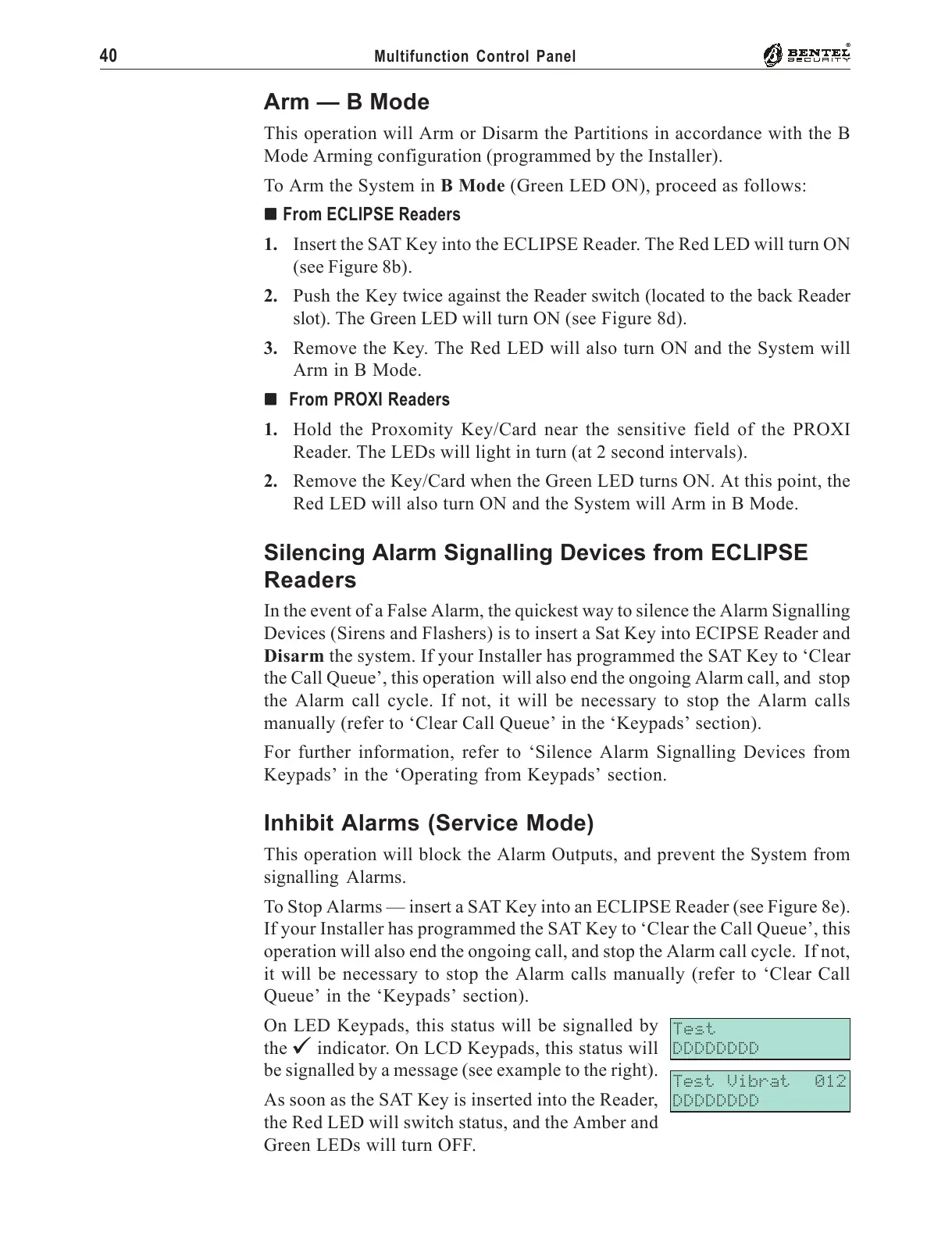
On LED Keypads, this status will be signalled by
the V indicator. On LCD Keypads, this status will
be signalled by a message (see example to the right).
As soon as the SAT Key is inserted into the Reader,
the Red LED will switch status, and the Amber and
Green LEDs will turn OFF.
Test
DDDDDDDD
Test Vibrat 012
DDDDDDDD










 To Next Page