22
Multifunction Control Panel
®®
Overtime Request
If the Auto-Arm option is Enabled, and the system is programmed to Arm
automatically at a set Time, the Overtime request option will allow you to
postpone the Auto-arming Time.
The Overtime request must be made in steps of 30 minutes.
Overtime requests cannot go past midnight (00:00 on the Timer). If you attempt
to postpone Auto-arming until after midnight, the Control panel will respect the
request until 23:59 and then will Arm automatically at midnight.
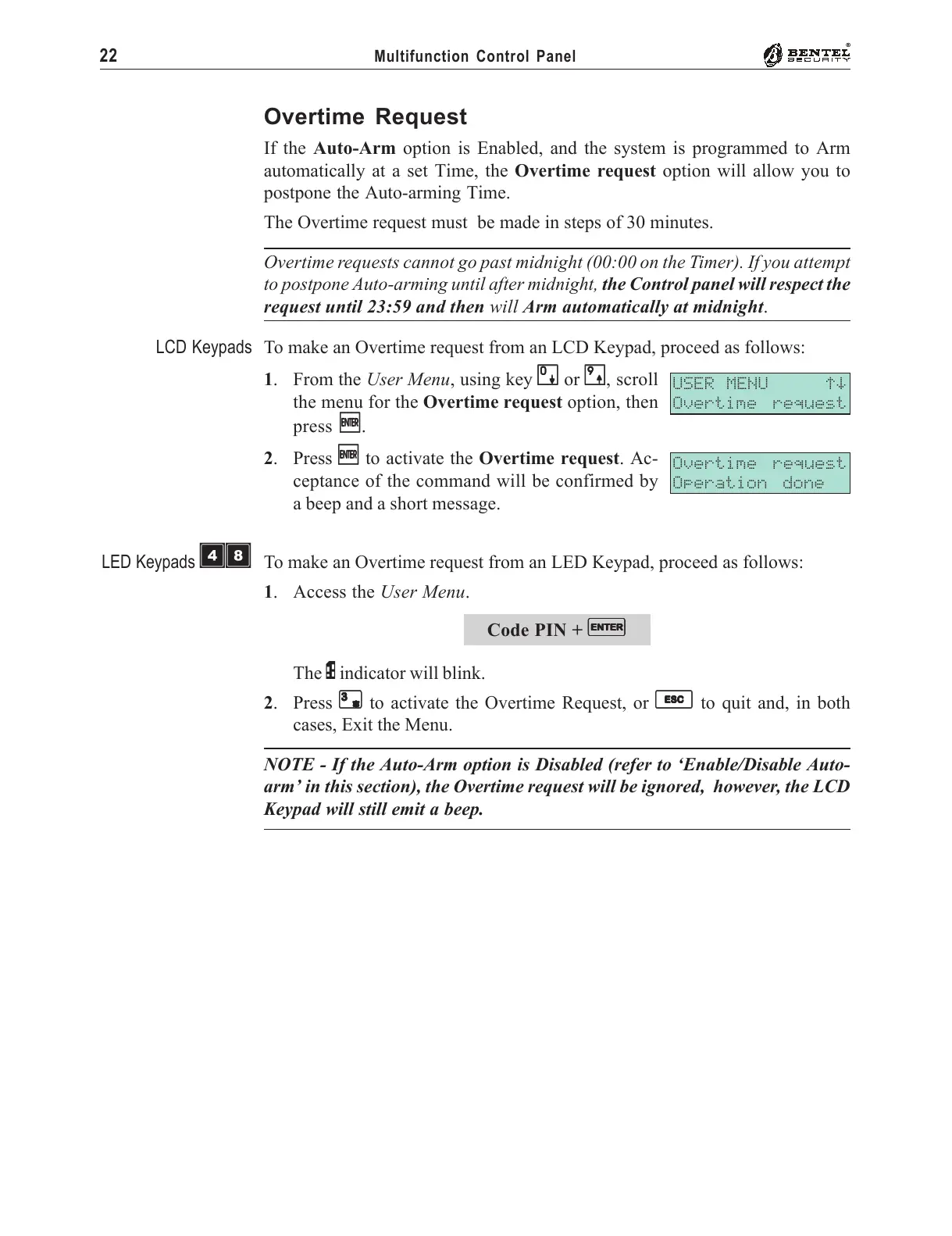
To make an Overtime request from an LCD Keypad, proceed as follows:
1. From the User Menu, using key
00
00
0 or
99
99
9, scroll
the menu for the Overtime request option, then
press
EE
EE
E.
2. Press
EE
EE
E to activate the Overtime request. Ac-
ceptance of the command will be confirmed by
a beep and a short message.
To make an Overtime request from an LED Keypad, proceed as follows:
1. Access the User Menu.
Code PIN +
EE
EE
E
The P indicator will blink.
2. Press
33
33
3 to activate the Overtime Request, or
ee
ee
e to quit and, in both
cases, Exit the Menu.
NOTE - If the Auto-Arm option is Disabled (refer to ‘Enable/Disable Auto-
arm’ in this section), the Overtime request will be ignored, however, the LCD
Keypad will still emit a beep.
USER MENU áâ
Overtime request
Overtime request
Operation done
LCD Keypads
LED Keypads
ÌÐ










 To Next Page