46
Multifunction Control Panel
®®
THE WIRELESS KEY
Introduction
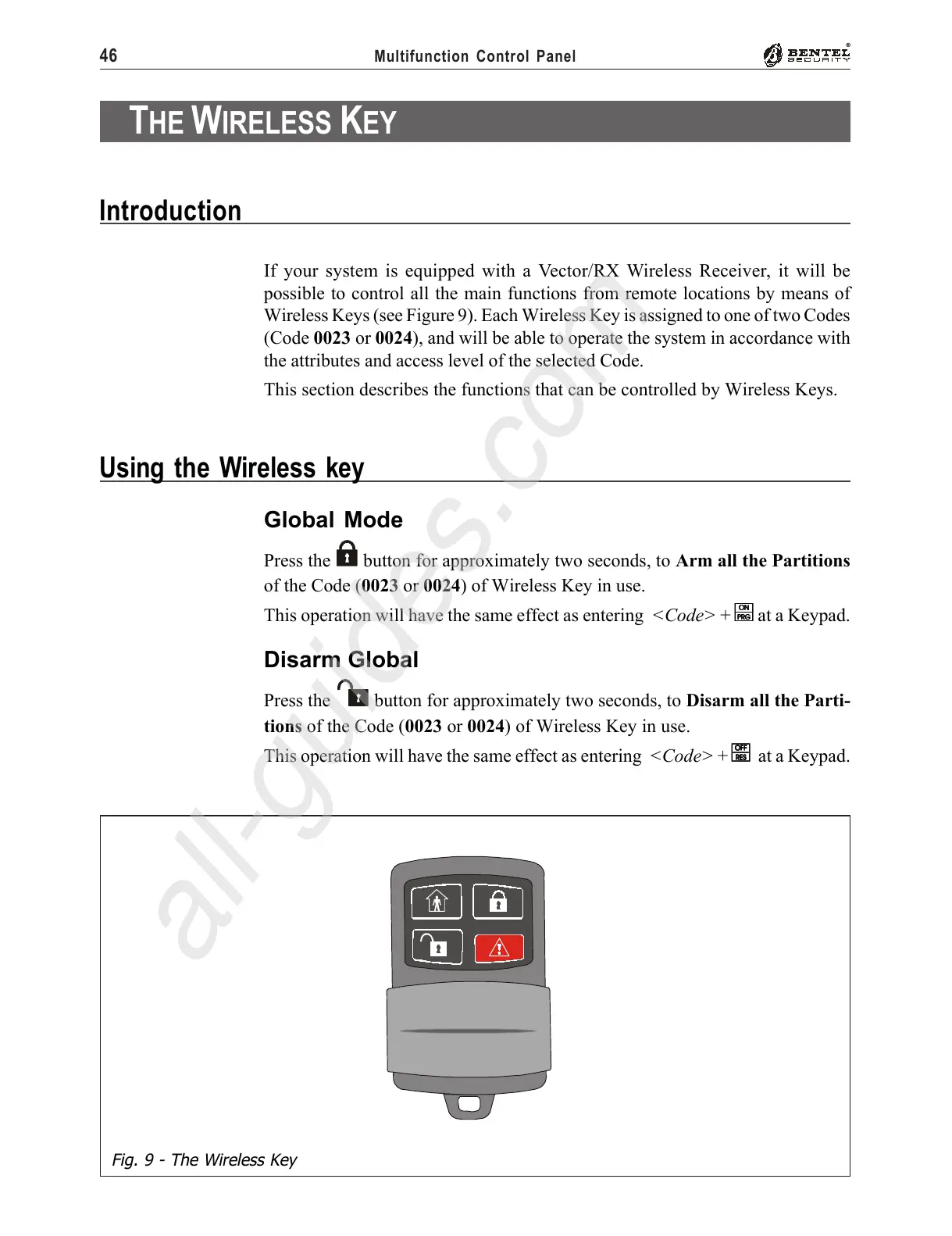
Fig. 9 - The Wireless Key
If your system is equipped with a Vector/RX Wireless Receiver, it will be
possible to control all the main functions from remote locations by means of
Wireless Keys (see Figure 9). Each Wireless Key is assigned to one of two Codes
(Code 0023 or 0024), and will be able to operate the system in accordance with
the attributes and access level of the selected Code.
This section describes the functions that can be controlled by Wireless Keys.
Using the Wireless key
Global Mode
Press the button for approximately two seconds, to Arm all the Partitions
of the Code (0023 or 0024) of Wireless Key in use.
This operation will have the same effect as entering <Code> +
OO
OO
O at a Keypad.
Disarm Global
Press the button for approximately two seconds, to Disarm all the Parti-
tions of the Code (0023 or 0024) of Wireless Key in use.
This operation will have the same effect as entering <Code> +
oo
oo
o at a Keypad.










 To Next Page