19
®®
Operating from a Keypad
The display strings in the examples in this section refer to Control panels with
8 Partitions (KYO32 and KYO32G). The display strings in other models from
the KYO range may be slightly different.
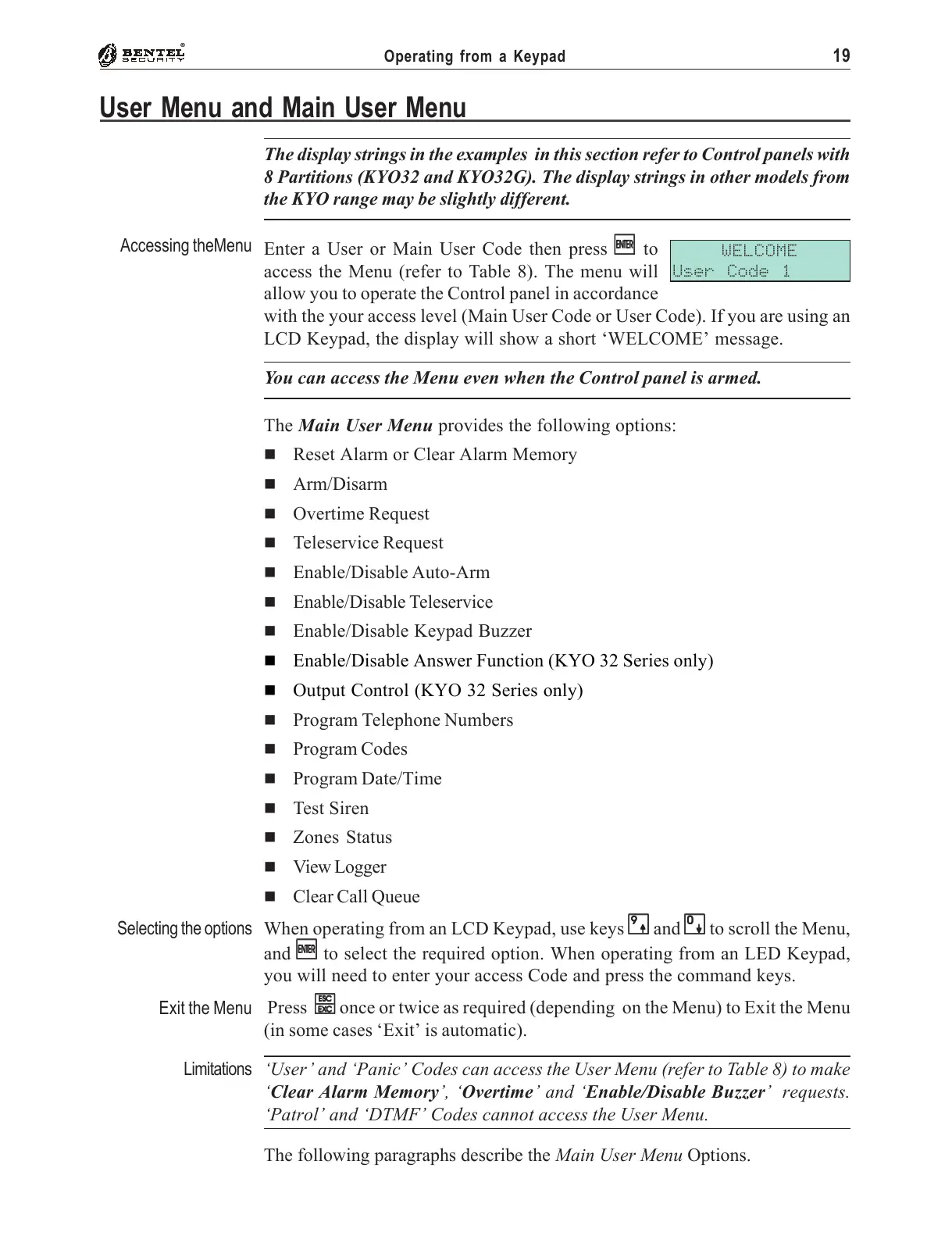
Enter a User or Main User Code then press
EE
EE
E to
access the Menu (refer to Table 8). The menu will
allow you to operate the Control panel in accordance
with the your access level (Main User Code or User Code). If you are using an
LCD Keypad, the display will show a short ‘WELCOME’ message.
You can access the Menu even when the Control panel is armed.
The Main User Menu provides the following options:
' Reset Alarm or Clear Alarm Memory
' Arm/Disarm
' Overtime Request
' Teleservice Request
' Enable/Disable Auto-Arm
' Enable/Disable Teleservice
' Enable/Disable Keypad Buzzer
' Enable/Disable Answer Function (KYO 32 Series only)
' Output Control (KYO 32 Series only)
' Program Telephone Numbers
' Program Codes
' Program Date/Time
' Test Siren
' Zones Status
' View Logger
' Clear Call Queue
When operating from an LCD Keypad, use keys
99
99
9 and
00
00
0 to scroll the Menu,
and
EE
EE
E to select the required option. When operating from an LED Keypad,
you will need to enter your access Code and press the command keys.
Press
ee
ee
e once or twice as required (depending on the Menu) to Exit the Menu
(in some cases ‘Exit’ is automatic).
‘User’ and ‘Panic’ Codes can access the User Menu (refer to Table 8) to make
‘Clear Alarm Memory’, ‘Overtime’ and ‘Enable/Disable Buzzer’ requests.
‘Patrol’ and ‘DTMF’ Codes cannot access the User Menu.
The following paragraphs describe the Main User Menu Options.
User Menu and Main User Menu
WELCOME
User Code 1
Accessing theMenu
Selecting the options
Exit the Menu
Limitations










 To Next Page