4101-2 Controller Installation Handbook
11-4
Setting the mains input voltage
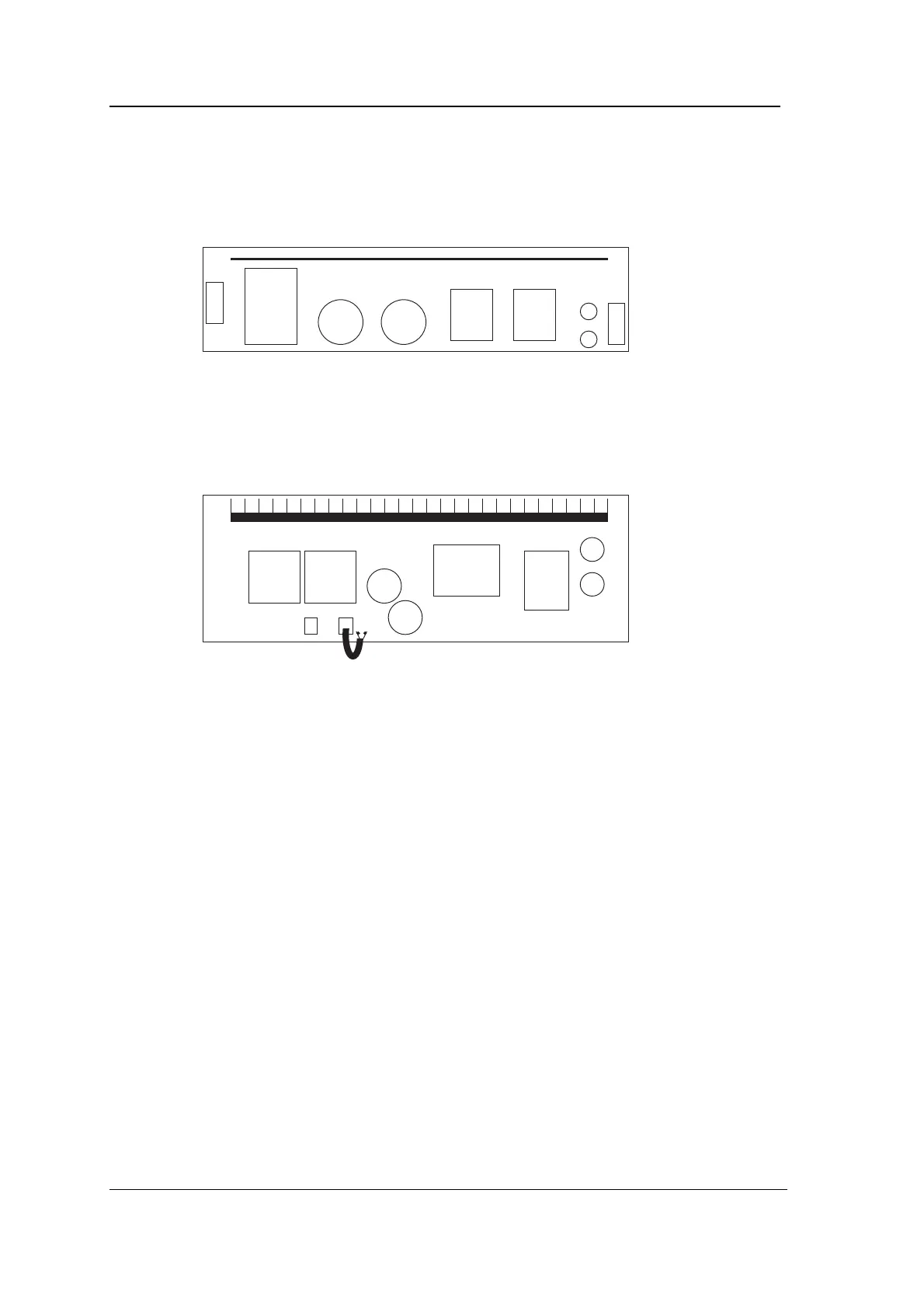
If the PCB on the underside of the chassis (visible after step 2 of
Mounting) looks like this:
then the power supply will accept any mains input voltage between
80V and 250V AC RMS 50/60 Hz and no setting up is required.
If the PCB on the underside of the chassis (visible after step 2 of
Mounting) looks like this:
then you need to check that the mains input voltage is set to the
correct value.
Use the jumper on the circuit board on the underside of the chassis
to set the mains input voltage to either 240V or 120V nominal. The
chassis must first be removed as described in step 2 in the section on
“Mounting”. The PSU is set to 240V when it leaves the factory. Make
sure the mains is disconnected.



 To Next Page