100
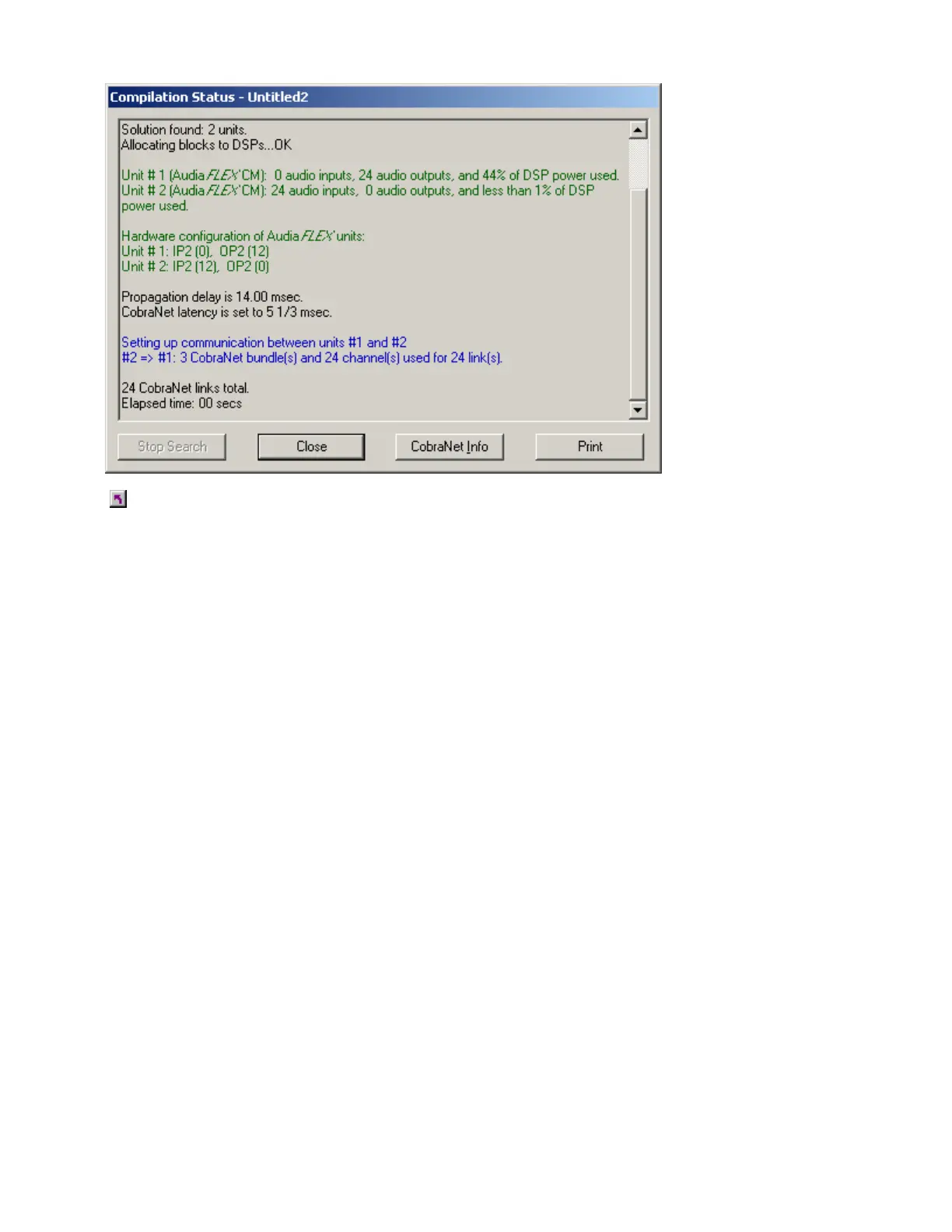
Example Compile Results
see a list of possible Compile Error Messages
Channel Number Assignments
Release Notes for Audia
®
version 1.2
The assignment of channel numbers to Audio Input and Output blocks has been modified. It is still the
exclusive function of the compiler to make channel number assignments, but now the user can influence
the way the compiler does this.
Here is the suggested procedure for assignment of channel numbers to I/O blocks. It is assumed that all
blocks are assigned to the same Audia unit. If the system contains multiple units, the following procedure
should be performed several times.
As always, the compiler does not modify the existing channel assignments if the I/O block has a fixed
allocation to an Audia unit. Therefore, in order to reassign the channel numbers in the desired way, it is
necessary to unassign them first. To do this, select all I/O blocks for the unit in question and open the
Property Sheet. Select the "DSP Attributes 1" tab and change the value in the "Allocated To Unit" field to 0
(you will have to set the flag "Fixed In Unit" to "No" first). This will reset the channel number assignments in
the selected I/O blocks. Then change the "Allocated To Unit" field back to its original value and set the flag
"Fixed In Unit" back to "Yes". Unselect all DSP blocks by left clicking in the view.
The next step is to indicate to the compiler the desired order in which you want the channel numbers
assigned. Repeat the following sequence for each I/O block in the order you want the channel numbers
assigned, i.e., I/O block with the lowest channel number(s) first, I/O block with the highest channel
number(s) last:
- Select the block by left-clicking on it
- Bring it to front by hitting CTRL+F.
Now recompile, and the channel numbers will be assigned in the order you selected the blocks.
Note: the Input and Output blocks for a given single unit can be processed at the same time.



 To Next Page