13
Object Toolbar
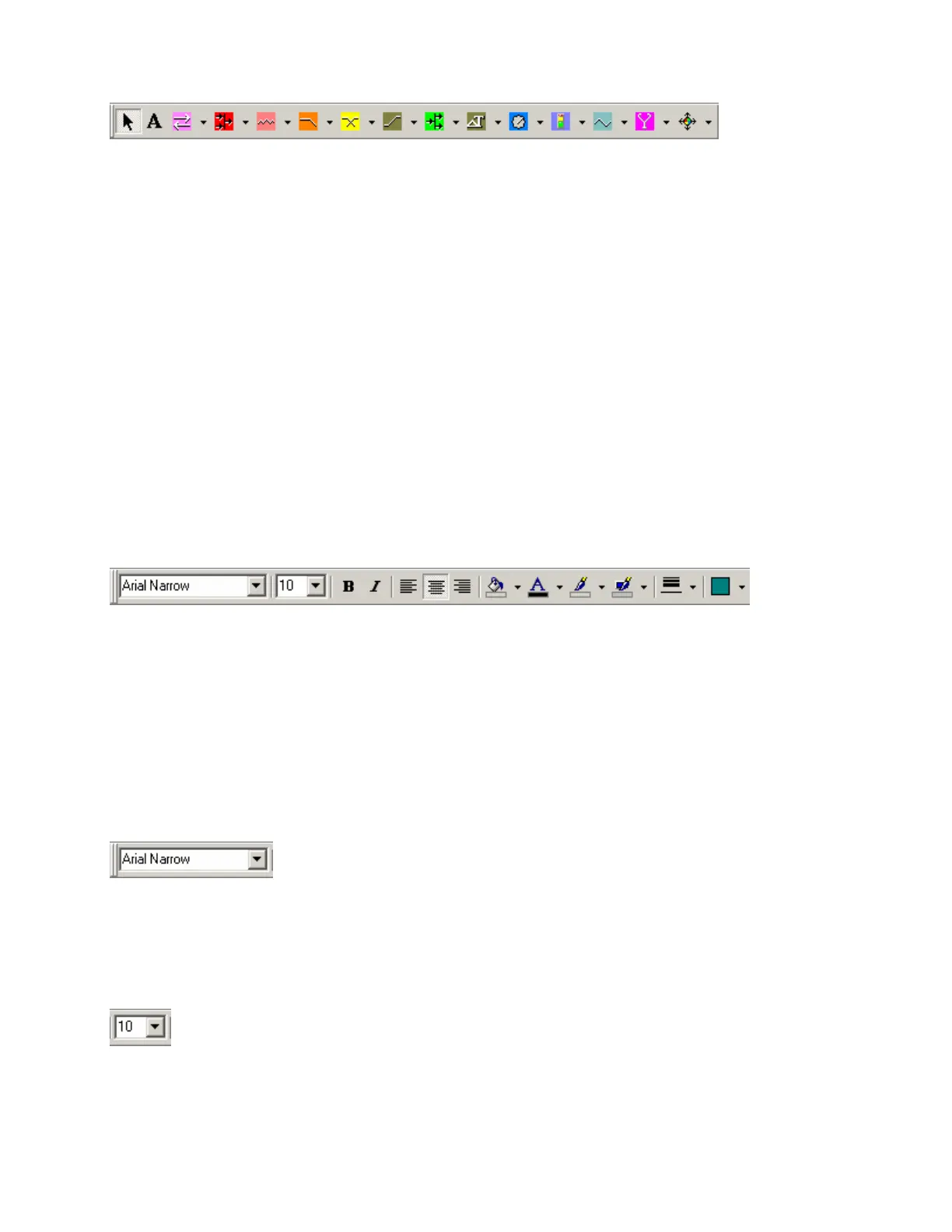
The Object Toolbar, located directly above the Layout, allows Component Object selection for placement
into the Layout. The Component Objects are organized in the following categories: Input Output; Mixers;
Equalizers; Filters; Crossovers; Dynamics; Routers; Delays; Controls; Meters; Generators; Diagnostics;
and Specialty.
Each category is represented by an icon, with a drop-down menu to the right. To place a Component
Object, first choose the appropriate category, then select the desired component from the drop-down menu.
Once the component has been selected, simply left-click at the desired location on the Layout. Left-clicking
a category icon will select the component which occurs first in the menu list. When using the Object
Toolbar to place components into the Layout, certain components will present the user with a pop-up
window of configuration options.
The Object Toolbar also provides the option of either a select cursor or a text cursor. The select cursor is
for component selection, placement, wiring, etc. The text cursor is for placing Text Objects into the Layout,
for system design labeling purposes.
When using the Object Toolbar, the Processing Library may be closed, increasing the width of the Layout.
The Object Toolbar may be opened/closed from the View Menu. The location and shape of all toolbars
may be changed to fit the user's preference.
Format Toolbar
The Format Toolbar allows customization of text & colors used in the Layout and associated Component,
Line, & Text Objects. The available tools are: Font; Size; Bold; Italics; Align Left; Center; Align Right;
Back Color; Text Color; Fore Color; Hilite Color; Pen Width; and Hatch Style. The Format Toolbar may
be opened/closed from the View Menu. The location and shape of all toolbars may be changed to fit the
user's preference.
Tools
Font
Provides a drop-down menu of lettering styles
for use in Component or Text Objects.
Size
Provides a drop-down menu of lettering sizes
for use in Component or Text Objects.



 To Next Page