76
Routers
These Component Objects provide typical audio routing functions. Routers may be connected between any
components within the Layout, for applications which require routing of input signals to various outputs.
Routers are available in pre-defined configurations, however, the configuration may be customized when
being placed from the Object Toolbar.
Once a Component Object is placed into the Layout, all available settings can be accessed by double-
clicking over the object. This produces a Control Dialog Box, which displays the component controls in a
more conventional user interface.
see Router Control Dialog
Right-clicking over the object provides a pop-up menu of options.
Control Dialogs
Router
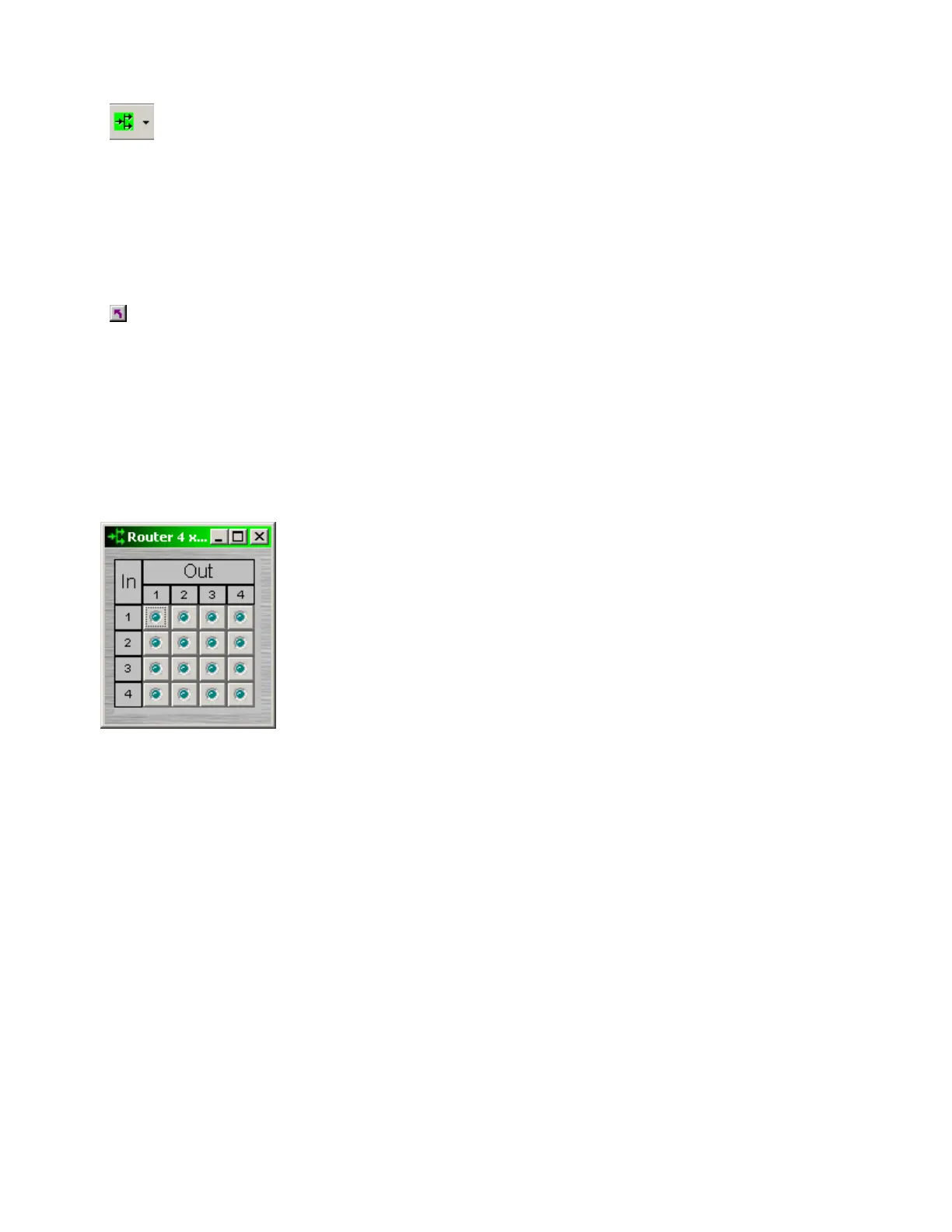
Routers allow each input to be assigned to multiple outputs via In / Out.
However, each output allows only one input assigned at a time. Therefore,
Routers behave like a series of individual distribution amplifiers. For
increased input/output assignment capability, see Mixers.
Right-clicking over certain settings will provide a menu of additional options.



 To Next Page