45
Window Menu
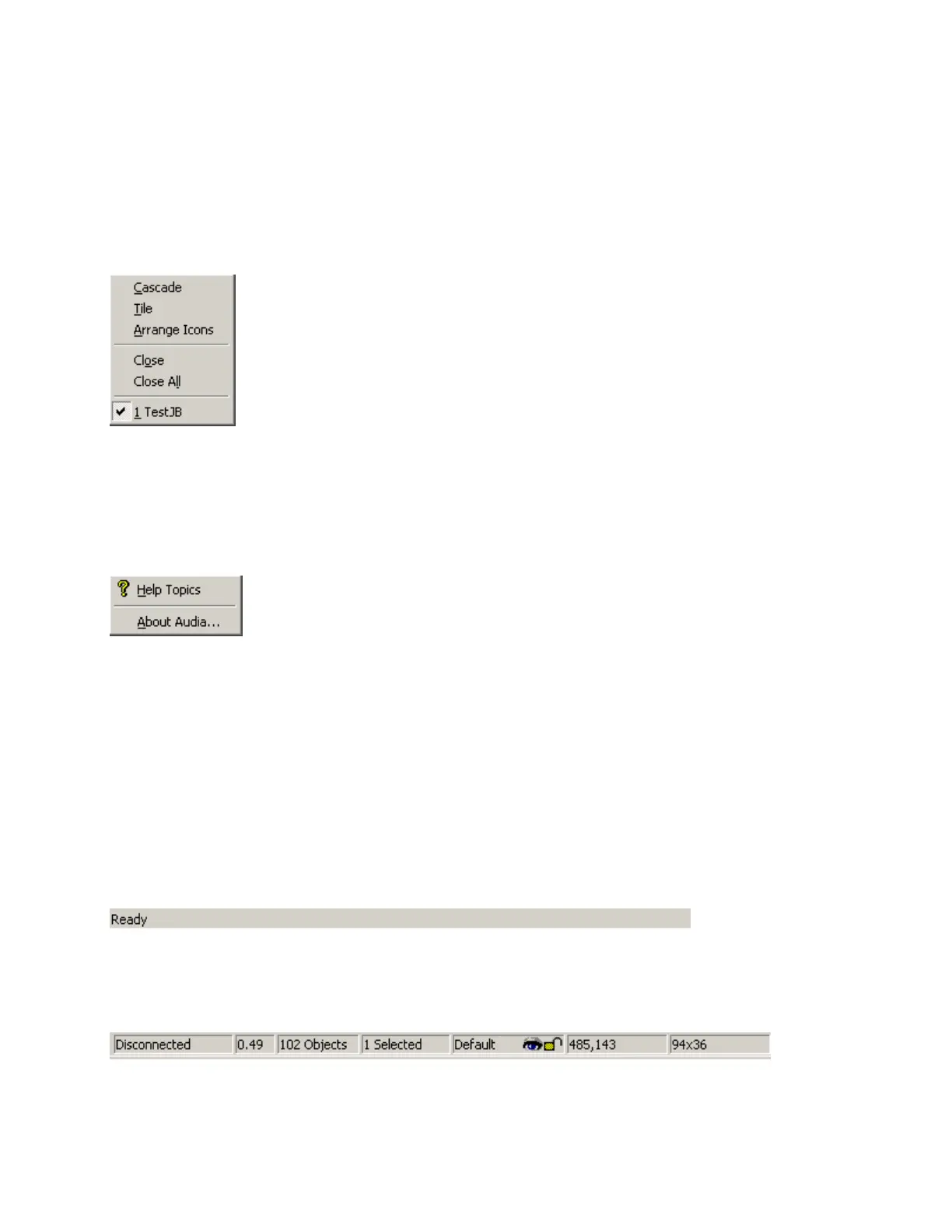
Multiple Layouts (system design files) may be open at the same
time. Only one Layout will be active at a time (as indicated by the title bar).
Layouts can be arranged on the display using the Window Menu.
Cascade overlays the Layouts in an hierarchy. Tile fits the Layouts within
the display. Close will close the active Layout. Close All will close all Layouts.
A list of open Layouts is provided for selection.
Help Menu
Provides Audia
®
Help Topics and About Audia information.
Status Bar
The Status Bar, along the bottom of the main screen, provides system information. The left side of the
Status Bar (shown above) indicates system status, tool tips, or flash update information The right side of
the Status Bar (shown below) indicates system/network connection status (with progress bar), device DSP
usage, total number of objects, number of objects selected, Layer status, object location, and object size.



 To Next Page