12
Bird's Eye View
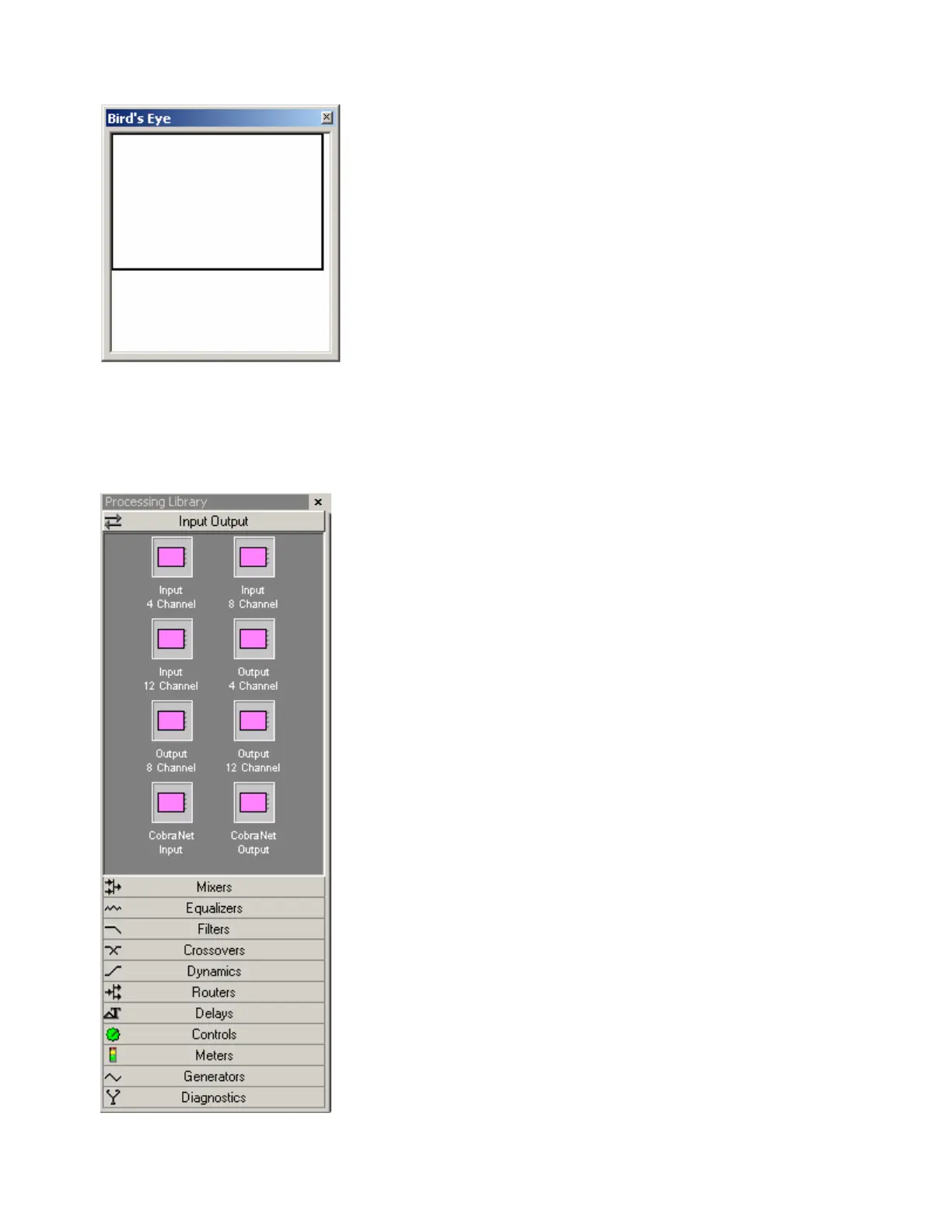
The Bird's Eye View provides a thumb-nail sketch of the entire
system design, to aid navigation within the Layout. Bird's Eye View
initially covers an area of only 8" x 5", but will automatically increase
size to cover a larger system design. A black rectangle frames the
viewable area. The rectangle may be dragged to view any location
within the system design. The rectangle also has handles to re-size
the viewable area, from a minimum of 4" x 2.5" to a maximum of 16"
x 10".
Processing Library
A Processing Library of available Component Objects is displayed, at
the lower-left of the main screen. The Component Objects are
organized in the following categories: Input Output; Mixers;
Equalizers; Filters; Crossovers; Dynamics; Routers; Delays;
Controls; Meters; Generators; and Diagnostics.
Once a category is selected, the pre-defined components available
from that category will be displayed underneath the category
heading. A vertical scroll bar will appear on the right if the available
components cannot all be displayed. To place a Component Object,
simply drag & drop it into the Layout at the desired location.
Customized and grouped components may be added to the
Processing Library (see Customizing Component Objects).
The Processing Library may be closed, thereby increasing the width
of the Layout, and components can instead be selected from the
Object Toolbar. The Object Toolbar also allows configuration of
some components as they are placed into the Layout.
To close the Processing Library, left-click on the 'X' in the upper-right
corner. The Processing Library can again be opened by selecting
any component category from the Processing Library Menu. The
Processing Library can also be opened/closed from the View Menu.
Right-clicking over the Processing Library provides a pop-up menu of
options. The location and shape of all toolbars, including the
Processing Library, may be changed to fit the user's preference.



 To Next Page