81
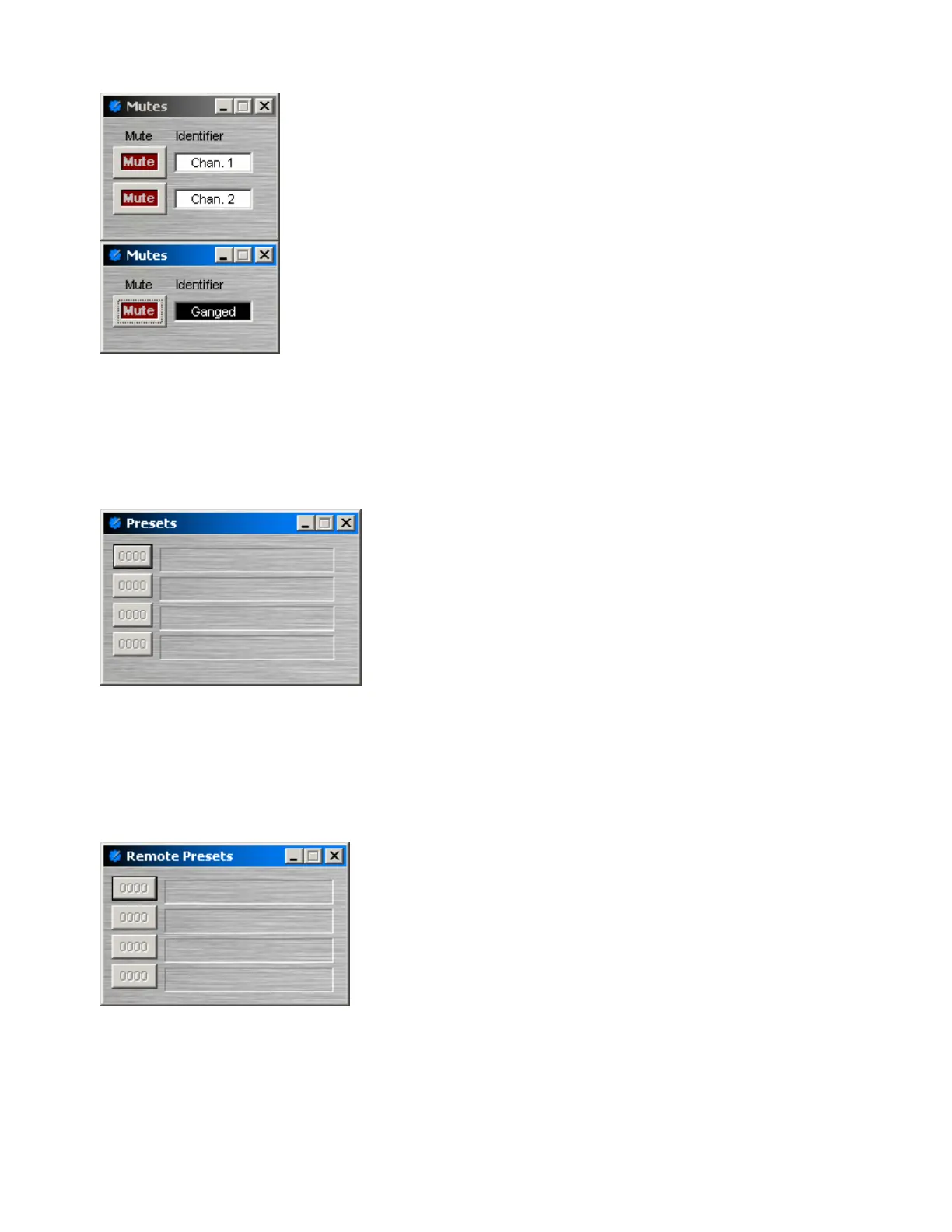
Mute Button
Mute turns on/off the channel. Identifier provides a custom label, when the
dialog box is minimized (see below).
Right-clicking over certain settings will provide a menu of additional options.
Control Dialog Boxes for Mute Button components can be minimized to
create user control surfaces (see Customizing Component Objects).
When placed from the Object Toolbar, multiple Mute Buttons may be
'ganged' together onto a single button. Ganged Mute Buttons display a 'G' in
the upper-right of the Component Object, and Identifier colors are reversed
on the Control Dialog. Non-ganged Mute Buttons have a maximum of 16
channels, whereas ganged Mute Buttons have a maximum of 56 channels.
Also, Mute Button blocks may be placed with control input nodes selected.
Preset Button
Right-clicking over a button provides a list of available Presets
which can be assigned to that button. The Preset Number will
appear on the button, and the Preset Name will appear to the
right. Preset Numbers can be replaced with the word 'Recall'
(see General Options). Control Dialog Boxes for Preset Button
components can be minimized to create user control surfaces
(see Customizing Component Objects).
Remote Preset Button
Remote Preset Buttons are identical to Preset Buttons, except
they have control input nodes on the block. These control input
nodes allow presets to be recalled via control output nodes on
other component blocks. This provides remote control of preset
selection, both from internal components and external controls.
Unlike most other blocks, multiple control output nodes may be
connected to a single control input node on a Remote Preset
Button. Control Dialog Boxes for Remote Preset Button
components can be minimized to create user control surfaces
(see Customizing Component Objects).



 To Next Page