80
Level Inc/Dec
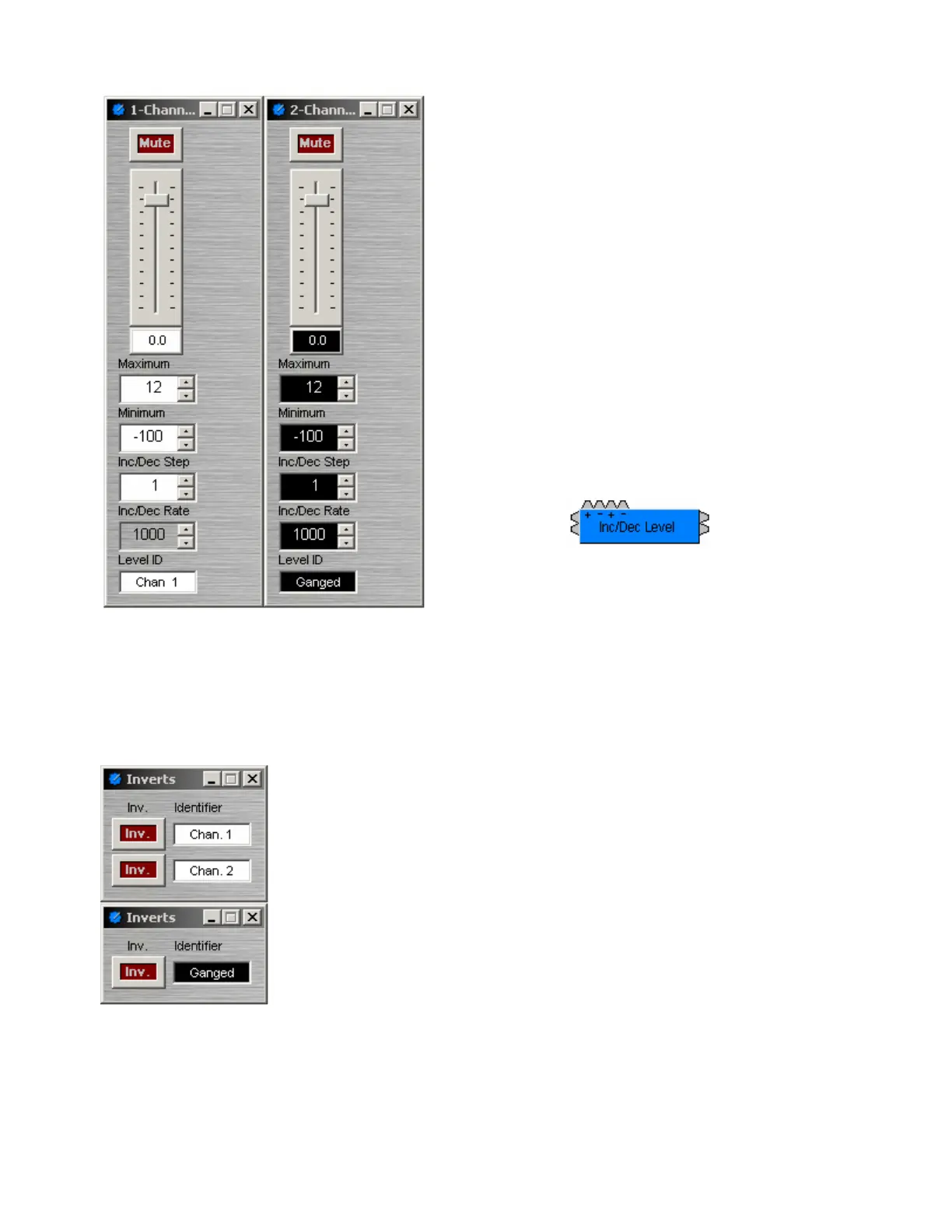
Level Inc/Dec blocks are identical to Level blocks,
except they also provide control input nodes for
making incremental level changes. Inc/Dec Step
determines the amount (dB) of level change to occur
each time the associated control node is triggered.
Control input nodes along the top of the block are
labeled as positive (+) and negative (-). When
triggered by control output nodes on other components
within the layout design, positive nodes produce a
single-step increase in level ("Increment") and
negative nodes produce a single-step decrease in
level ("Decrement").
When placed from the Object Toolbar, multiple Level
Inc/Dec Controls may be 'ganged' together onto a
single fader. Also, ramping may be enabled at this
time. When ramping is enabled, Inc/Dec Rate sets
timing (mS) between repetitive incremental changes
(Inc/Dec Steps) which occur automatically as long as
the associated control node (+ or -) remains triggered.
Invert
Invert reverses the polarity of the audio signal (180°). Identifier provides a
custom label, when the dialog box is minimized (see below).
Right-clicking over certain settings will provide a menu of additional options.
Control Dialog Boxes for Invert components can be minimized to create user
control surfaces (see Customizing Component Objects).
When placed from the Object Toolbar, multiple Invert channels may be
'ganged' together onto a single control. Ganged Invert controls display a 'G' in
the upper-right of the Component Object, and Identifier colors are reversed on
the Control Dialog. Non-ganged Invert controls have a maximum of 16
channels, whereas ganged Invert Controls have a maximum of 56 channels.



 To Next Page