79
Control Dialogs
Level
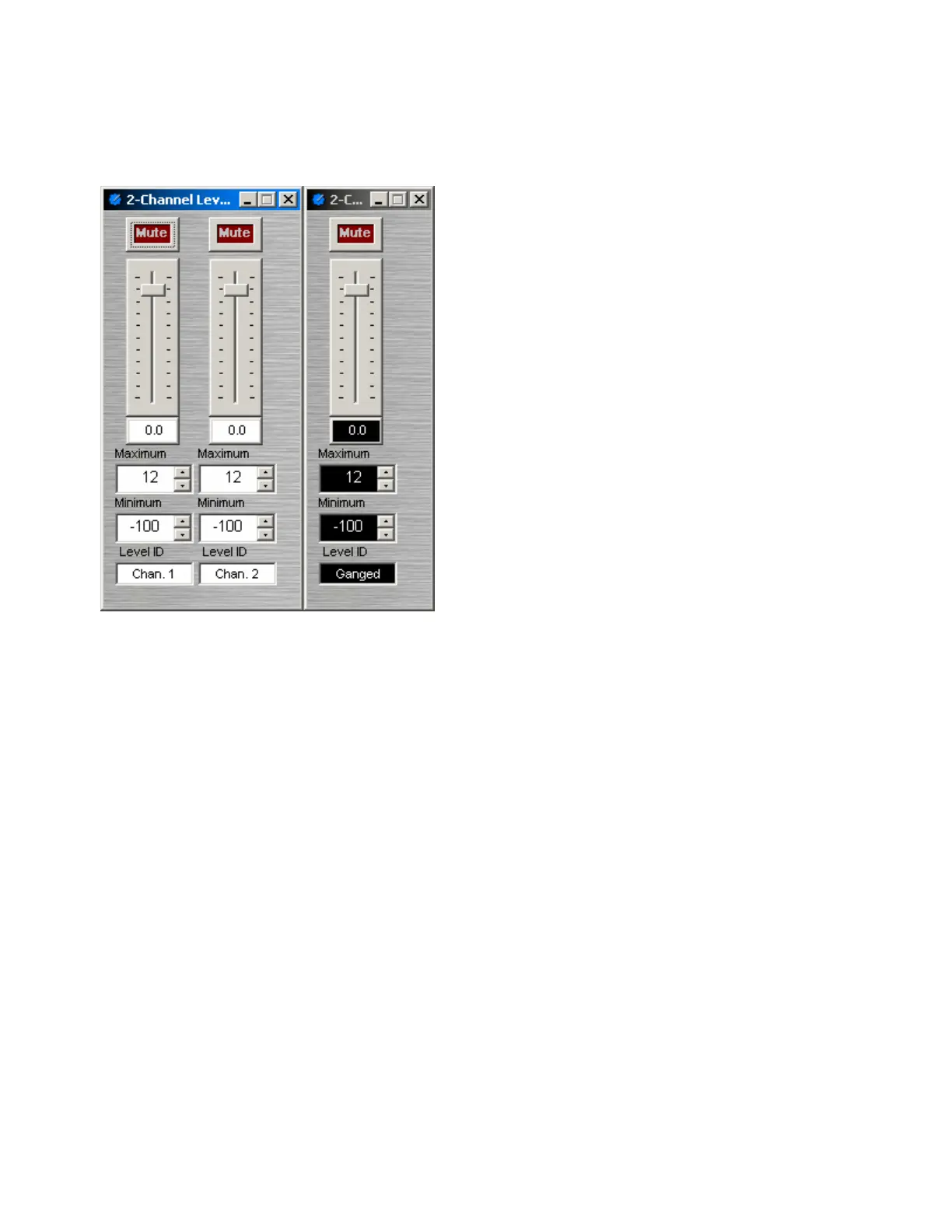
Mute turns on/off the channel. Channel level may
be entered numerically, or may be adjusted by
dragging the fader. Maximum and Minimum can
be used to restrict the range of level adjustment
provided by the fader. Level ID provides a custom
label, when the dialog box is minimized (see below).
Right-clicking over certain settings will provide a
menu of additional options. Control Dialog Boxes for
Level Control components can be minimized to
create user control surfaces (see Customizing
Component Objects).
When placed from the Object Toolbar, multiple Level
Controls may be 'ganged' together onto a single
fader. Ganged Level Controls display a 'G' in the
upper-right of the Component Object, and Level ID
colors are reversed on the Control Dialog. Non-
ganged Level Controls have a maximum of 16
channels, whereas ganged Level Controls have a
maximum of 56 channels.



 To Next Page