36
Split Into Component Blocks
Split Into Component
Blocks allows additional
component and connection
changes to be made to a
Custom Block. Merge and
Split operations are
available only while working
in the Custom Block DAP
file.
Tools Menu
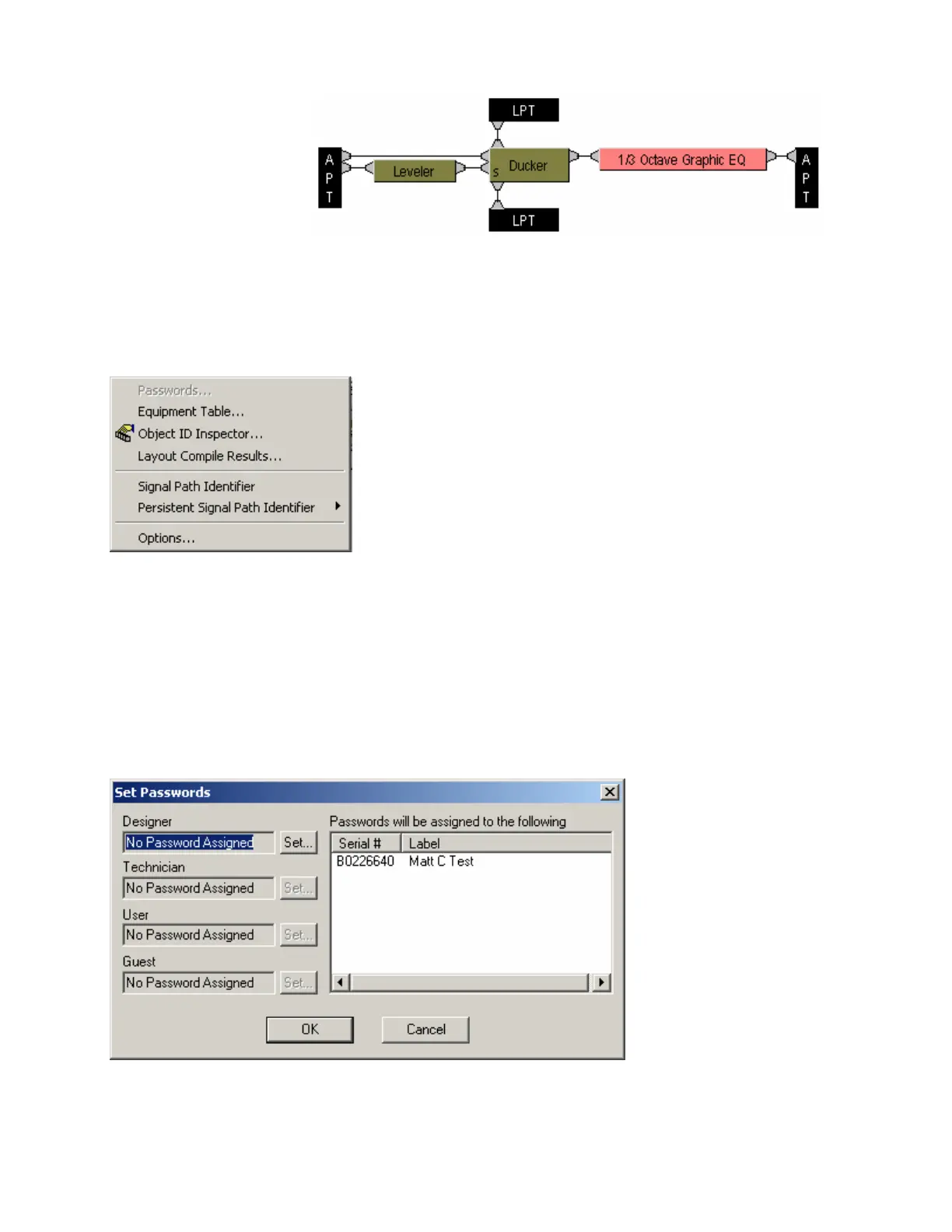
Select any function from the menu shown below for more information
Passwords
Provides the Set Passwords dialog box, for establishing password protection in selected Audia
®
devices.
Set Password allows up to four levels of protection, each with a unique password (6~16 characters).
Designer level allows access to system configuration, component settings, storing/recalling presets, and
password assignments. Technician level limits access to component settings and storing/recalling presets.
User level limits access to recalling presets only. However, Level Control and Meter dialog boxes can be
minimized for User access (see Customizing Component Objects). Guest level limits access strictly to
connection and viewing only.
NOTE: You must first Send Configuration to a device before a Password can be assigned. Passwords
cannot be assigned to non-configured devices or design layouts.



 To Next Page