26
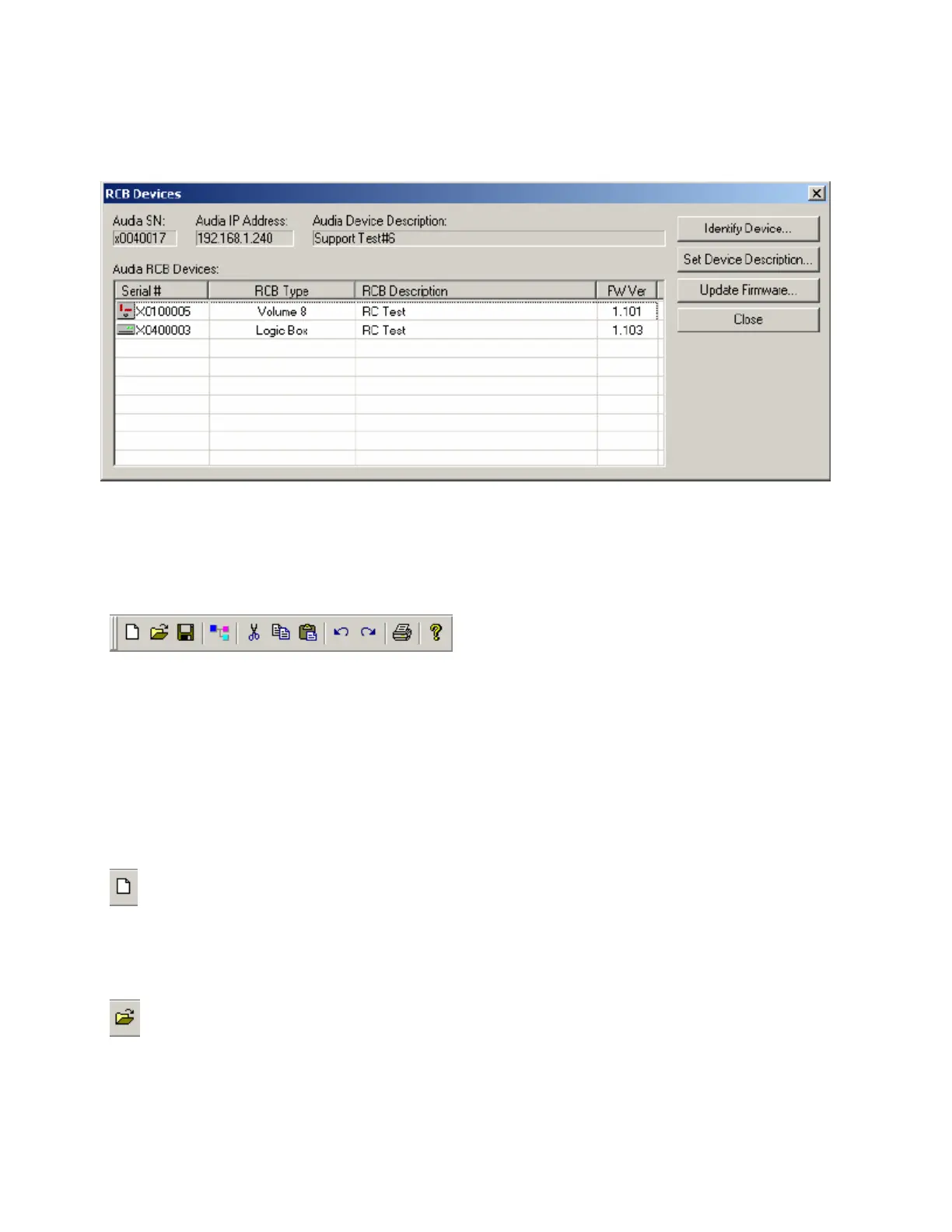
RCB Devices opens a list of devices connected to the Remote Control Bus of the selected Audia device.
Identify Device causes indicators on the selected device to flash (for physical location). Set Device
Description allows the selected device be given a custom name. Update Firmware allows future firmware
updates to be loaded into the selected device. The information in this list (including Serial #) is used to
establish proper association between the external physical controls and their corresponding component
counterparts in the layout (see Equipment Table).
Standard Toolbar
The Standard Toolbar provides file functions such as New, Open, & Save, plus additional functions such
as Cut, Copy, Paste, Undo, Redo, Print, & Help. The Standard Toolbar also includes the Compile
function, which will generate a new configuration file, while checking system layout/connections &
determining DSP resource allocation. See File Menu and Edit Menu for more options.
Tools
New
Begins a new Audia
®
system design file (.DAP).
Open
Opens an existing Audia
®
system design file (.DAP).



 To Next Page