23
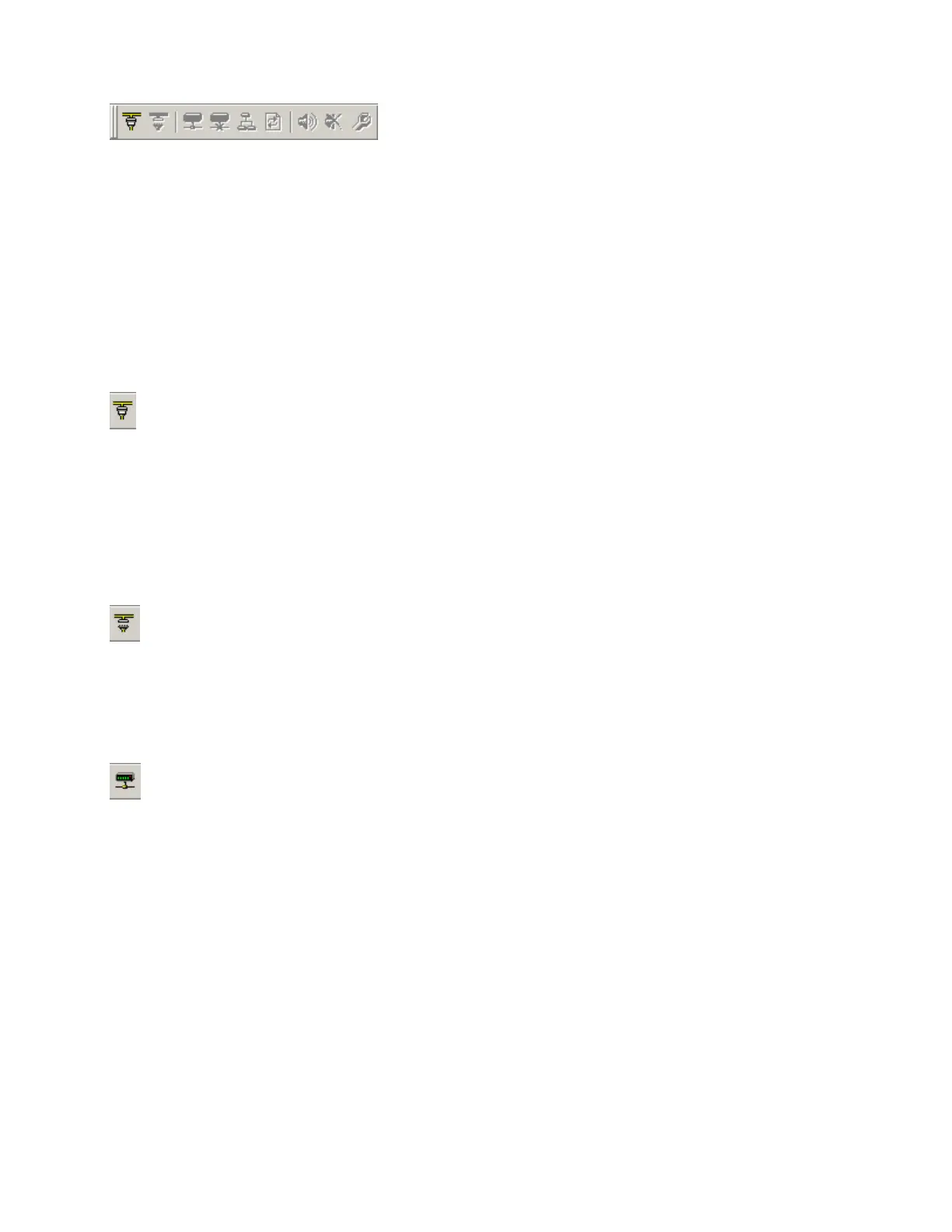
Network Toolbar
The Network Toolbar provides functions related to communications, configuration, maintenance, and
testing of the system network (see System Network Considerations).
Network Toolbar function includes: Connect; Disconnect; Connect To System; Disconnect
From System; Send Configuration; Sync Data; Start Audio; Stop Audio; and Device
Maintenance.
Tools
Connect
Establishes communication with, and provides a list of,
all Audia
®
devices on the network. Opens System Connect
dialog box (see System Network Considerations).
No system design data is transmitted or retrieved.
Disconnect
Ends communications with all Audia
®
devices on the network.
See System Network Considerations.
Connect To System
Establishes communication with, and retrieves data from, selected
Audia
®
systems on the network. Opens System Connect dialog
box (see System Network Considerations). Password protection is
then available from the Tools Menu. When connected to a system,
Component Object Properties may be changed, but system design
(objects & connections) cannot.



 To Next Page