31
Duplicate
Places a copy of the selected Component or Text Object directly
into the Layout. Duplicate also places a copy of the object into the
Clipboard. Duplicate works with only one object at a time.
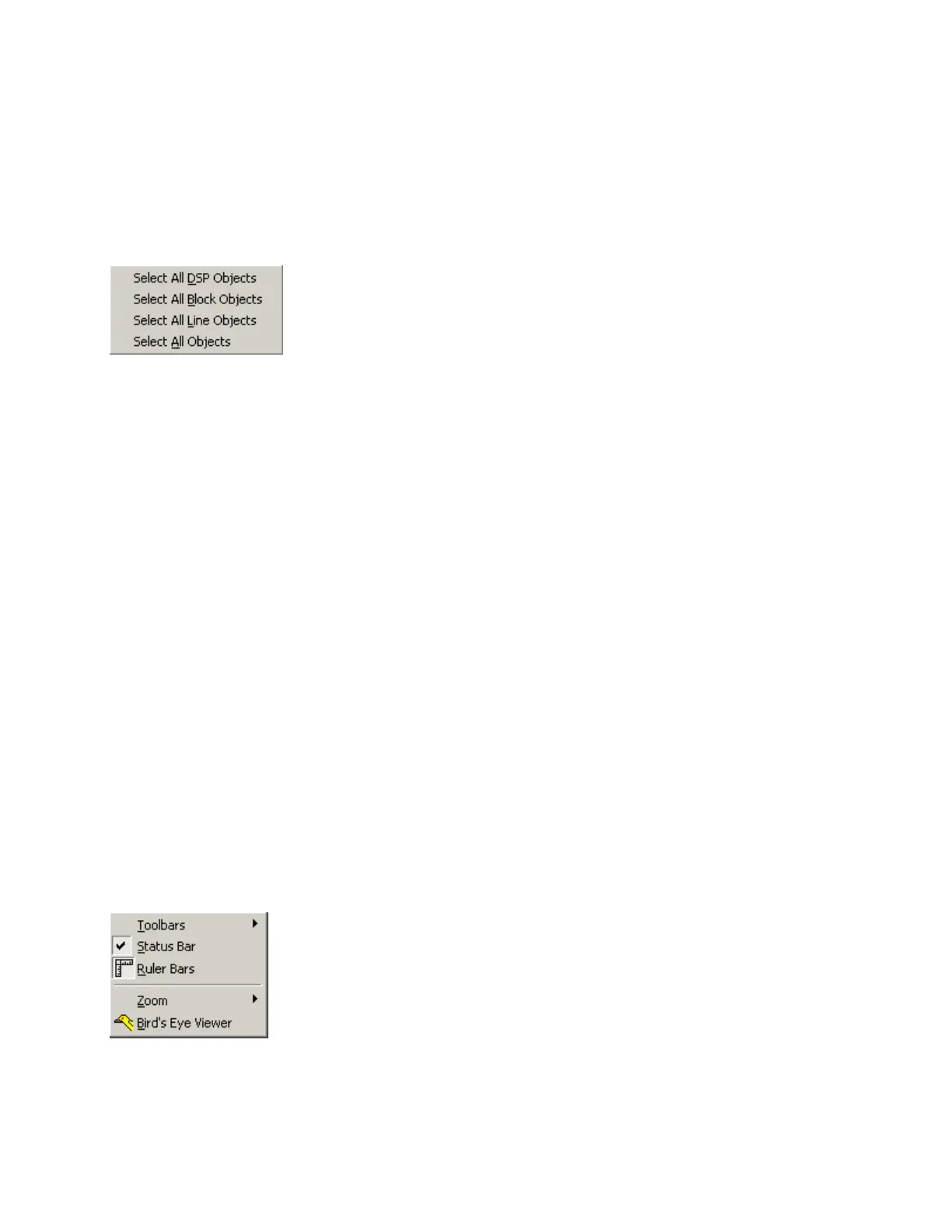
Select All
Provides an easy way to select all objects on the Layout.
Also allows all objects of a specific type to be selected.
Delete
Removes the selected object(s) from the Layout,
without placing a copy into the Clipboard.
Control Dialog
Opens a Control Dialog box for the selected Component Object.
Control Dialog boxes provide a graphic means of displaying and
adjusting Component Object settings. See Component Object Properties.
View Menu
Toolbars provides a drop-down menu to turn on/off any of the toolbars
(see Basic Screen Elements). Status Bar, Ruler Bars, Zoom, & Bird's Eye Viewer
select those functions, as found on the Layout Toolbar.



 To Next Page