22
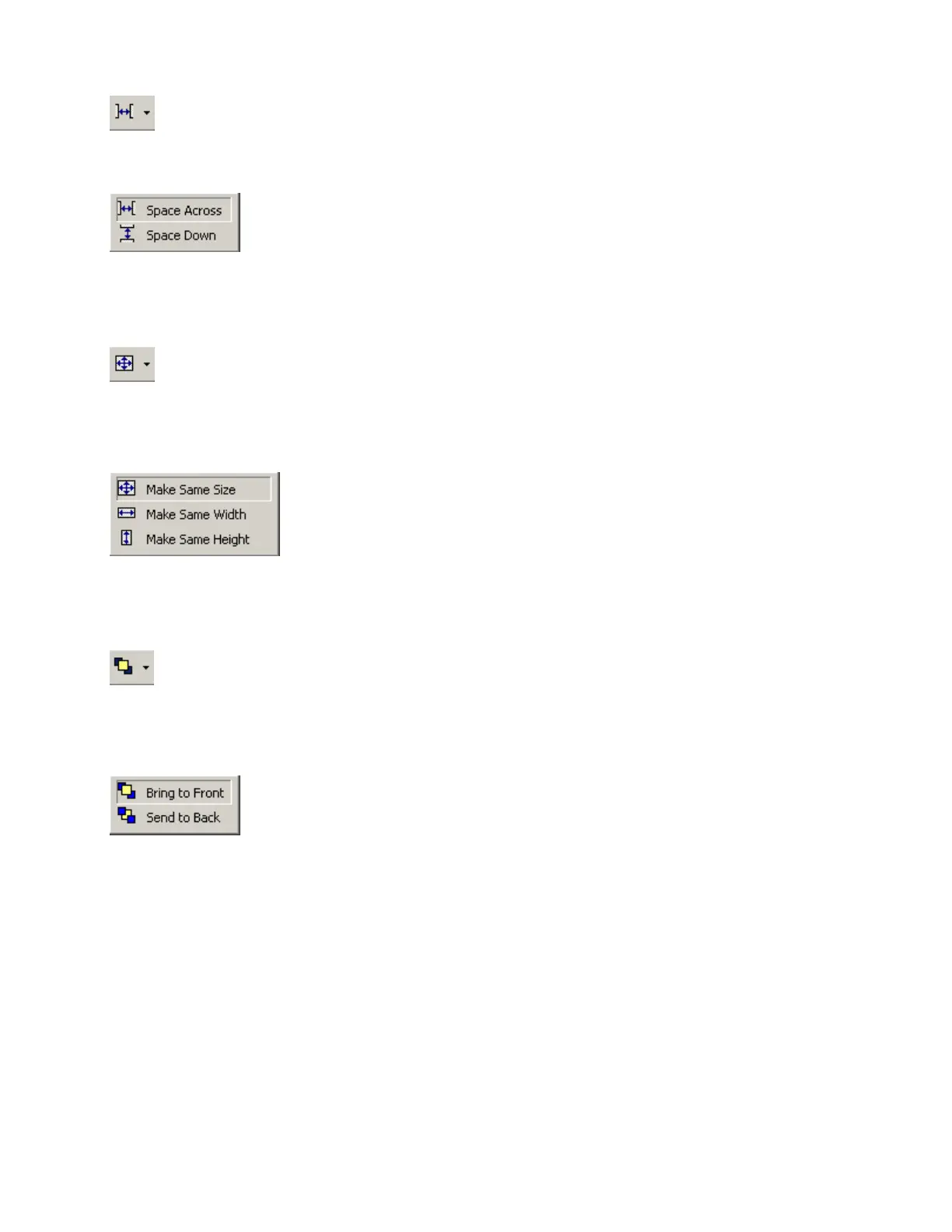
Space
Provides a drop-down menu for evenly spacing selected objects. Spacing
is determined between the two most distantly spaced selected objects.
Left-clicking the icon applies the spacing which was selected last.
Make Same Size
Provides a drop-down menu for matching the dimensions of selected
objects. The primary selected object (green handles) provides the target
dimensions. Objects cannot be smaller than original size.
Left-clicking the icon applies the sizing which was selected last.
To Front Or Back
Provides a drop-down menu for changing the order in which overlapping
objects appear on the Layout. The selected object(s) will either move in
front of overlying objects, or will move behind underlying objects.
Left-clicking the icon applies the direction which was selected last.



 To Next Page