21
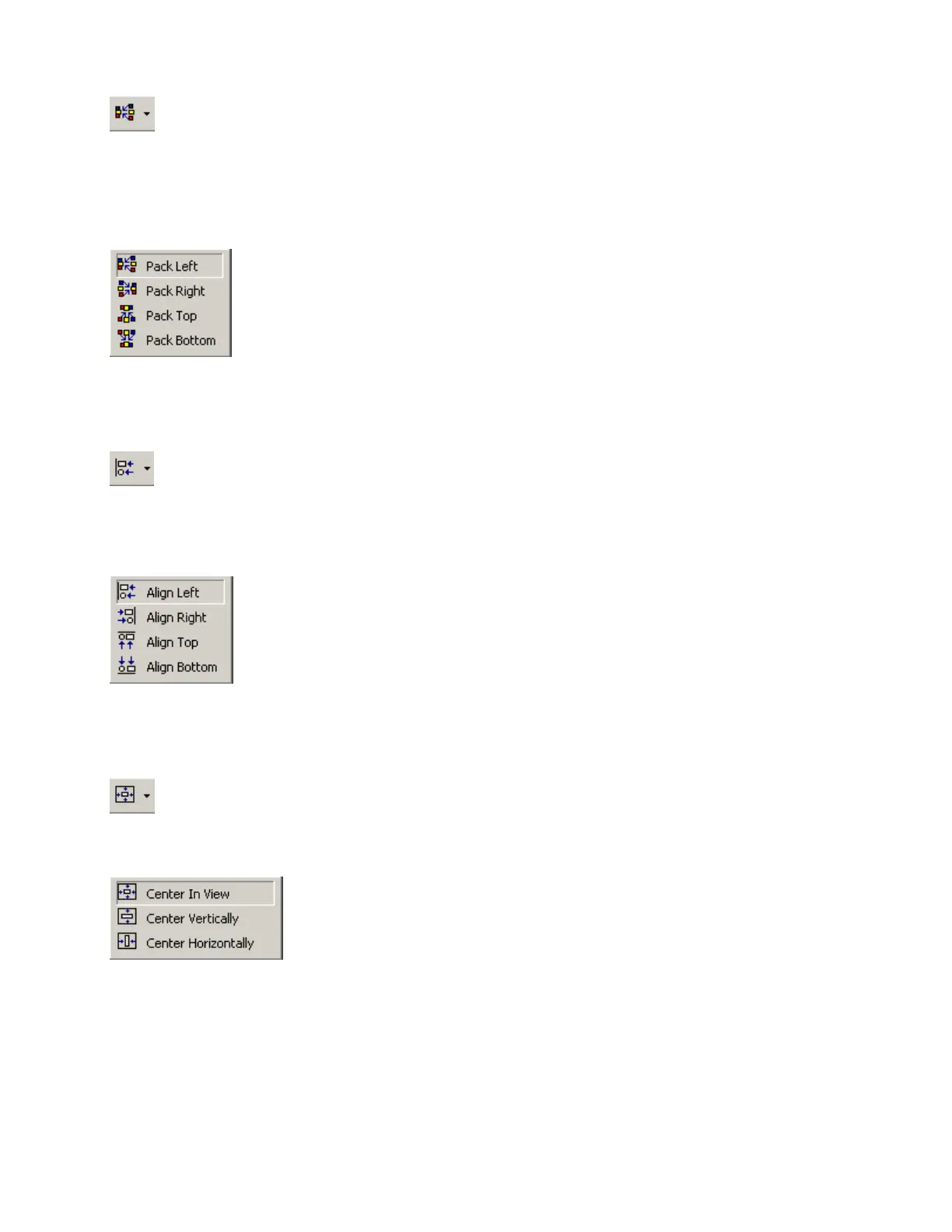
Pack Objects
Provides a drop-down menu for packing selected objects next
to each other. The target location for packing left/right is the
top-most selected object. The target location for packing
top/bottom is the left-most selected object.
Left-clicking the icon applies the packing which was selected last.
Align Edges
Provides a drop-down menu for aligning the edges of selected
objects. The primary selected object (green handles) provides
the target edges for alignment.
Left-clicking the icon applies the alignment which was selected last.
Center In View
Provides a drop-down menu for centering the Layout view on the
selected objects.
Left-clicking the icon applies the centering which was selected last.



 To Next Page