35
Merge Into Custom Block
Merge Into Custom Block checks for errors (such as
inappropriate connections) as it packages the
components into a single block. The resulting block
can then be copied into the Processing Library (and
named) for use in future DAP design files. The
Custom Block DAP file should also be saved as a
reference for subsequent modifications.
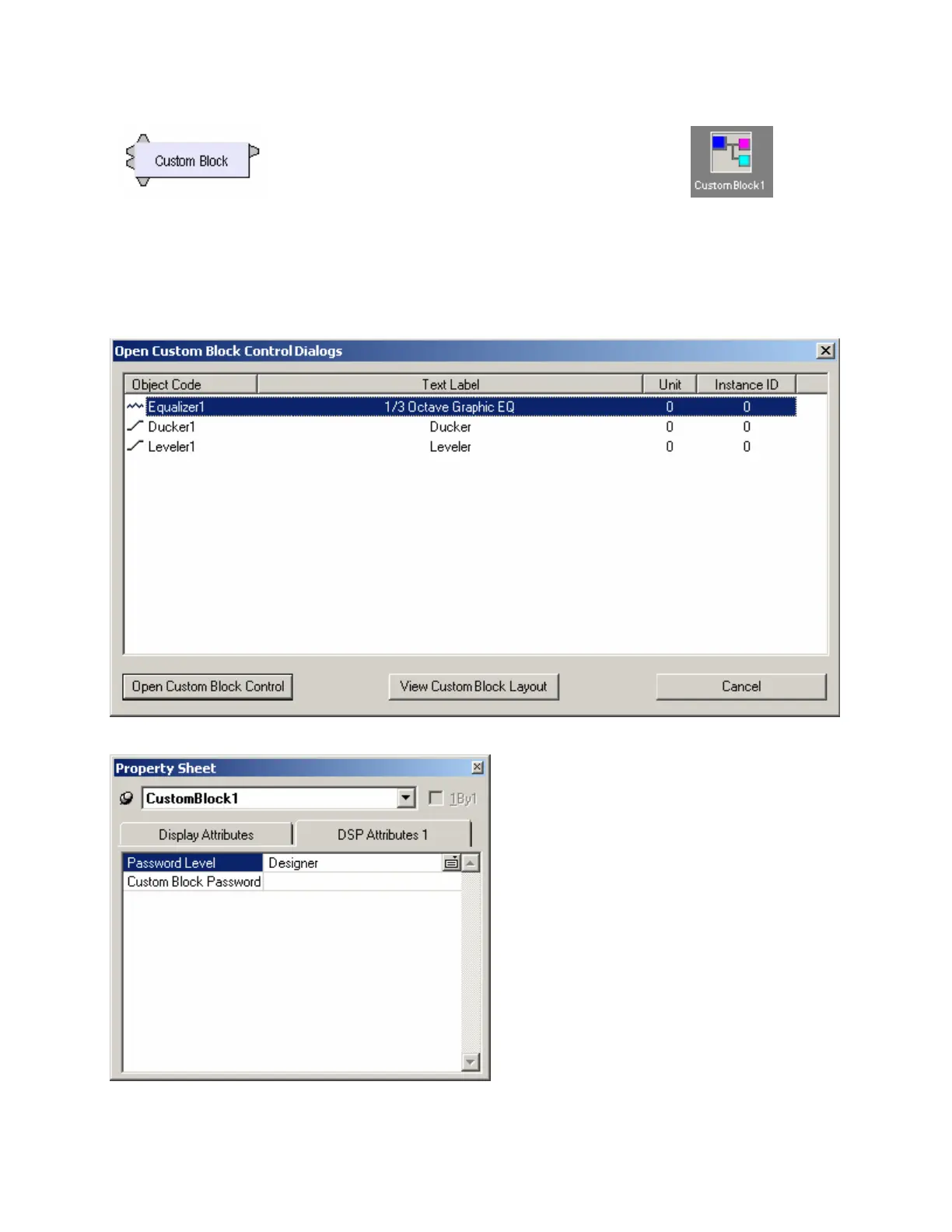
Control settings for each component within a Custom Block can be adjusted (see Component Object
Properties). Double-clicking a Custom Block in a design layout produces an Open Custom Block Control
Dialogs screen. Open Custom Block Control provides direct access to the control dialogs for selected
components. View Custom Block Layout displays the individual components within the Custom Block,
which can then be accessed normally. Control Settings are saved as part of the Custom Block DAP file.
Control settings also remain part of any
Custom Block which has been copied into the
Processing Library. These control settings
may again be addressed once the Custom
Block is placed into a new DAP design file.
However, to prevent tampering with control
settings, password protection may be added to
a Custom Block via the Property Sheet. This
option is available only while working in the
Custom Block DAP file.
If components or connections within a merged
Custom Block require modification, then select
Split Into Component Blocks from the menu.
Merge and Split operations are available only
while working in the Custom Block DAP file.



 To Next Page