44
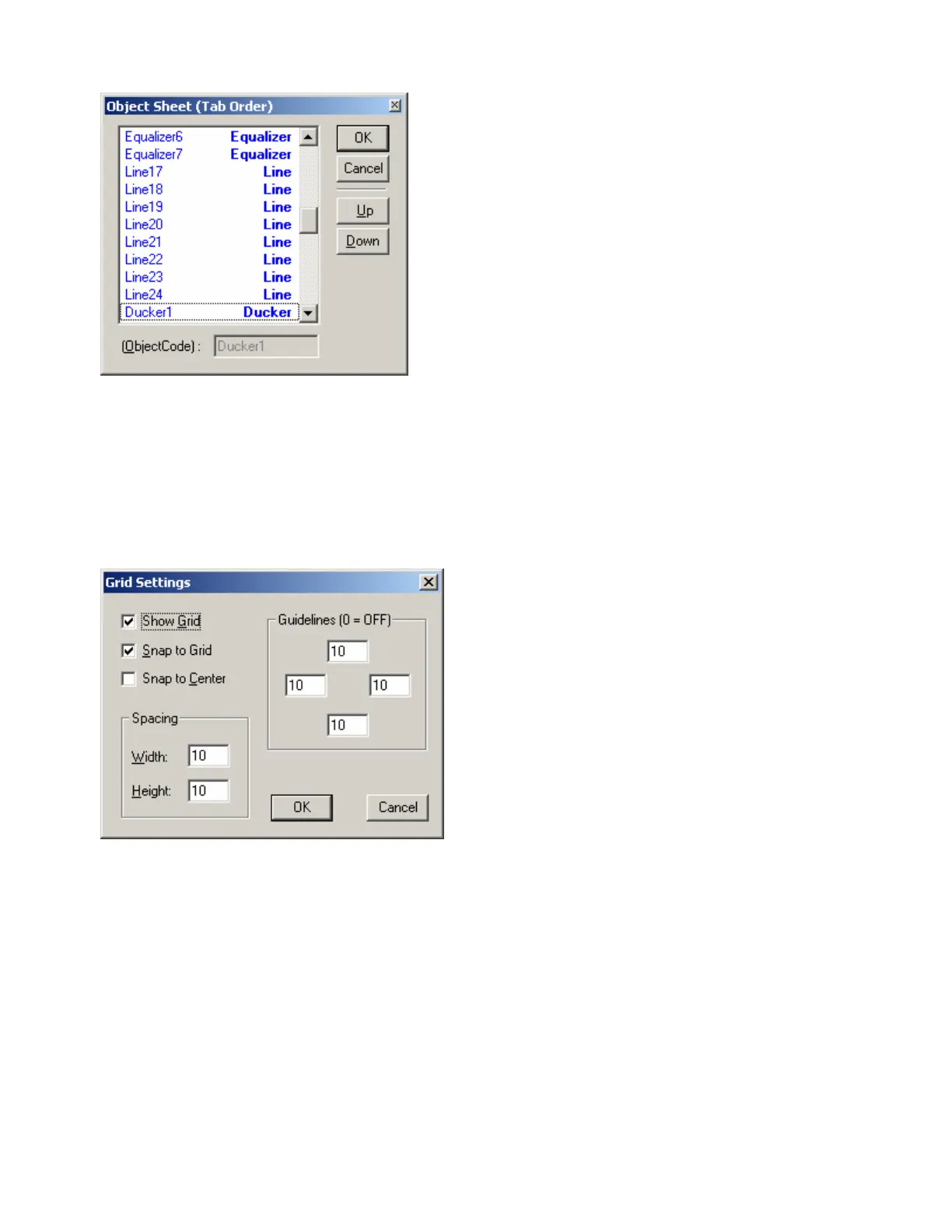
Object Sheet
Provides a list of all objects within the Layout. Normally,
objects can be selected sequentially using the Tab key.
The Object Sheet allows the order of this Tab selection
to be changed. Objects may be selected directly from
the list. When an object is selected, Up and Down
change the Tab Order position of that object.
Grid Settings
Grid Settings allows the Layout Grid to be
customized. Show Grid turns the Grid on/off. Snap
To Grid forces the upper-left corner of objects to
align with grid-marks. Snap To Center forces
objects to center around grid-marks. Spacing
determines the space between grid-marks (in
pixels). Guidelines changes the location (in pixels)
of the blue, dotted guidelines (initially found near the
edges of the Layout).



 To Next Page