112
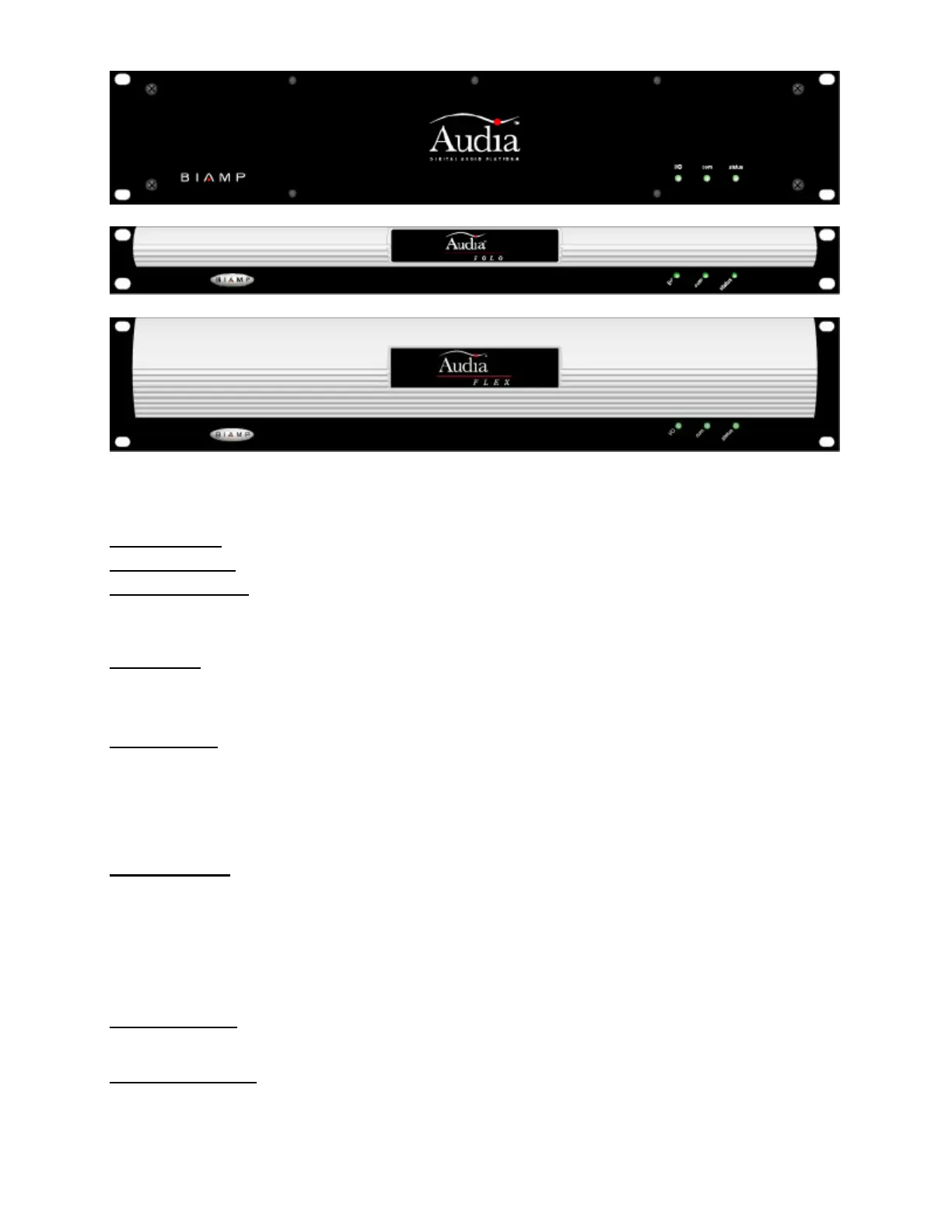
Front Panel Indicators: The Front Panel Indicators (I/O, Com, & Status) are 2-color LEDs.
The following table lists their behaviors:
I/O LED: green
Com LED: green
Status LED: green
Normal operating state. Configuration was successful (if applicable). Device is in a stable state awaiting
commands.
I/0 LED: red
CM-1 error
Daughterboard error
Com LED: red
Serial port error
Ethernet error
CAN bus error
No IP address defined (cleared by setting an IP address)
Status LED: red
Configuration error
Last configuration unsuccessful (cleared by 'reset/initializing' the device)
Operating system resource error
File system error
DSP error
All LEDs blinking
Operating system is not executing. Device must be power-cycled.
Status LED blinking
The firmware has attempted to perform an illegal operation. Device must be power-cycled.



 To Next Page