15
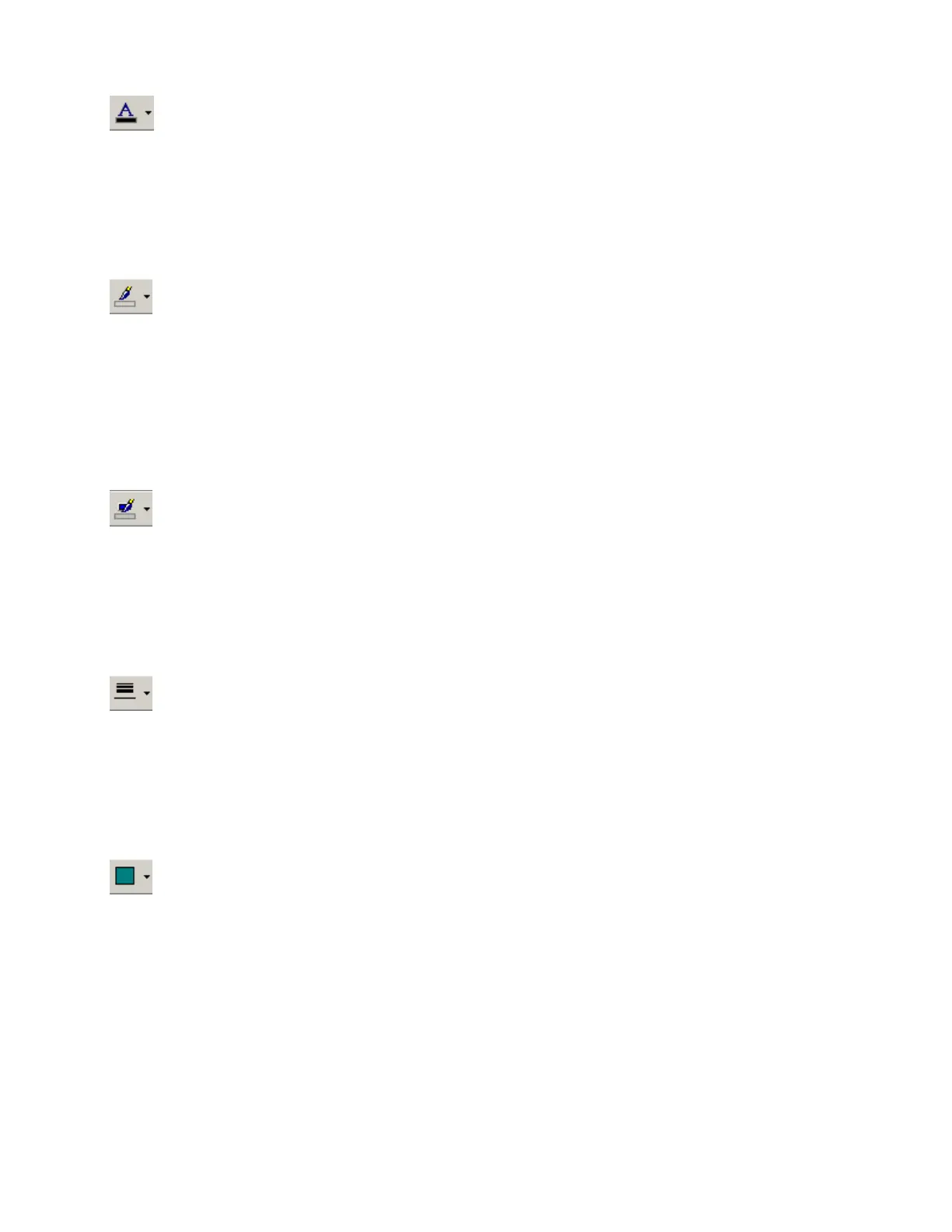
Text Color
Provides a drop-down menu for changing the text color
in selected Component or Text Objects.
Left-clicking the icon applies the color which was selected last.
Fore Color
Provides a drop-down menu for changing the color of the lower
and right borders, as well as any internal Hatching, of the
selected Component, Line, or Text Objects.
Left-clicking the icon applies the color which was selected last.
Hilite Color
Provides a drop-down menu for changing the color of the upper
and left borders of the selected Component or Text Objects.
Left-clicking the icon applies the color which was selected last.
Pen Width
Provides a drop-down menu for changing the width of line used
for the borders of the selected Component, Line, or Text Objects.
Left-clicking the icon applies the width which was selected last.
Hatch Style
Provides a drop-down menu for changing the hatching
style within the selected Component or Text Objects.
Left-clicking the icon applies the style which was selected last.



 To Next Page