CB (E7) 06/2018 Page 143/174
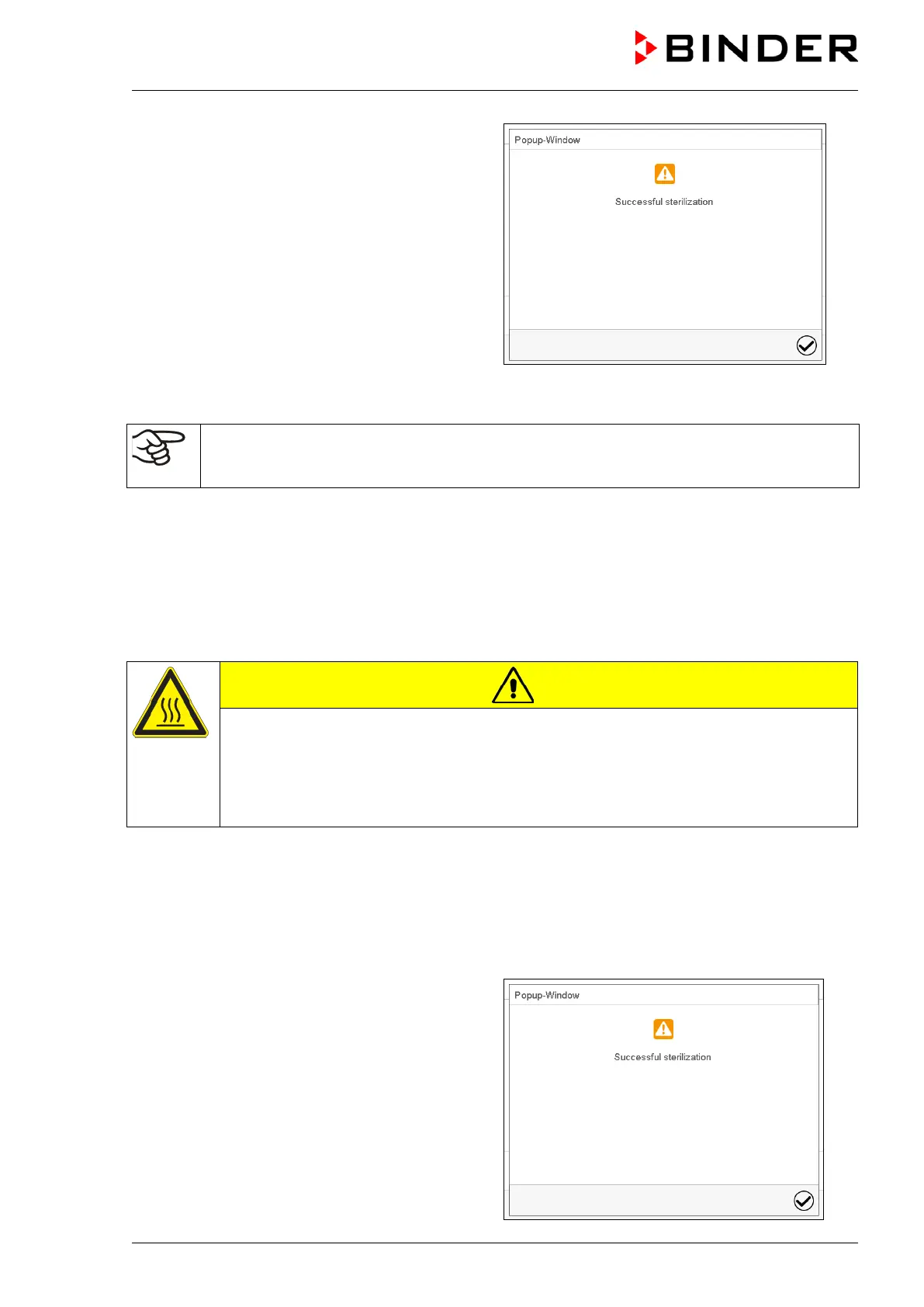
The information “Successful sterilization” on the
controller display indicates a successful hot-air
sterilization.
The interior may still be hot. Do not touch the
glass door and inner surfaces!
Confirm the message with the Confirm icon.
After confirming the message the controller changes to Fixed value operation mode. The setpoints of
Fixed value operation mode are then equilibrated.
CO
2
/ O
2
control is deactivated and will only be activated after confirming the information
message “Successful sterilization” and when the temperature has cooled down to a value
below < 80 °C.
If you prefer accelerating cooling-down, proceed as follows:
• If required, open the outer door.
• Cooling-down time:
• Front door open: at least 1 hour
• Front door closed: at least 4 hours
• If required, open the glass door.
CAUTION
Glass door and inner chamber become hot during sterilization.
The glass door handle reaches a temperature of approx. 150 °C / 302 °F.
Danger of burning.
∅ Do NOT touch the glass door and inner surfaces.
Use gloves or a tool (e.g. pincers) to open the glass door.
21.3.5 Completing the entire sterilization cycle
The effective sterilization phase (heating up and holding phase) is automatically finished after 4 hours. It
is followed by a defined 6-hours cooling down phase until 37 °C / 98.6°F is reached. After this sterilization
cycle of 10 hours in total, the controller changes to fixed value operation mode and equilibrates to the
set-point which has been entered there (e.g., 37 °C / 98.6 °F).
The information “Successful sterilization” on the
controller display indicates a successful hot-air
sterilization.
Confirm the message with the Confirm icon.









 To Next Page