CB (E7) 06/2018 Page 57/174
7. Set-point entry in “Fixed value” operating mode
In Fixed value operating mode you can enter set-points for temperature, CO
2
and O
2
(chamber with O
2
control) and humidity (chamber with active humidification), and the switching-state of up to 16 operation
lines.
All settings made in Fixed value operating mode remain valid until the next manual change. They are
saved also when turning off the chamber or in case of toggling to Idle Mode or Program Mode.
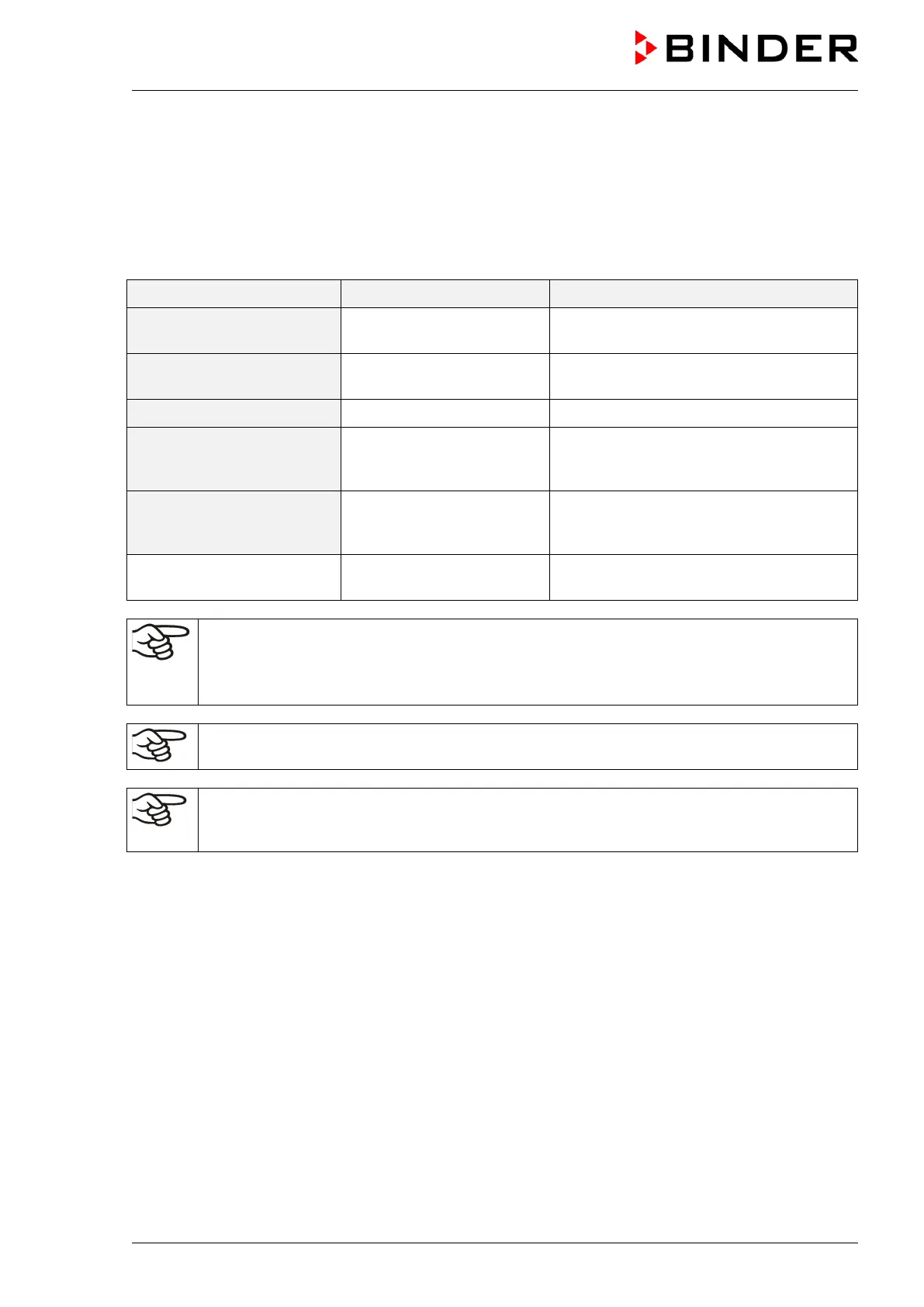
Setting ranges Control ranges
Temperature
20 °C / 68 °F up to 60 °C /
140 °F
4 °C / 7.2 °F above ambient temperature
up to 60 °C / 140 °F
Temperature (chamber with
O
2
control)
6 °C / 10.8 °F above ambient temperature
up to 60 °C / 140 °F
CO
2
0 vol.-% up to 20 vol.- % 0 vol.-% up to 20 vol.- %
O
2
(chamber with O
2
control,
with regular hypoxic control
range)
0.2 vol.-% up to 21 vol.- % 0.2 vol.-% up to 20 vol.- %
O
2
(chamber with O
2
control,
with optional alternative
control range)
5 vol.-% up to 95 vol.-% 10 vol.-% up to 95 vol.-%
Humidity (chamber with
active humidification)
60 % r.h. up to 93 % r.h. 60 % r.h. up to 93 % r.h.
With set-point type “Limit”, adapt the safety controller (chap. 12.2) always when you changed
the temperature set-point. Set the safety controller set-point by approx. 2 °C above the
controller temperature set-point.
Recommended setting: Set-point type “Offset” with safety controller set-point 2 °C.
When setting a lower temperature setpoint, in order to save time, we recommend cooling
down the chamber by turning it off and opening both chamber doors.
When setting a lower CO
2
, O
2
or humidity setpoint, the gas or humidity must be able to
escape first. Open both chamber doors for this purpose. Observe the precautions when
working with gases (chap. 1.6).









 To Next Page