Menu Position
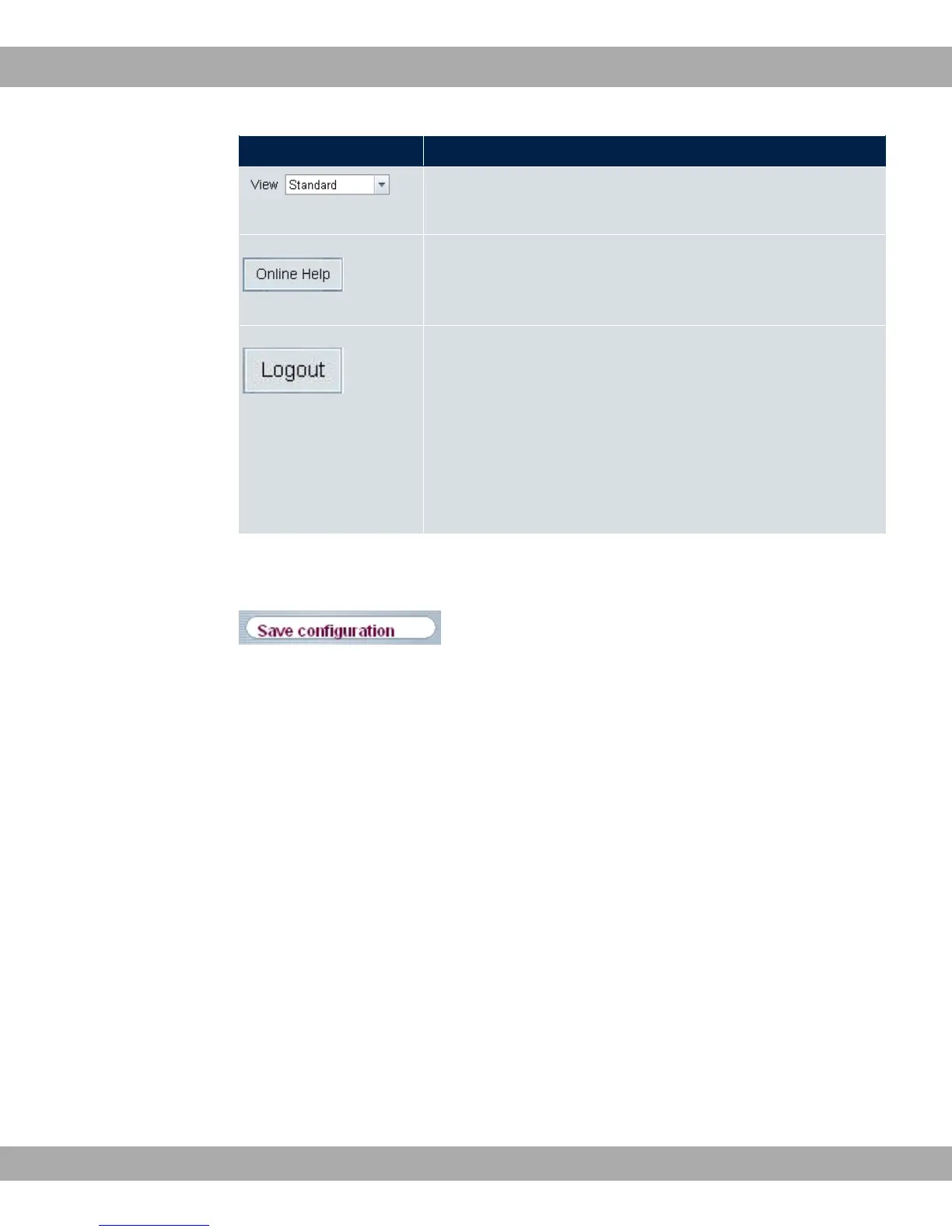
View: Select the desired view from the dropdown menu. Stand-
ard and SNMP browsers can be selected.
Online Help: Click this button if you want help with the menu
now active. The description of the sub-menu where you are now
is displayed.
Logout: If you want to end the configuration, click this button to
log out of your device. A window is opened offering you the fol-
lowing options:
• Save configuration, save previous boot configuration, then
exit.
• Save configuration, then exit.
• Exit without saving.
Navigation bar
Fig. 16: Save Configuration button
bintec elmeg GmbH
5 Access and configuration
bintec RS Series 41



 To Next Page