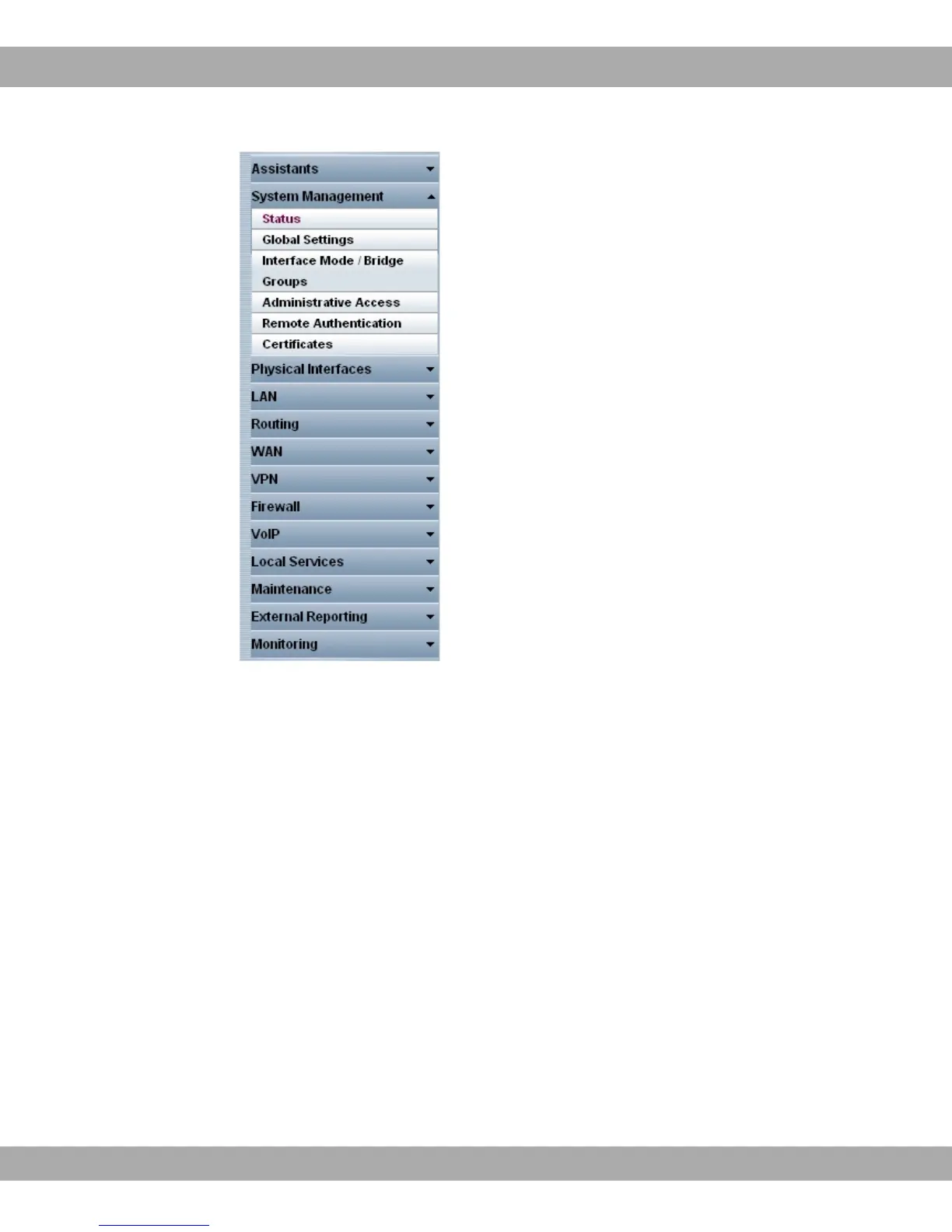
Fig. 17: Menus
The Save configuration button is found in the navigation bar.
If you save a current configuration, you can save this as the boot configuration or you can
also archive the previous boot configuration as a backup.
If you click the Save configuration button in the FCI, you will be asked "Do you really want
to save the current configuration as a boot configuration?"
You have the following two options:
• %$#, i.e. save the current configuration as the boot configuration
• %$# 7 " "%9+ i.e. save current configuration as boot
configuration while also archiving previous boot configuration as backup.
If you want to load the archived boot configuration into your device, go to the
Maintenance->Software &Configuration menu, select Action = + %$#
and click on Go. The archived backup is used as the current boot configuration.
The navigation bar also contains the main configuration menus and their sub-menus.
5 Access and configuration bintec elmeg GmbH
42 bintec RS Series



 To Next Page