89
Chapter 11 - Vector Elite Software Administrator Menu
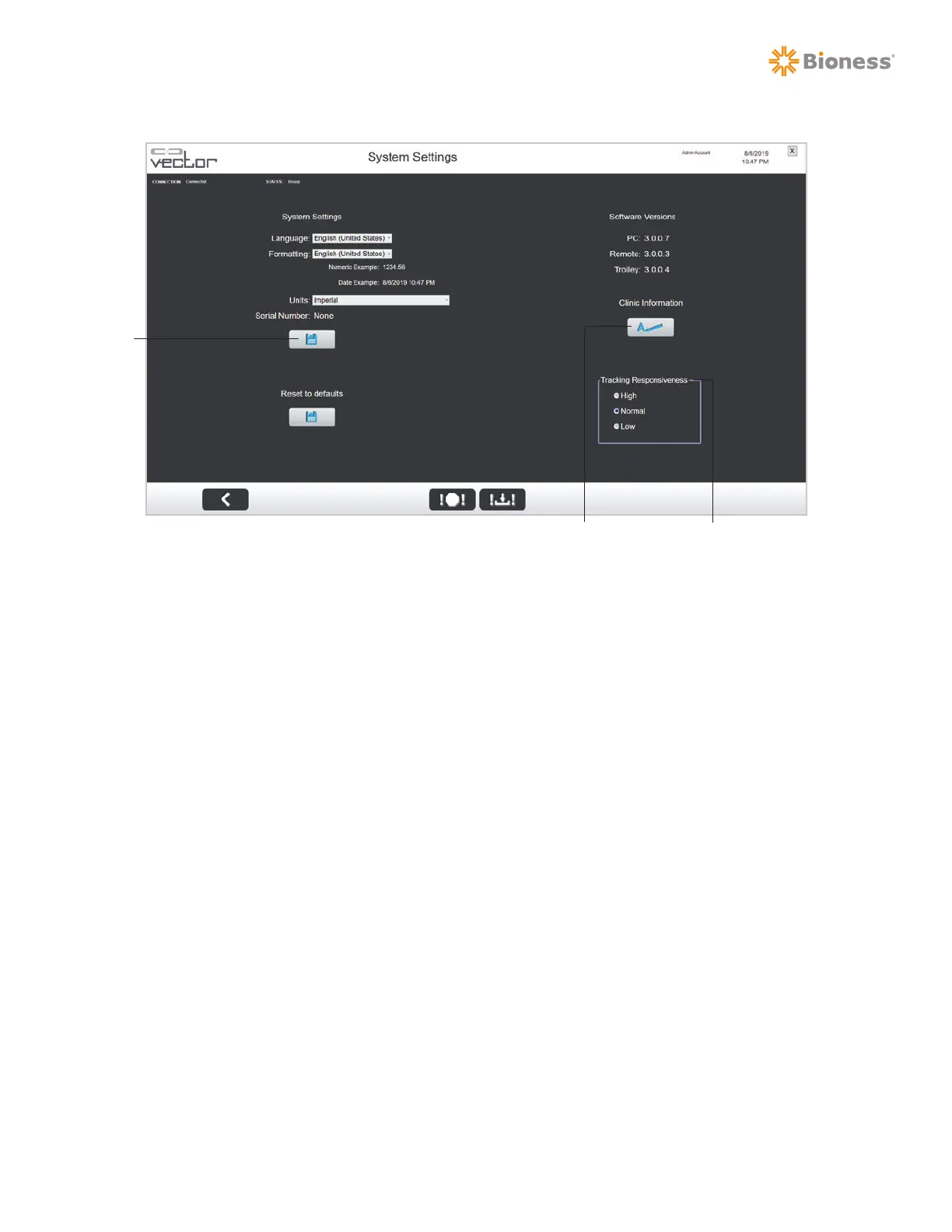
Figure 11-9: System Settings Menu
To change the language settings:
1. From the Admin Menu screen, press the System Settings button.
2. The System Settings Menu will open. See Figure 11-9.
3. Select the language from the drop-down menu.
4. Press the Save button.
To change the formatting settings:
1. Pick the appropriate region from the drop-down menu.
2. A preview of the date, time, and numerical formatting will be displayed.
3. Press the Save button.
To change the unit settings:
1. Select the unit setting from the drop-down menu.
2. Press the Save button.
To enter clinic information:
1. Press the Clinic Information button. See Figure 11-9.
2. The Clinic Information window will appear. See Figure 11-10.
Save
Clinic Information Tracking Responsiveness



 To Next Page