90
Clinician's Guide
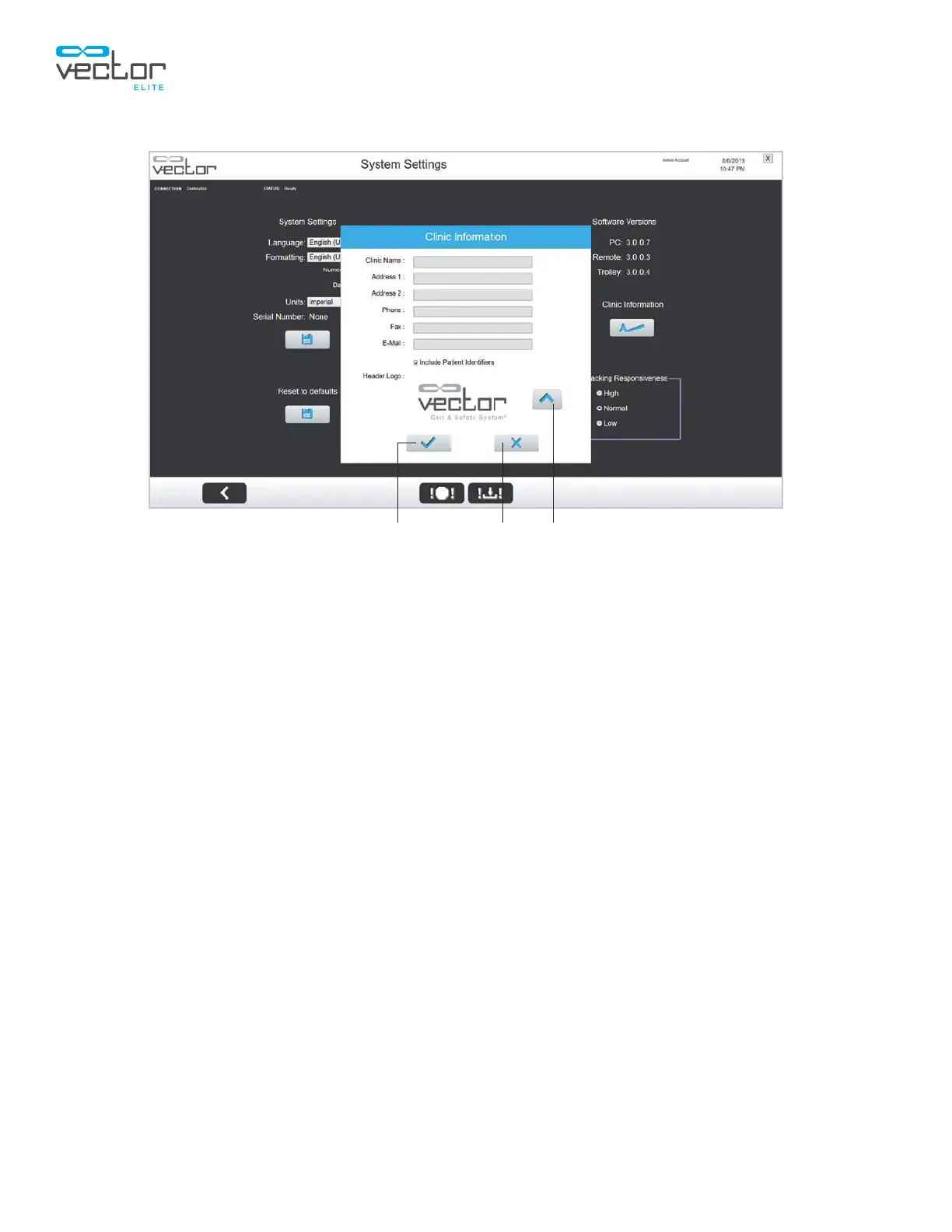
Figure 11-10: Clinic Information Window
3. Enter information in some or all of the fields. Check the box if you wish to include patient identifiers
on the Outcome Measures PDF reports.
4. To upload a logo, press the Upload button. The Select a Picture window will appear. Select the
file and press the Check Mark button to save. The logo and clinic information will appear on the
Outcome Measures PDF reports. Logos should be JPG or PNG files. Recommended size 300
by 140 pixels.
5. On the Clinic Information window, press the Save button.
Save Exit Upload



 To Next Page