787 Flight Crew Operations Manual
DO NOT USE FOR FLIGHT
Flight Instruments, Displays -
Electronic Checklist Displays
Copyright © The Boeing Company. See title page for details.
10.50.4 D615Z003-TBC
Non–Normal Checklist
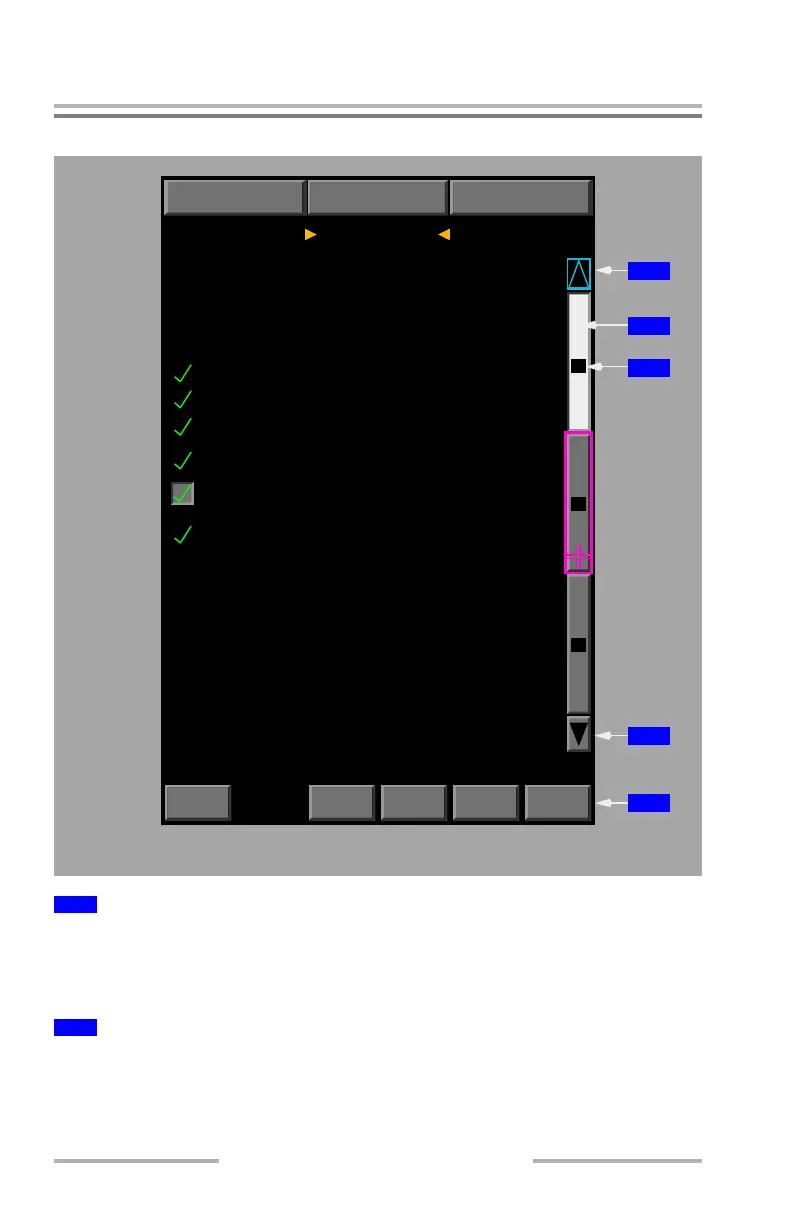
Select – displays previous checklist page.
Displayed (gray) – previous page is available.
Displayed (cyan) – key is inactive. First page of checklist is displayed.
Select – displays checklist page corresponding to page number on key.
Displayed (white) – checklist page corresponding to page number on key is
currently displayed.
1
Previous Page Key
2
Checklist Page Key
NORMAL
NON-
NORMAL
CHKL
OVRD
CHKL
RESET
2
C2 ELEC PUMP SELECTOR................OFF
C1 ELEC PUMP SELECTOR...............AUTO
Tuning and control panel
Condition: The center hydraulic system
CONTINUED
HYD PRESS SYS C message stays shown:
C2 PUMP SELECTOR........................ON
HYD PRESS SYS C
NOTES
1
3
1
4
1
5
1
1
MULTIFUNCTION DISPLAY
1
2
pressure is low.
Objective: To restore system pressure
and configure for landing using alternate
systems, if needed.
1
3
GPWS FLAP OVRD
RESETS NON-NORMAL MENUNORMAL MENU
line select key.....................OVRD
GPWS key............................Push
Inhibited checklists:
AUTO SPEEDBRAKE
SPOILER PAIRS
February 13, 2009



 To Next Page