787 Flight Crew Operations Manual
DO NOT USE FOR FLIGHT
Flight Management, Navigation -
Controls and Indicators
Copyright © The Boeing Company. See title page for details.
11.10.22 D615Z003-TBC
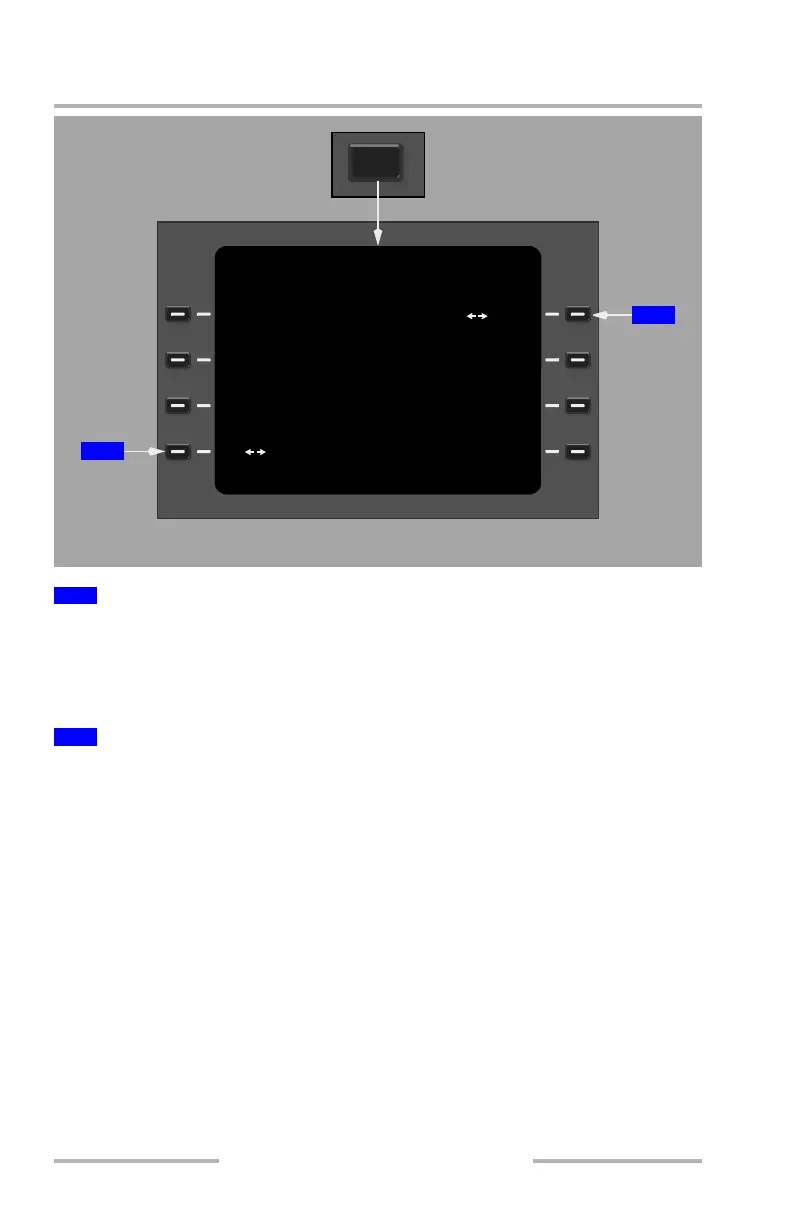
Push –
• toggles the weather radar system between the left and right system
• the selected system is highlighted in large font green text
• the default selection is the left system
Push –
• tests weather radar system operation without transmitting
• with WXR selected on any ND or PFD minimap, a test pattern and PWS
symbol display along with any fault messages that result from the test
• when on the ground, selecting WXR on the EFIS control panel and TEST
on the TCP WXR page 2/2 activates a 12 second test. Initially, the amber
WINDSHEAR annunciation displays and the aural MONITOR RADAR
DISPLAY sounds. Next, the Master Warning Light illuminates and the
EICAS alert message WINDSHEAR SYS displays. Finally, the red
WINDSHEAR annunciation displays and the aural GO AROUND
WINDSHEAR AHEAD, and then WINDSHEAR AHEAD,
WINDSHEAR AHEAD sounds
1
Weather Radar System (WXR SYS)
2
Weather Radar Test (WXR TEST)
WXR TEST
ON
OFF>
<L
R
WEATHER RADAR
2/2
WXR SYS
NEXT
PAGE
TUNING AND CONTROL PANEL
1
2
June 16, 2008



 To Next Page