787 Flight Crew Operations Manual
DO NOT USE FOR FLIGHT
Flight Instruments, Displays -
Navigation Displays
Copyright © The Boeing Company. See title page for details.
D615Z003-TBC 10.40.17
Symbol Name ND Mode Remarks
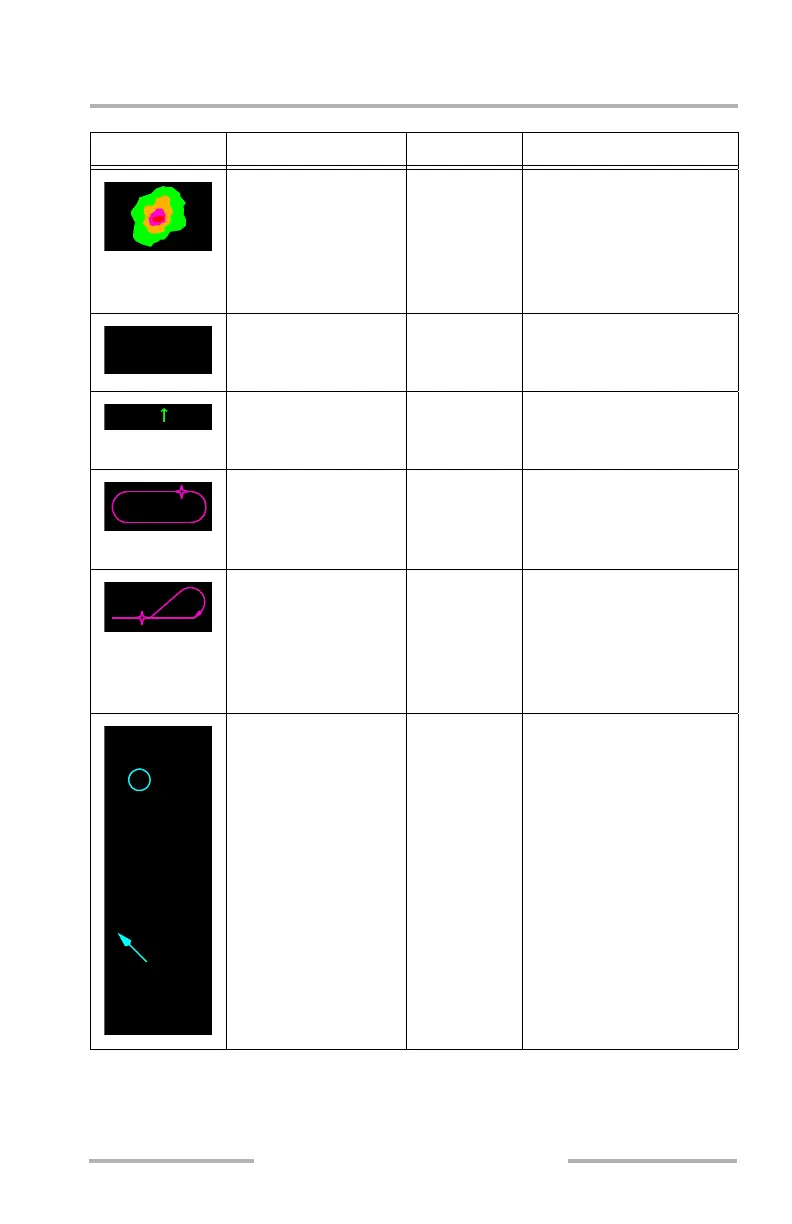
Weather radar returns
(R, A, G, M)
MAP, MAP
CTR,
mini-map
The most intense areas are
displayed in red, lesser
intensity in amber, and
lowest intensity green.
Turbulence is displayed in
magenta.
Selected map options
(C)
MAP, MAP
CTR,
mini-map
Displays MAP menu
selected map options.
North up arrow (G) PLAN Indicates map background
is oriented and referenced
to true north.
Holding pattern:
active route (M),
modified route (W),
inactive route (C)
MAP, MAP
CTR, PLAN
A holding pattern appears
when in the flight plan.
Depicts entry path until
entry completed.
Procedure turn: active
route (M), modified
route (W), inactive
route (C)
MAP, MAP
CTR, PLAN
A procedure turn appears
when in the flight plan. It
increases in size upon
entering the procedure turn.
Also used for procedure
hold course reversal.
Alternate airports (C) MAP, MAP
CTR, PLAN
PLAN: displays up to four
alternate airports at all
times.
MAP, MAP CTR: displays
the FMC or pilot selected
primary alternate airport.
Displays up to four
alternate airports when the
APT key is selected.
Offscale airports (only with
1280NM scale selected),
directional arrow relative to
airplane position or PLAN
center point and distance.
STA
WPT
ARPT
N
A
KGEG
KEAK
1123NM
February 15, 2010



 To Next Page