EN
37
Installation
www.bora.com
Menu item D: demo mode
The appliance can be set to demo mode, which includes all
operating functions, but the heating function of the cooktops is
deactivated.
i
Pan size recognition is deactivated in demo mode.
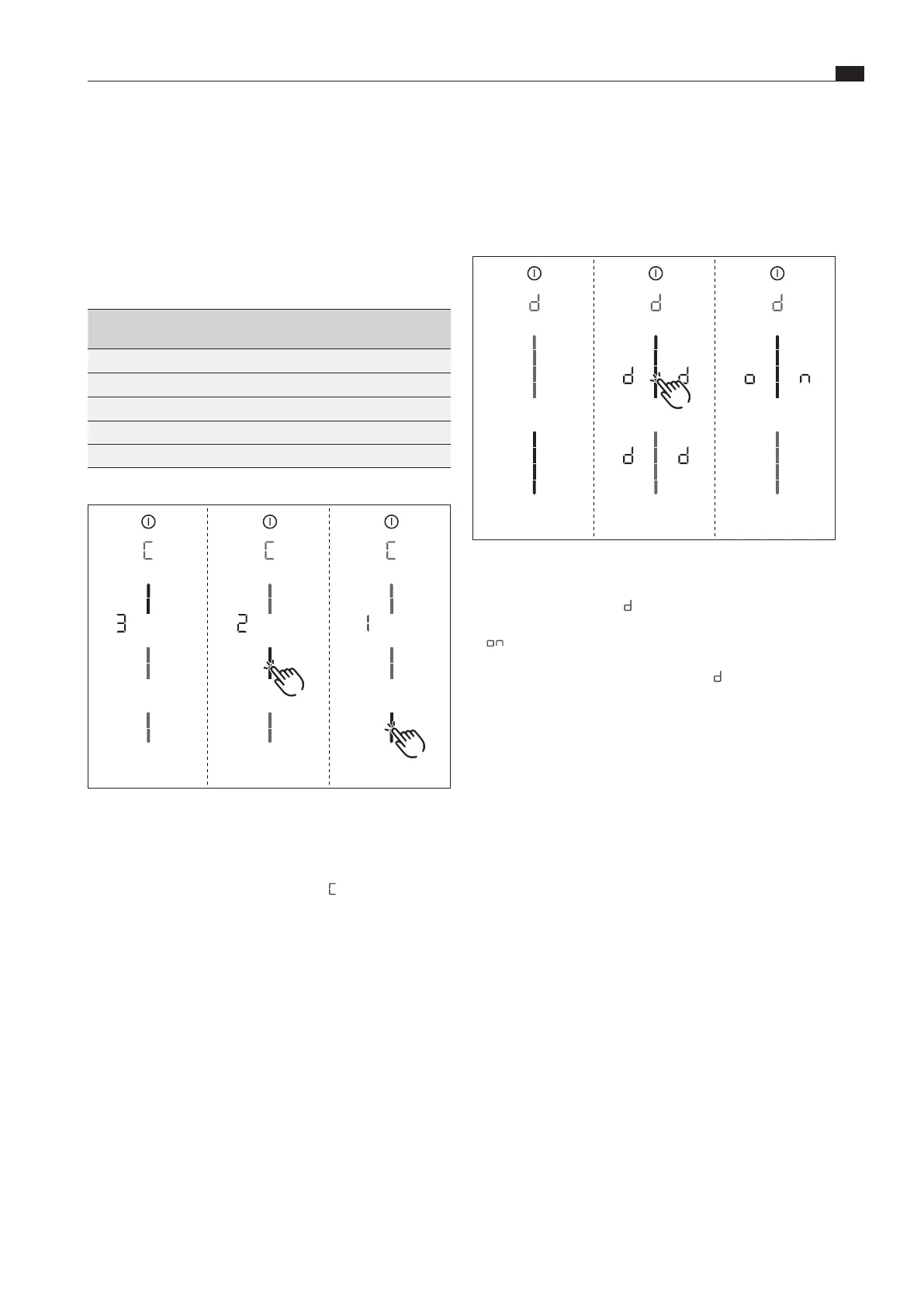
Fig. 6.54 Display Menu item D: demo mode
XX
Tap the top slider segment.
XO
The demo mode symbol
is displayed on all cooking zones
for one second.
XO
is displayed.
XX
Confirm and save the setting by moving to the next menu item
(tap the multi-function display/indicator
).
Closing the dealer and service menu
When you have been through all of the basic configuration menu
items:
XX
long press on the multi-function display.
XO
The standard display appears.
6.9.2 Function test
XX
Carry out a thorough function test on all devices.
XX
In the event of error messages, see the Troubleshooting”
chapter.
Menu item C: power management
The total appliance power can be reduced if the required
electrical power cannot be provided at the installation site.
i
The cooking zone power restrictions automatically
implemented by the appliance are determined according
to the total power set.
There are three operating modes to choose from:
Power
management
Connection Maximum
power consumption
Fuse
protection
C3 three-phase 7.6 kW 3 x 16 A
C3 two-phase 7.6 kW 2 x 16 A
C3 one-phase 7.6 kW 1 x 32 A
C2 one-phase 4.4 kW 1 x 20 A
C1 one-phase 3.6 kW 1 x 16 A
Tab. 6.4 Power management
Fig. 6.53 Display menu item C: power management
XX
Select the corresponding operating mode (tap the
corresponding segment on the slider ).
XX
Confirm and save the setting by moving to the next menu item
(tap the multi-function display/indicator
).



 To Next Page