EN
48
Operation
www.bora.com
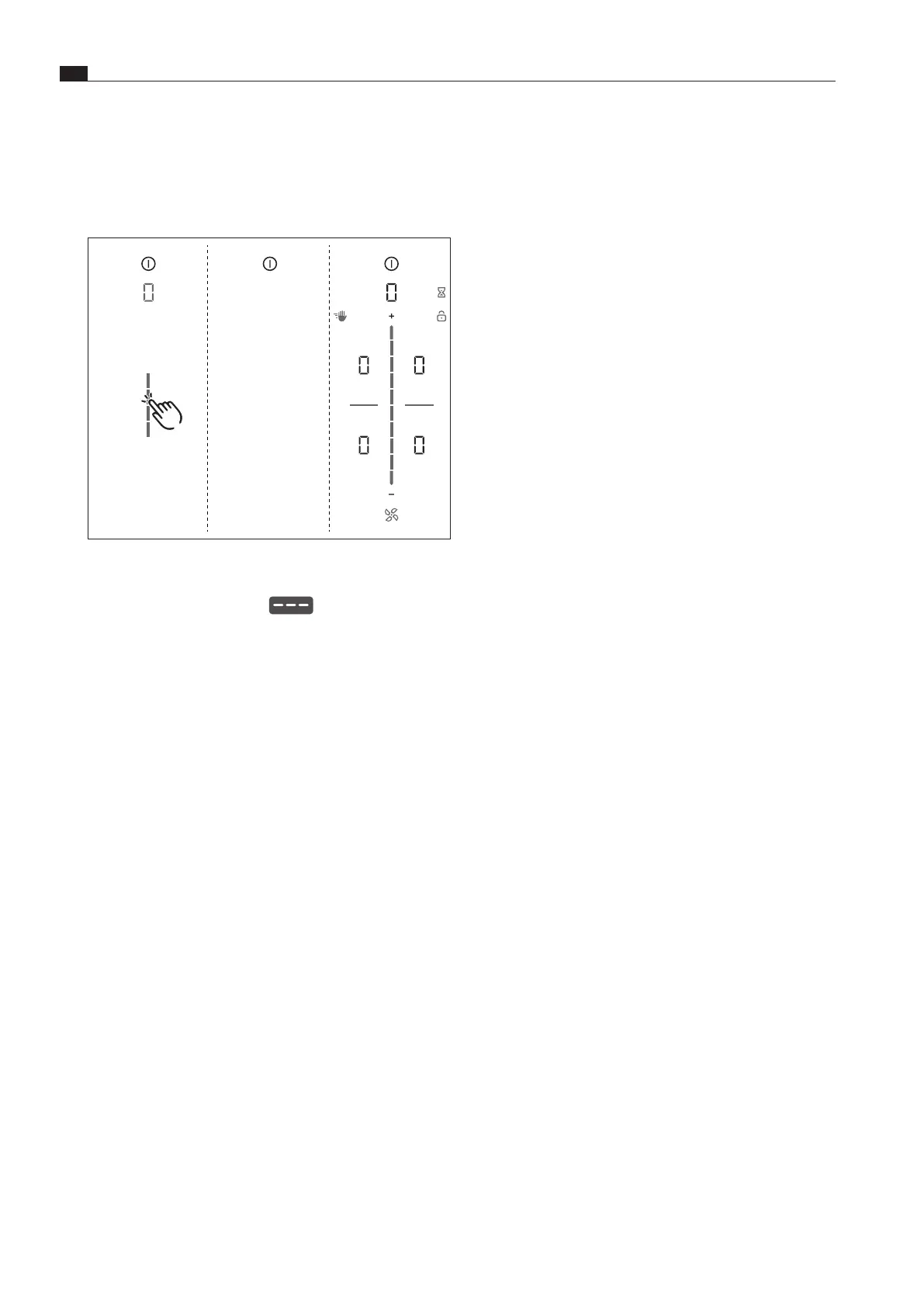
7.6.11 Menu item 0:
Reset to factory settings
i
Menu item 0 enables all settings in the customer menu to
be reset to the factory settings.
Fig. 7.12 Menu item 0: Factory settings
Resetting to factory settings
XX
Long press on the slider zone
XO
The reset is started
XO
The device is restarted.
XO
The reset is complete when the standard display appears.



 To Next Page