BradyPrinter S3700 User Manual 98
Maintenance
Cleaning the Printer
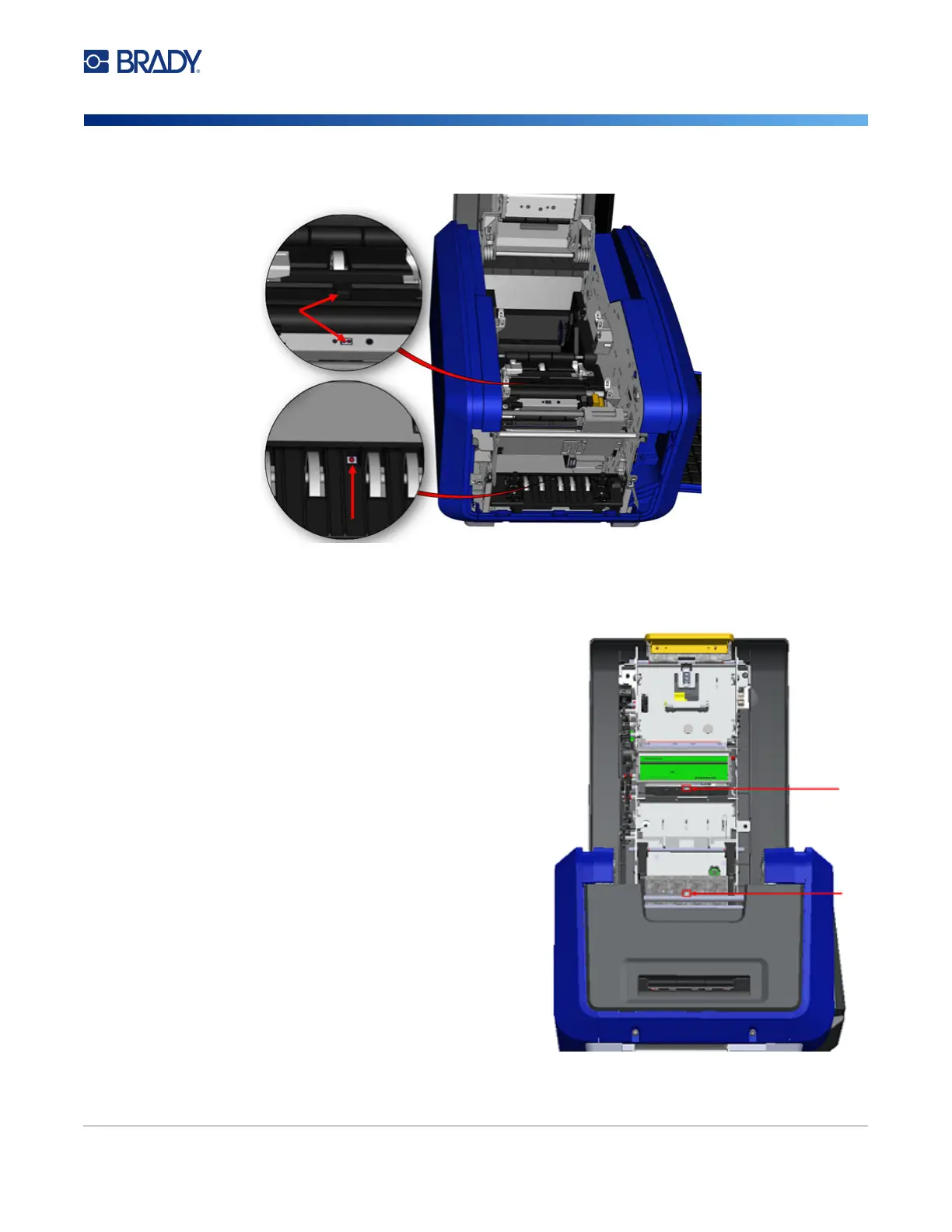
4. Clean the other three sensors indicated in the figure above.
5. Insert the straw into the nozzle of a can of
compressed air and align the tip of the straw
with the holes outlined in the picture to the
right. Spray air to clean the color sensors
within.
6. After cleaning the sensors, carefully lower
the media guide, then tighten the screw.
7. Wipe the two other sensors in the media
feed path. (Outlined in the figure above.)
8. Also, wipe the sensor under the cutting
mechanism in the media exit chute.
(Outlined in the figure above.)
Sensor Locations











 To Next Page