BradyPrinter S3700 User Manual 49
Formatting Labels
Set Data Source
Set Data Source
You can convert an existing text or barcode object element into a serial or date/time element on the
label. This applies to both template or freeform object elements. However, you cannot add serial data
to a graphic.
To convert text or barcode to serial data:
1. In the Editor, touch the text or barcode element that you want to use for the serial data.
2. For a text element, touch More Options, then touch Set Data Source.
3. For a barcode, touch Change Barcode, then touch Set Data Source.
You have three options to choose from: Constant, Serial, and Date/Time.
• Constant keeps the data the same on every label printed. The data is fixed (or non-variable), it
does not increment or decrement.
• Serial automatically adds a series of sequential numbers or letters to the printed labels. The
Serial function consecutively places the next number or letter in the defined sequence on
individual labels.
• Date/Time places the date and/or time on every printed label in a series. It is not the system
date or time, but rather a date or time you define.
4. In the Set Data Source dialog box, touch the desired option.
5. If Serial or Date/Time is selected, fill in the requested data.
6. When ready, touch OK.
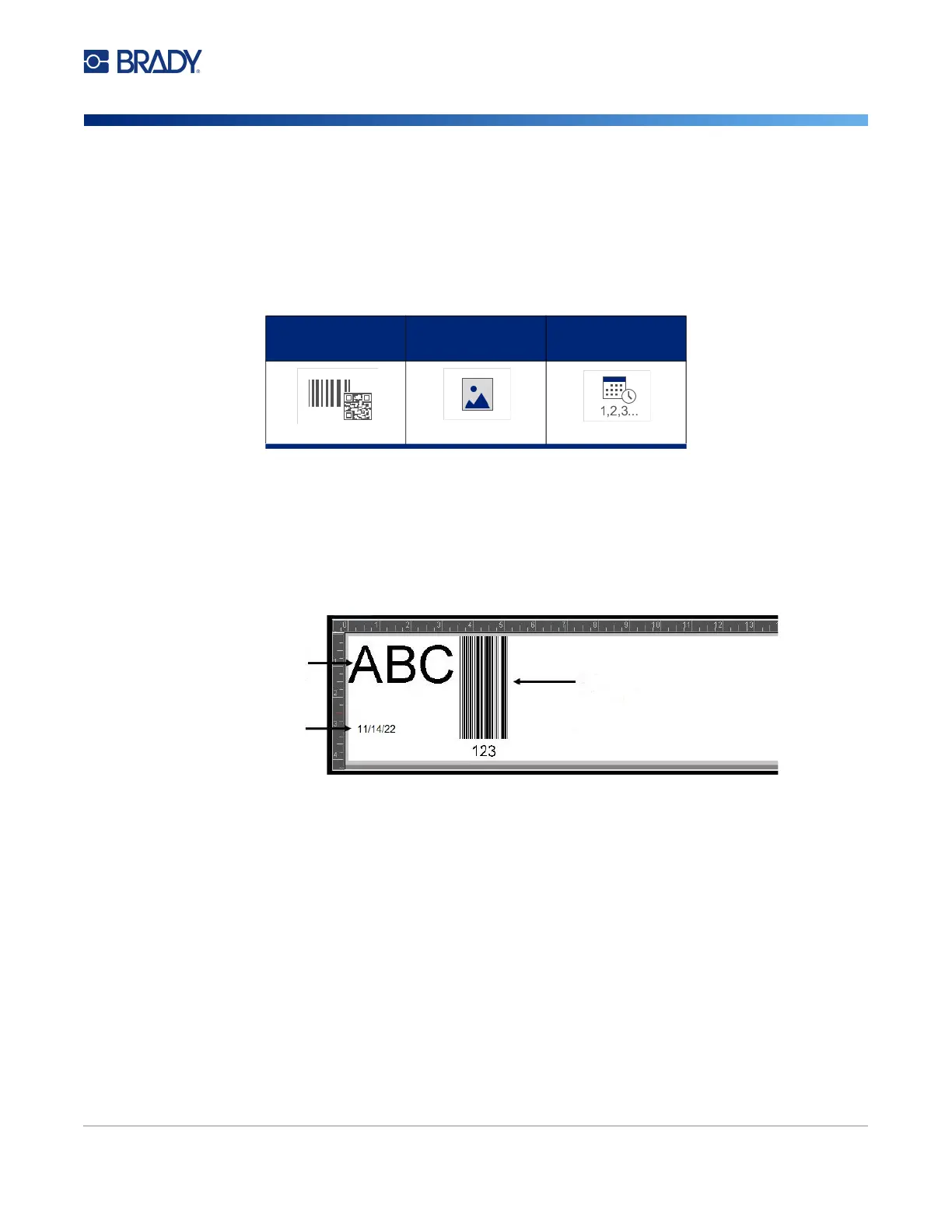
Barcode Graphic Serial &
Date/Time
Text data
source constant
Date or time
data source
Barcode data source constant
Menu











 To Next Page