BradyPrinter S3700 User Manual 100
Maintenance
Cleaning the Printer
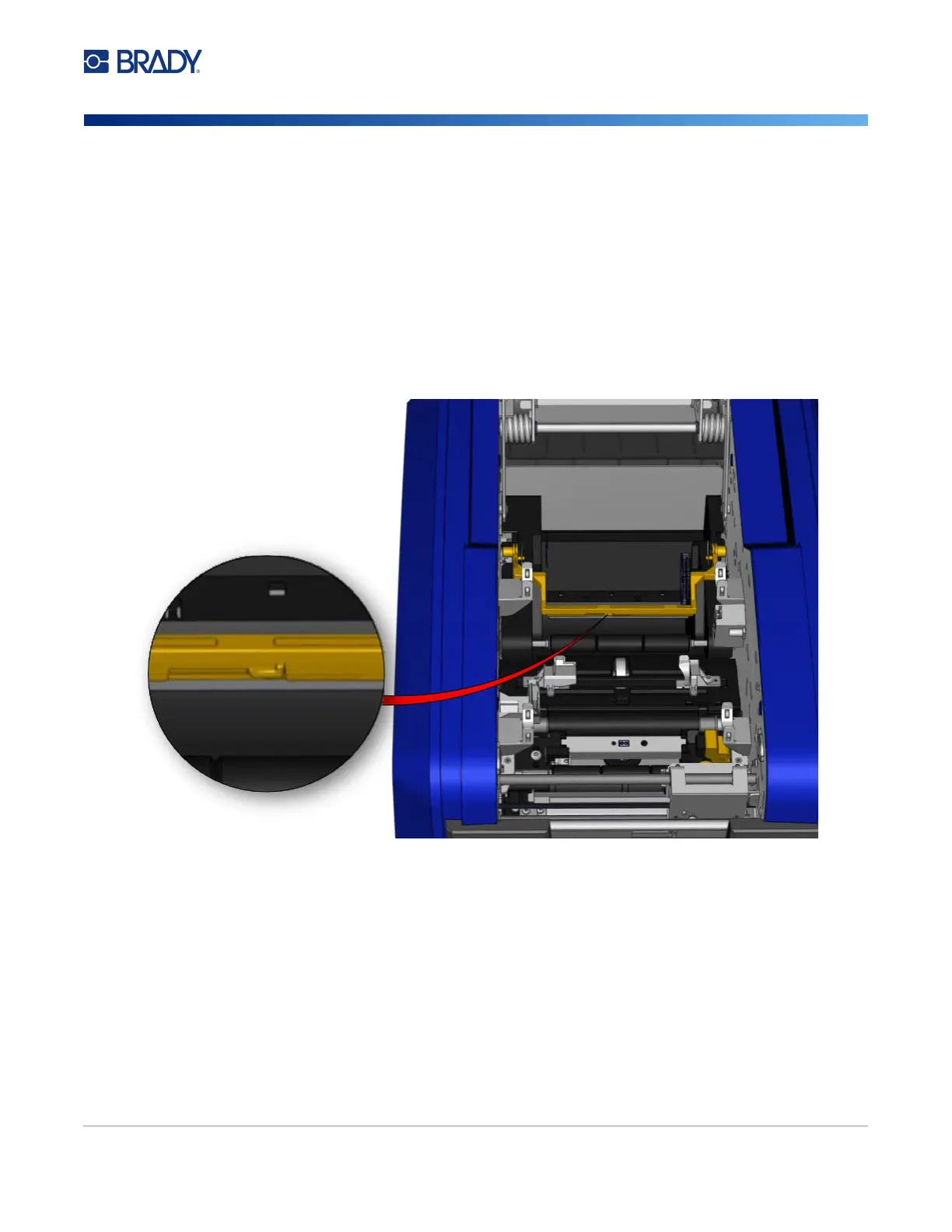
Media Wiper
To clean the media wiper:
1. Turn the printer.
2. On the media wiper blade, push the notch to the left through the trough.
3. Clean the exposed foam bits with a pre-moistened swab from the cleaning kit.
4. When finished, slide the notch to the right to close.
Note: The media wiper pad is sold as an accessory and can be replaced by lifting up the media
wiper, sliding out the old pad and sliding in the new.
5. Replace the ribbon and tape.
6. Close all covers and plug in the power cord.











 To Next Page