BradyPrinter S3700 User Manual 77
Label Types
Application Label Types
Set Up Pipe Marker Options
Setup options for Pipe Markers are different than those for standard, generic labels. Use this
procedure to set up the pipe marker color norms.
To set up pipe marker color norms:
1. From the Home page, touch Pipe Markers.
OR
Touch More Label Types, then touch Pipe Markers.
2. From the Pipe Marker home page, touch Menu, then touch Setup.
Note: The list of norms and color standards for pipe marker labels vary according to the country of
origin or the region you are in.
3. Under Color Norm, touch the desired country color standard.
4. When finished, touch OK.
Rollform Pipe Marker
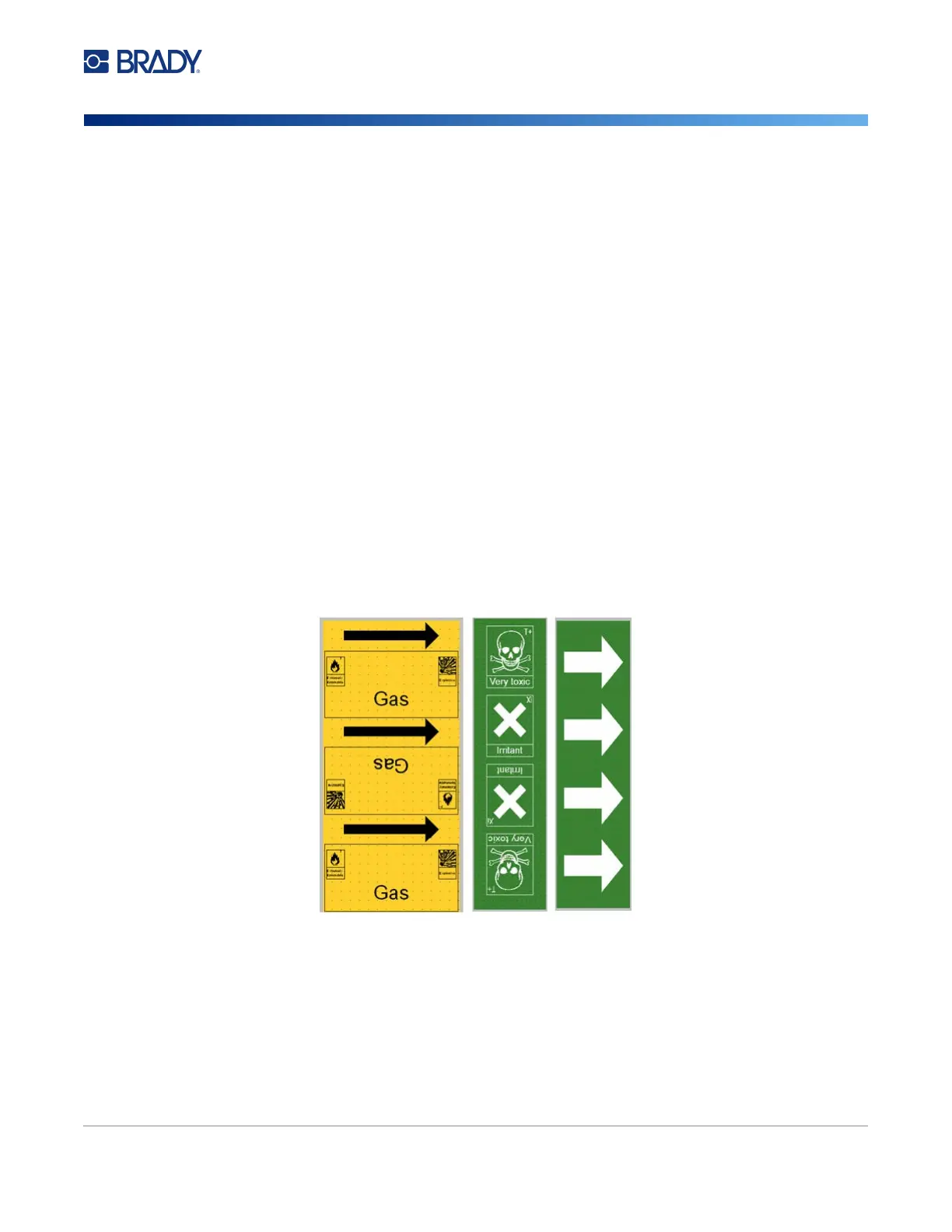
Rollform Pipe Markers use only continuous media. Rollform Pipe Markers include one to two lines of
text, repeated the length of the pipe marker, alternating at 90 degree and 270 degree rotation. You can
add up to four graphics, placed in predetermined locations. Graphics are repeated and rotated along
the length of the pipe marker, as is the text.
To use a Rollform Pipe Marker label type:
1. From the Home Page, touch Pipe Marker, then touch Create New File.
OR
Access Pipe Marker label type according to previous procedures.
2. On the Pipe Marker Style screen, touch Rollform.
3. In the Dimensions dialog, touch the Pipe diameter: data field and enter the diameter of the
pipe to which the label will be affixed.











 To Next Page