BradyPrinter S3700 User Manual 21
General Operation
Screen Components
Menus
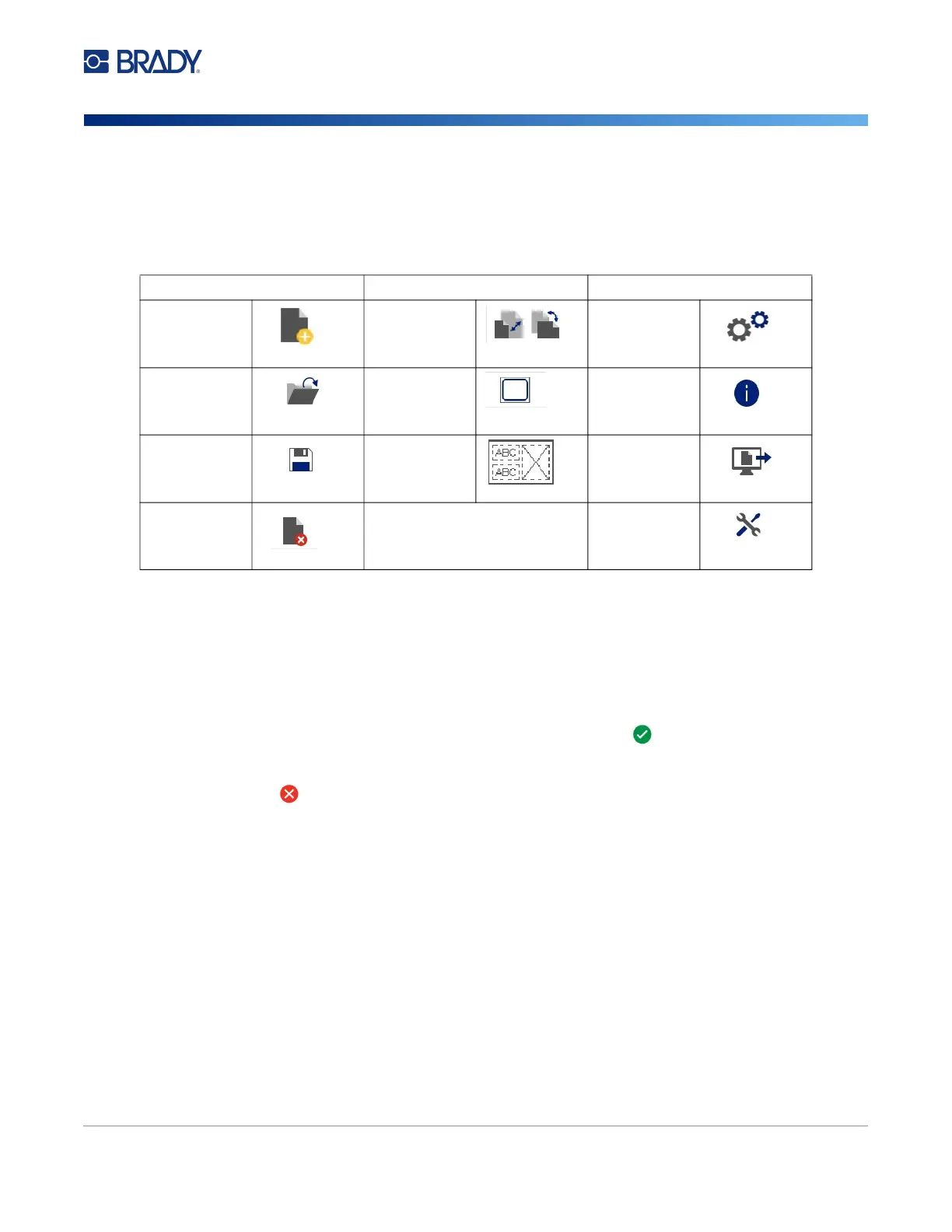
Menus provide access to controls, such as file, label or system functions. Press the Menu button on
the Home screen to display the three main menu categories.
Dialog Boxes
A dialog box contains various options for the specific sub-menu that you selected. It may contain one
or combination of a pull-down menu, spinner box, data field, options box and scroll bar. A dialog box
enables you to make a number of changes to the label at one time.
Touch OK (sometimes called Finish depending on the dialog box) to accept the edits and close
the dialog box.
Touch Cancel to remove the edits and leave the dialog box.
File Label System
New File
Size &
Orientation
Setup
Open File
Frame
Information
Save File
Templates
Import
Delete File
More Tools











 To Next Page