BradyPrinter S3700 User Manual 105
9 Troubleshooting
Messages indicate the problem for the task being performed and also provide a possible corrective
action. The following sections provide additional information for troubleshooting printer errors.
Depending upon the severity, you may not be able to continue until the error has been corrected.
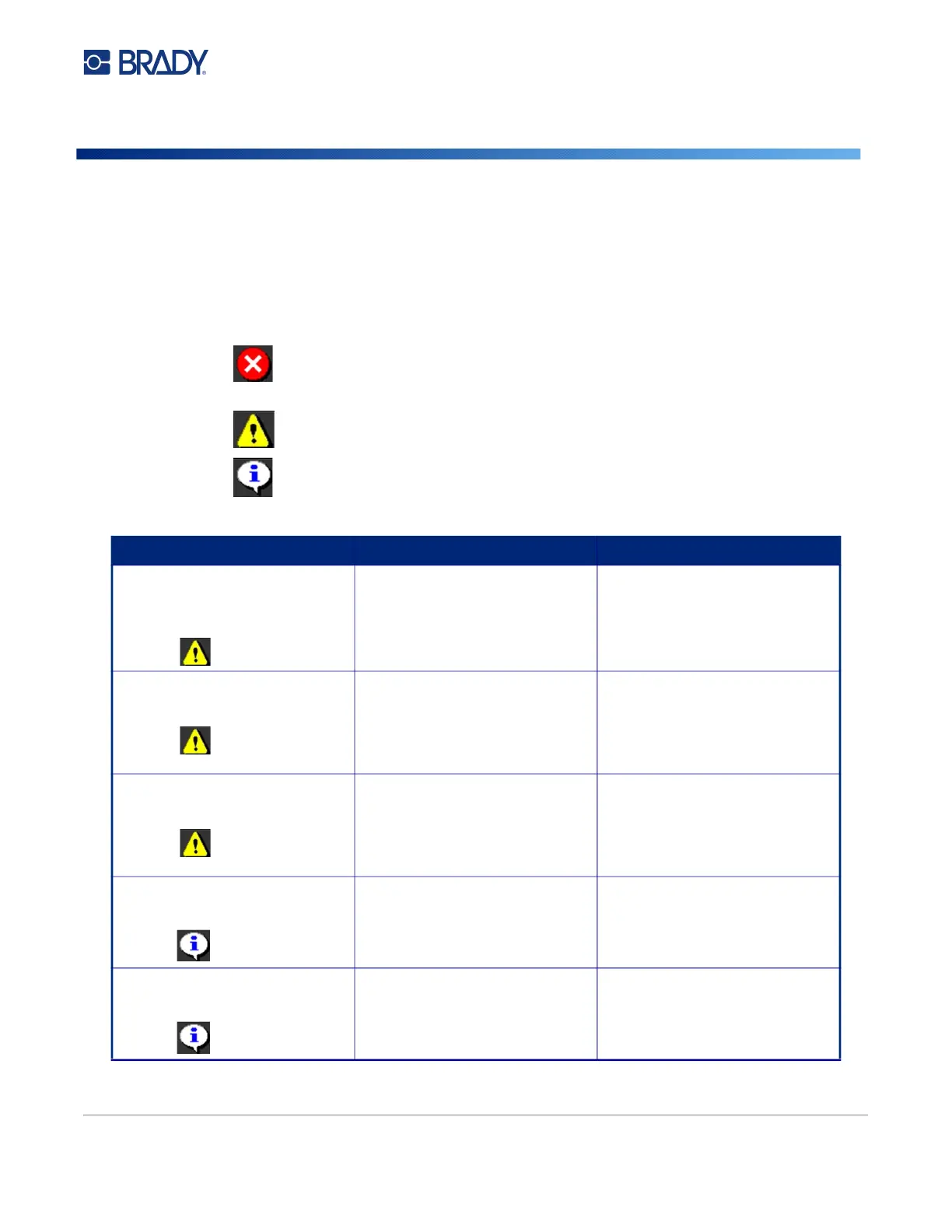
These icons display on the printer when an error has occurred.
Error - the printer cannot continue the current print job or start a new one.
This can also mean that the requested operation has failed.
Warning - the printer can print the current job but cannot receive new print jobs.
Information - this is informational only; it does not stop the current print job nor
does it prevent the printer from receiving new jobs.
Error/Severity Cause Corrective Action
Printer cover opened during
printing.
Error 16
Printer cover is open. Close cover to continue.
Printer too warm.
Error 18
The printhead is too hot. The printhead has reached
maximum operating temperature.
Let the printhead cool down for
approximately 10 minutes, then
re-initiate the print job.
Printer too cold.
Error 20
The printhead has not reached
operating temperature.
Normal operating range is
between 50-104° F (10-40° C).
Allow printer to warm up to
operating temperature before
printing.
Media wiper arm open.
Error 21
The media wiper arm is in an open
position.
Close the wiper arm or press OK
to continue.
Media wiper arm closed.
Error 22
The media wiper arm is in closed
position when it should be open.
Open the wiper arm or press OK
to continue











 To Next Page