BradyPrinter S3700 User Manual 33
Formatting Labels
Font
Font
The printer comes loaded with different fonts or typefaces. If a font is not available on the printer, it can
be imported. Font attributes change the appearance of the fonts, such as size, weight (bold), angle
(italics), underline, and expanding or condensing the text. Special characters, such as the degree
symbol, are also available on the printer.
When you add a text element, the text defaults to the font defined in System Setup.
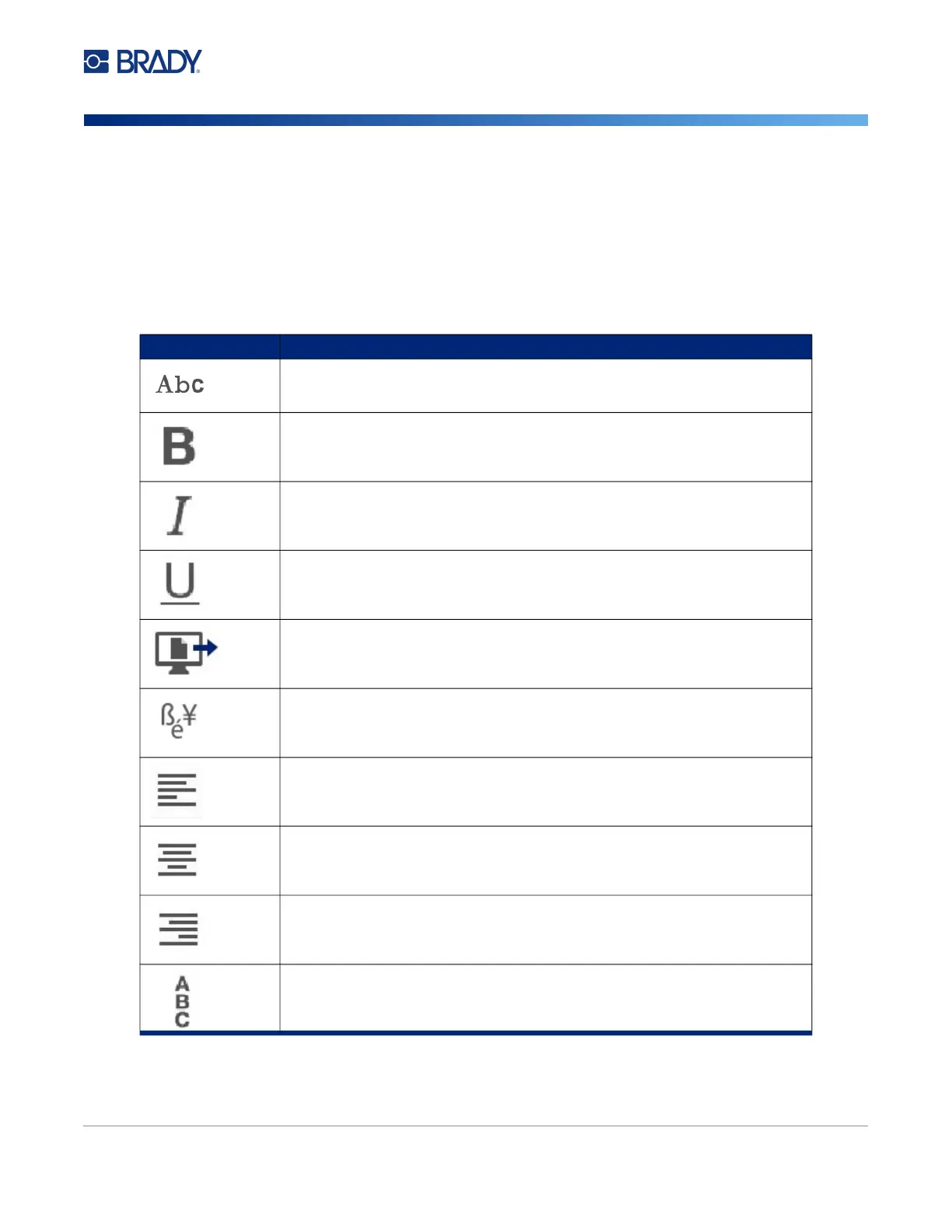
Icon Function
Font opens the font menu, to choose a font or apply an attribute.
Applies boldface to the selected text.
Italicizes the selected text.
Underlines the selected text.
Opens the Import menu to import fonts and graphics.
Opens the Special Characters menu.
Left justification. All text lines up on the left margin.
Center justification. All text is centered within the boundaries of the text
element.
Right justification. All text lines up on the right margin.
Changes horizontal text to vertical text.











 To Next Page