BradyPrinter S3700 User Manual 97
Maintenance
Cleaning the Printer
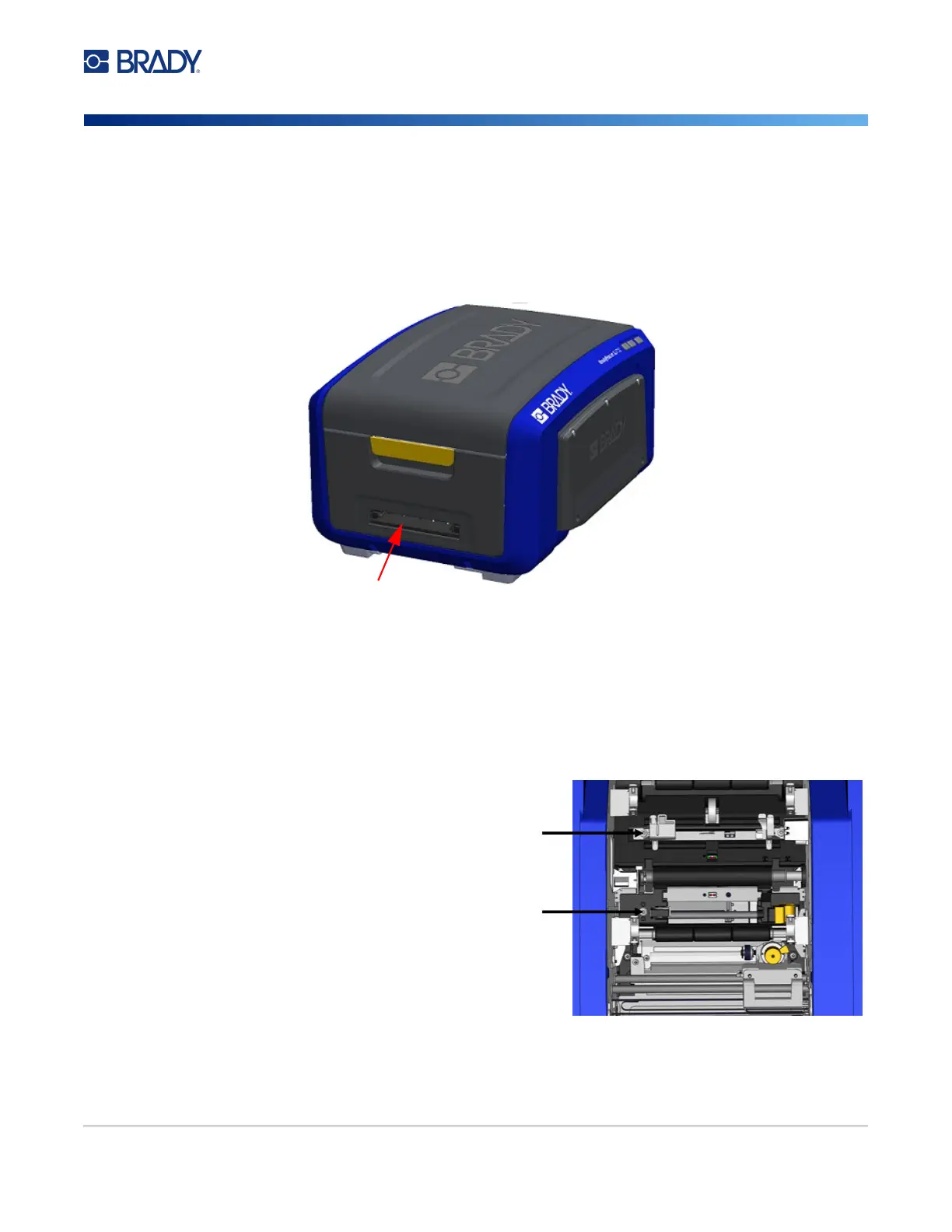
Cutter Blade Exit Area
This procedure cleans the cutter blade exit area and the exit chute.
To clean the exit chute, use a pre-moistened swab from the Brady Cleaning Kit PCK-6, then clean the
exit chute entrance and exit chute ramp.
Note: To reach all areas of the exit chute, you can close the enclosure cover and carefully tilt the
printer up on its side.
Sensors
Some sensors on the printer are susceptible to dust that results from cutting or printing. These sensors
located under two media guides. The media guides can be removed to display the sensors.
To clean the sensors:
1. First, remove the ribbon and label supply
from the printer. (See “Removing the
Ribbon” on page 17 and “Removing the
Labels” on page 19.)
2. Loosen the screw on the two left media
guides, then carefully lift the media guide up
to expose the sensors underneath.
3. Using a pre-moistened foam swab, gently
insert the swab under the media guides and
wipe the surface of the sensors. Do not
allow the alcohol to drip from the swab.











 To Next Page