BradyPrinter S3700 User Manual 55
Printing
Mirror Print
Mirror Print
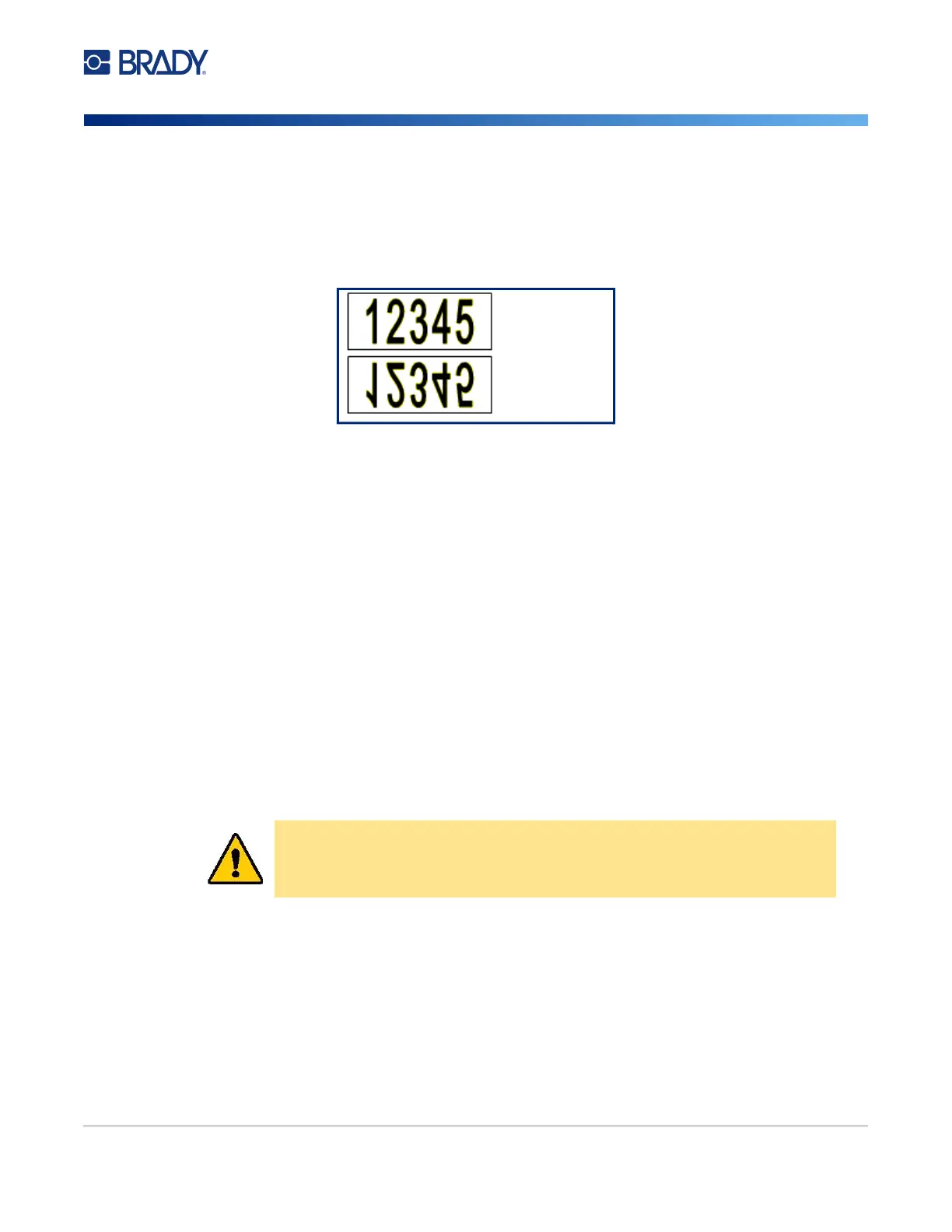
Mirrored print takes all data on a label and flips it to provide a mirror image. Mirroring displays on the
printed label only.
Figure 1 • Mirror image
To provide a mirror image of label contents, in the Print dialog box:
1. Touch Mirror.
2. When ready, touch Start Print.
The mirror image displays on the printed label ONLY.
Note: You will not see the mirror image in Preview.
Advanced Settings
Print Energy
If the printing is spotty, try increasing the print energy to transfer more of the ribbon ink to the label.
However, if the ribbon sticks or tears during printing, the heat energy may be too high and should be
reduced.
To adjust the print energy:
1. With a label in the Editor, touch Print.
2. In the Print dialog box, touch Advanced Settings.
CAUTION! Constantly printing at high energy levels may cause printer jams or
other printing errors which could reduce the overall life of the
printhead.
On screen
Printed











 To Next Page