BradyPrinter S3700 User Manual 99
Maintenance
Cleaning the Printer
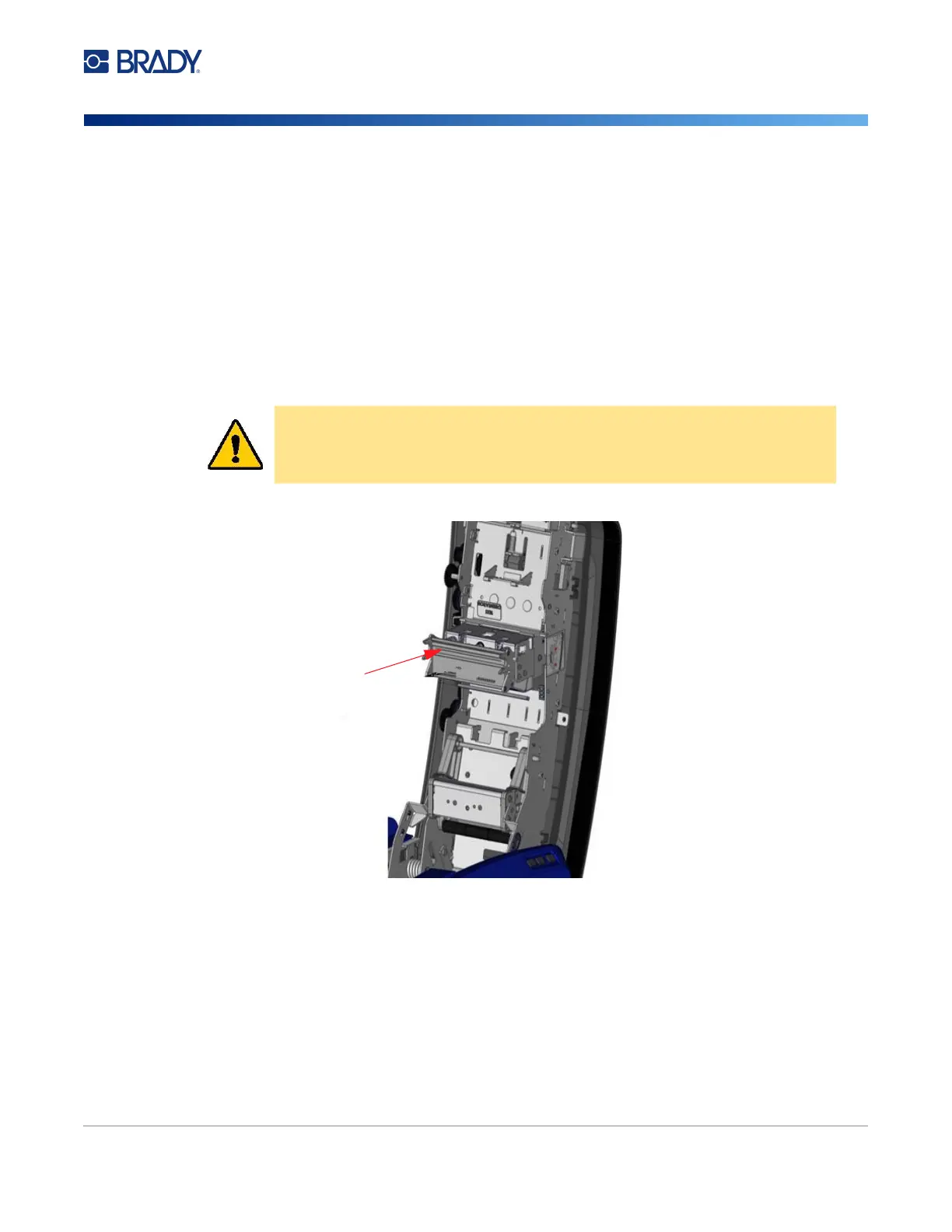
Printhead
To clean the printhead:
1. Unplug the printer from the electrical outlet.
2. Remove the ribbon and labels.
3. Fill the plastic bottle from the cleaning kit with Isopropyl alcohol.
Note: Do not rub the swab over the bronze-colored area of the printhead.
4. Moisten one of the foam swabs from the cleaning kit with the alcohol and gently rub across the
green and black area of the printhead.
5. Replace the ribbon and tape.
6. Close all covers and plug in the power cord.
CAUTION! Use only the materials supplied in the cleaning kit. Using other
materials may permanently damage the printhead.











 To Next Page