BradyPrinter S3700 User Manual 22
General Operation
Screen Components
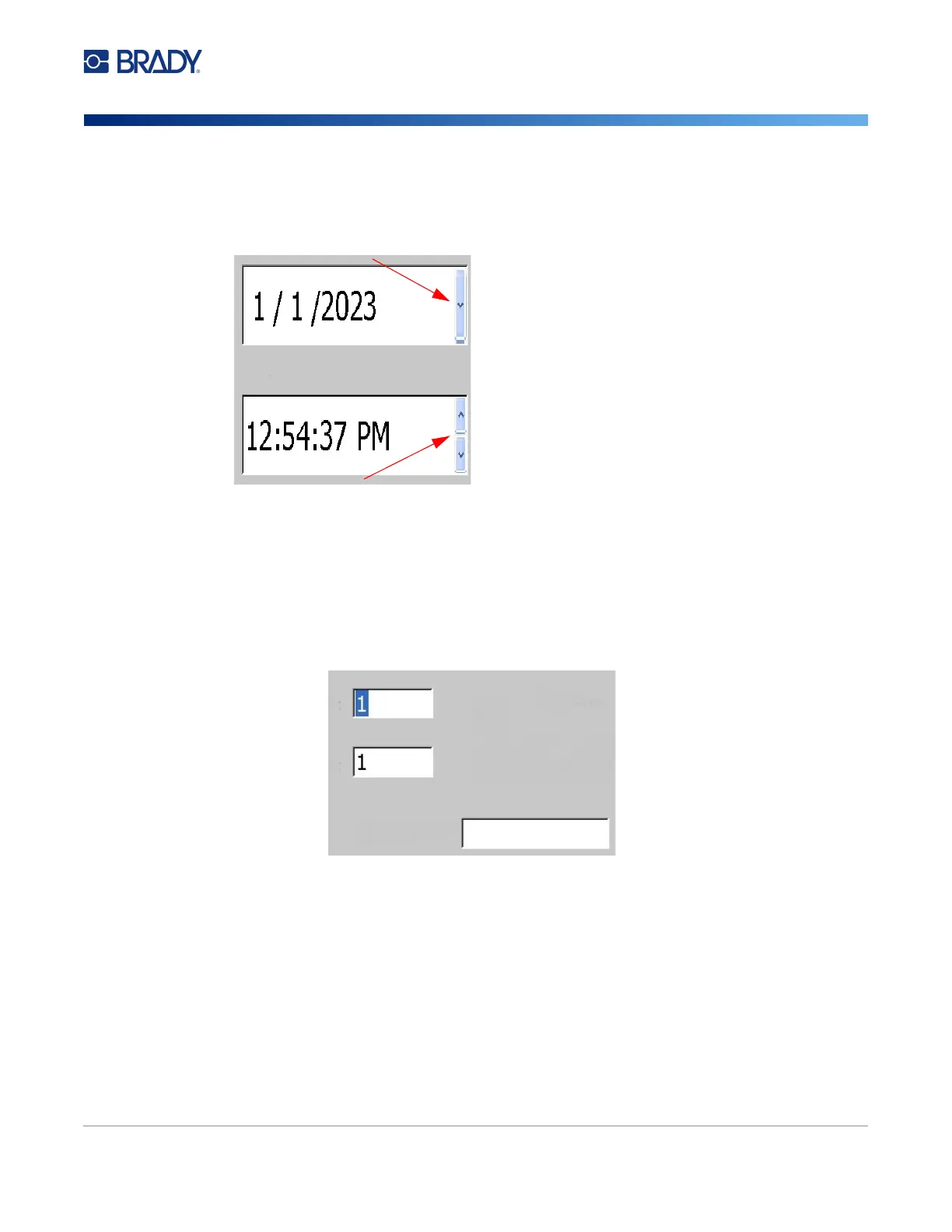
Pull-Down Menu and Spinner Box
Text Fields
Enter data in text fields by touching the white box and entering the information with the keyboard.
Some text fields will have a blinking cursor indicating that information is needed. Other text fields are
pre-filled and may be highlighted; both can be overwritten with user defined values.
Pull-down menus have a single arrow. Clicking it will
show additional options.
A spinner box has two arrows. The up arrow will increase values
and the down arrow decreases values.











 To Next Page