Step
4. Close the screw tightly, ensuring that the teeth of both components are properly inter-
locked ②.
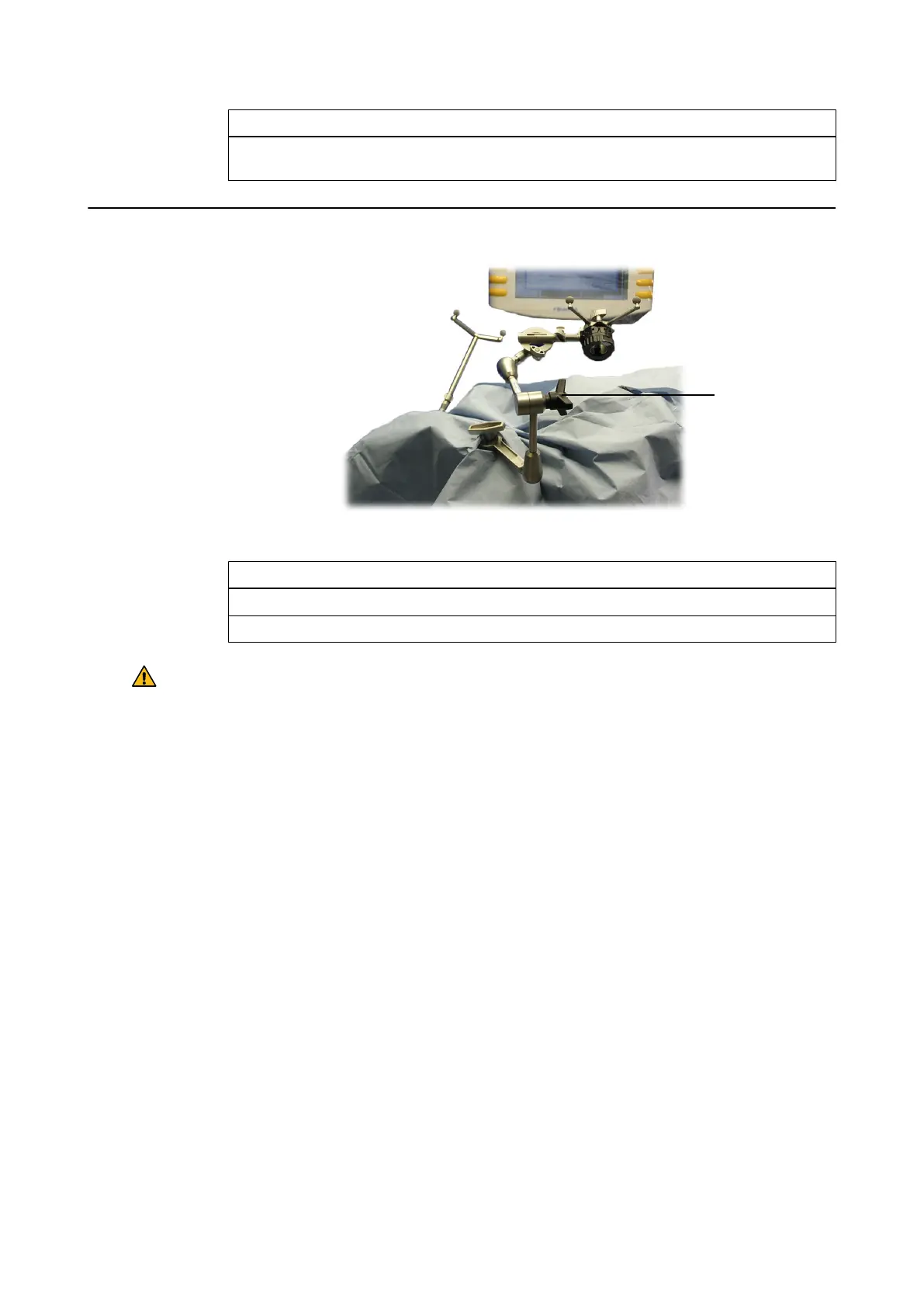
How to Position and Secure
Figure 64
Step
1. Position the VarioGuide as required, securing it tightly with the central tension handle ①.
2. Place additional drapes around the biopsy system and the reference array.
Warning
Always support the arm with one hand while operating the central tension handle.
Attaching the VarioGuide to the Skull Clamp
108 Instrument User Guide Rev. 2.3 Cranial/ENT Optical



 To Next Page